AI 360° world generator
Type a world.
Then look around it.
Studio is an AI world generator. Describe a place, or start from a photo, and it builds the whole 360° environment - sky, horizon and ground, seamless and up to 8K - ready to drop straight into Unity, Unreal or a VR scene.
Launching Q4 2026 · join the waitlist for early access
Greek Odyssey
Drag to look
click, then scroll to zoom
Studio · Coming soon
Studio coming soon.
Studio, the AI world generator behind every environment on this page, is in its final stretch. Join the waitlist and we will email you the day it opens, with early access for the first people on the list.
You are on the list
Thanks. We will email you as soon as Studio goes live.
No spam. One email when Studio goes live.
Release window
Q4 2026
2026 · STUDIO LAUNCH
Drops into
Worlds
360° worlds, generated not stitched
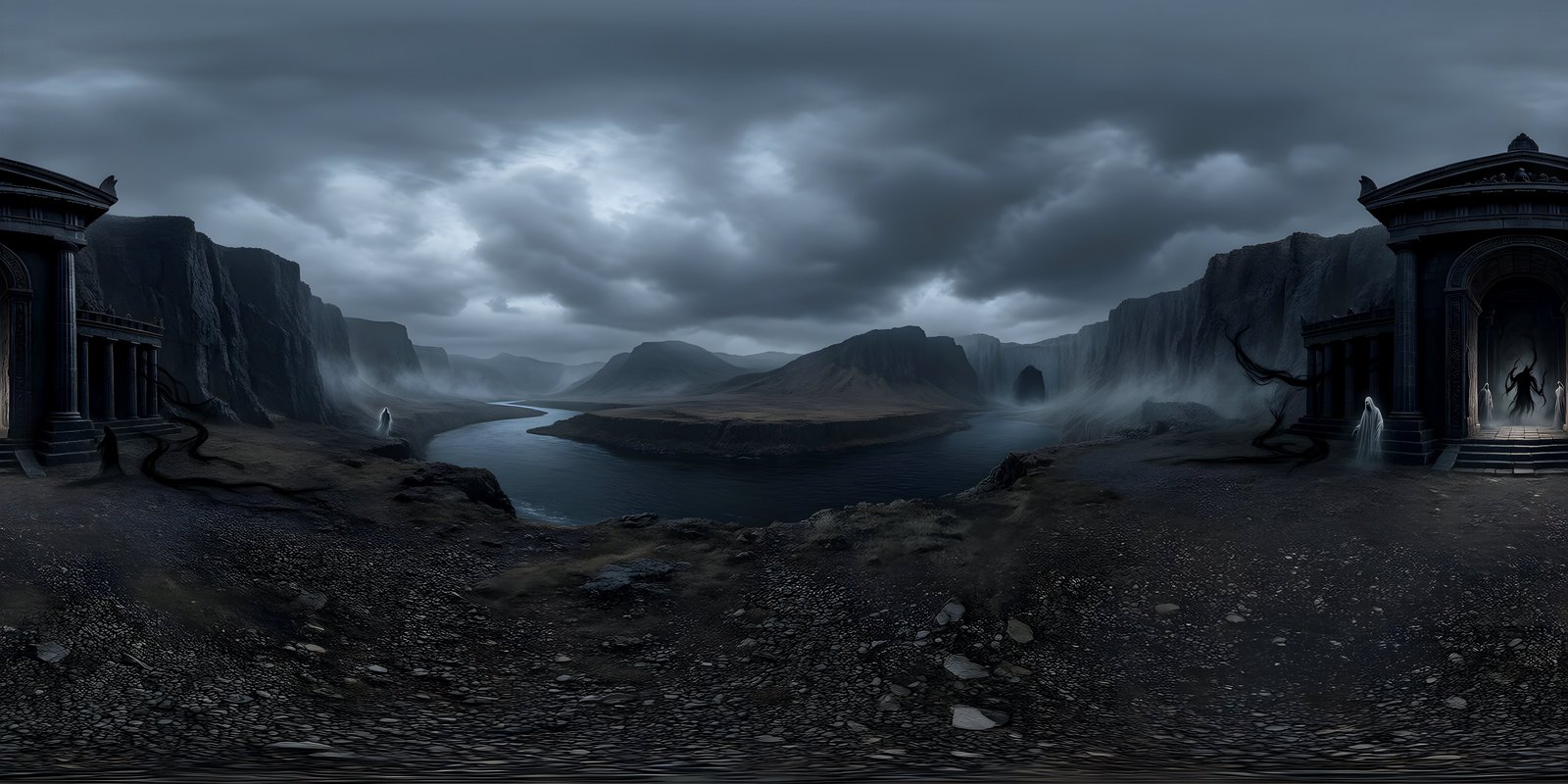
Every environment below came out of Studio as a single AI-generated 360° frame. Open one and look up, down and all the way round.
See all community showcaseHow it works
From prompt to 360° environment in three moves
STEP 01
Describe it
Write the place in plain language, or start from a photo. Pick a style and an environment, split the scene into near, middle and sky layers if you like, and choose a ground-level or aerial view.
Photorealistic · Cinematic · Low Poly
STEP 02
Generate it
Studio reads your prompt, paints the scene, builds the sphere, sharpens it to 8K and runs its final checks, usually in two to three minutes. You see each stage as it happens, and your place in the queue.
About 2-3 minutes
STEP 03
Ship it
Look around in the 360° viewer, erase anything that does not belong or Remix it, then download PNG or EXR at up to 8K, or export a 360° video for a store page or social post.
8K · PNG · EXR · MP4
Studio
Direct your world, don't reroll it
Studio gives you the controls an environment actually needs - a photo to start from, six styles, layered prompts, Remix and repair on the sphere - so the second generation is a decision, not another roll of the dice.
Photo
Start from a photo
Upload a photograph and Studio builds a 360° world from it. Bring an old street back to life, set your car in a new landscape or recreate a place you love, then describe what should change.
Remix
Remix any world
Turn day into night, clear skies into a storm or a photoreal scene into an oil painting in one click, or describe any change you like. Remix changes only what you ask for, so the result stays recognisably the same place.
Style
6 styles, 10 environments
Photorealistic, Cinematic, Digital Painting, Oil Painting, Anime and Stylised Low Poly, each with any of ten environments. The style changes how the world is built, not just how it is described.
Prompt
Written for a sphere
Studio turns what you type into a panorama brief first, placing the camera on the ground, in the air or in orbit, so a planet seen from space sits below you instead of folding into a blur.
Repair
Built as a panorama
Every world is repaired before you see it: the seam healed, the horizon levelled and the poles rebuilt. A quality report then checks the edges, the horizon, repetition and clutter.
Cleanup
Magic Eraser & Auto-Repair
Paint over anything that does not belong and it is removed on the sphere, so the wrap never breaks. Auto-Repair re-runs the seam, horizon and pole passes, and Undo steps back.
Feature spotlights
More than a prompt box
Start from a photo, remix a world you like, fix it on the sphere and fine-tune the look before it ever reaches your engine.
Photo reference
Start from a photo
One frame of a skateboard trick became the whole courtyard around it. Attach a photograph, describe what should change, and Studio builds a seamless 360° world from it: an old street brought back to life, a favourite car in a new landscape, or a place you love, all the way round.
Turn a photo into a world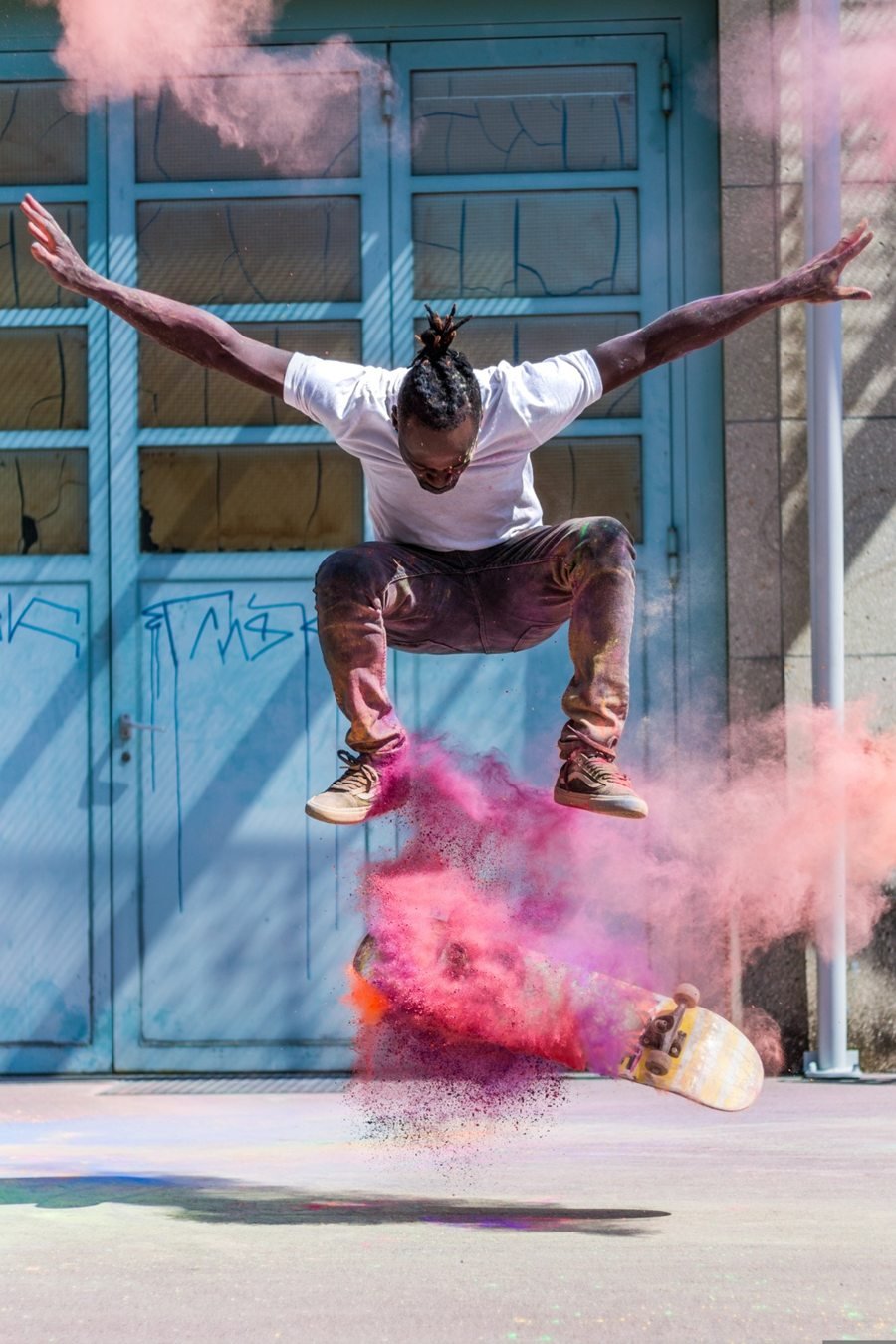
Remix
Change the world, keep the place
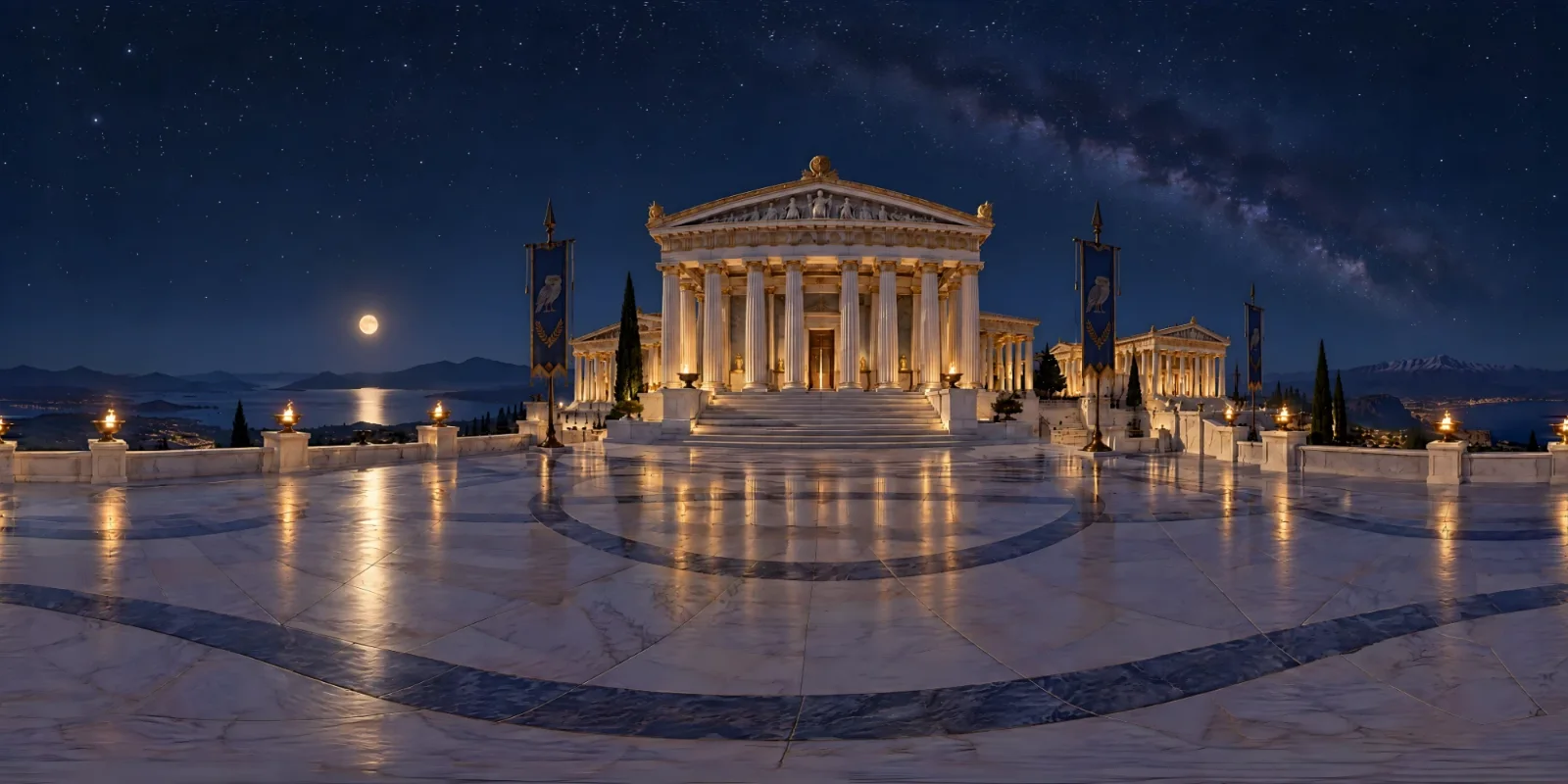
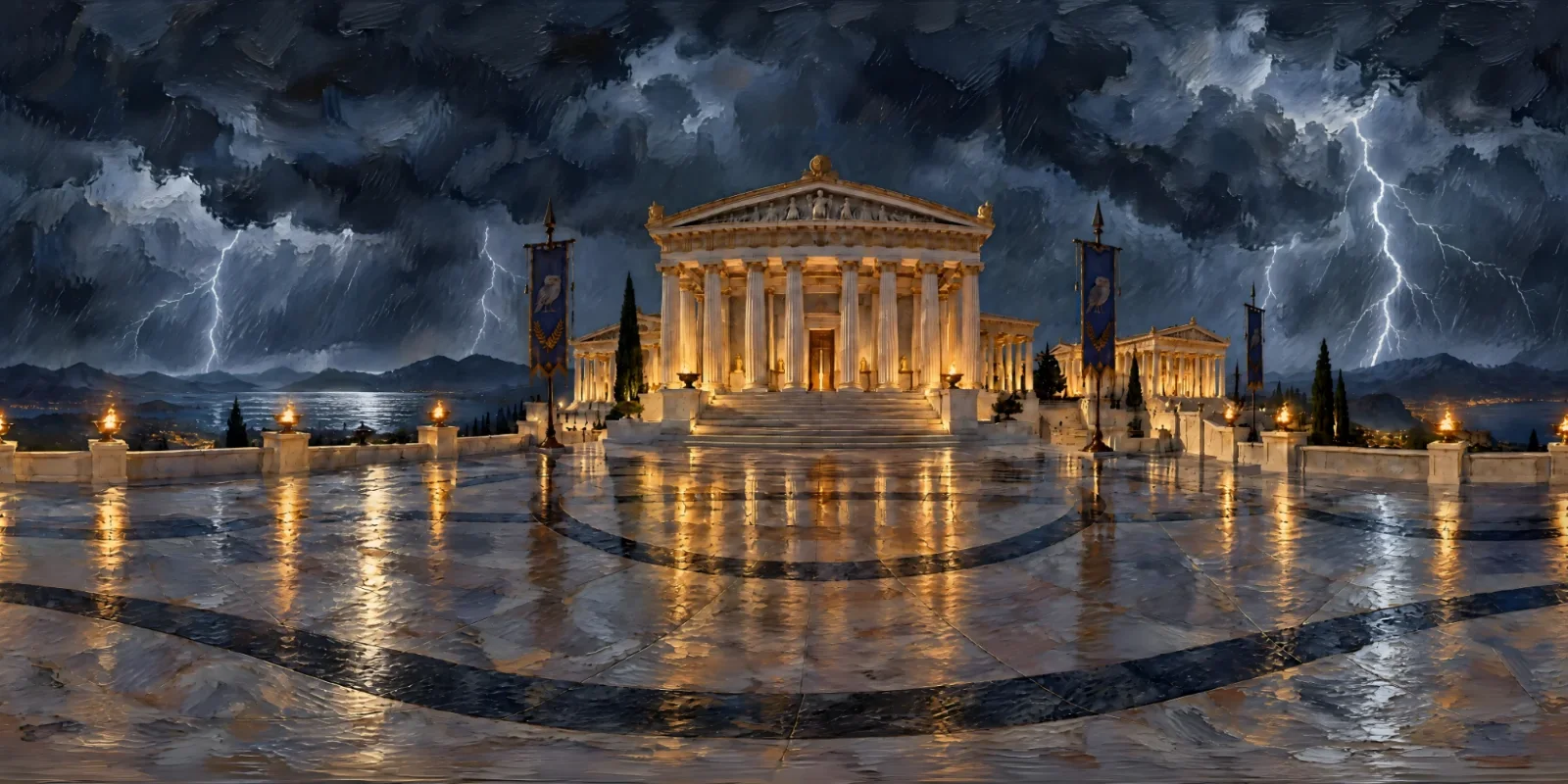
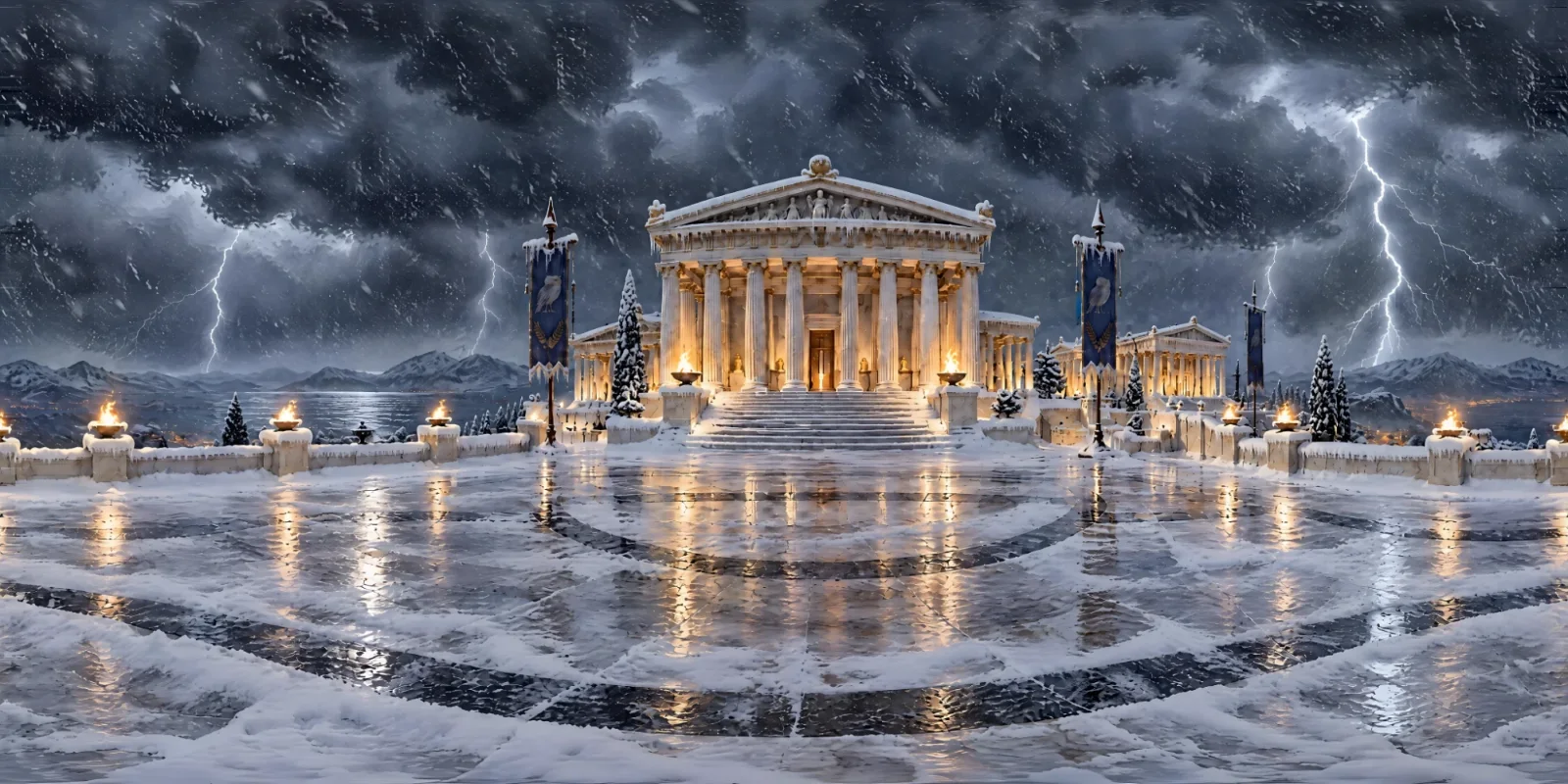
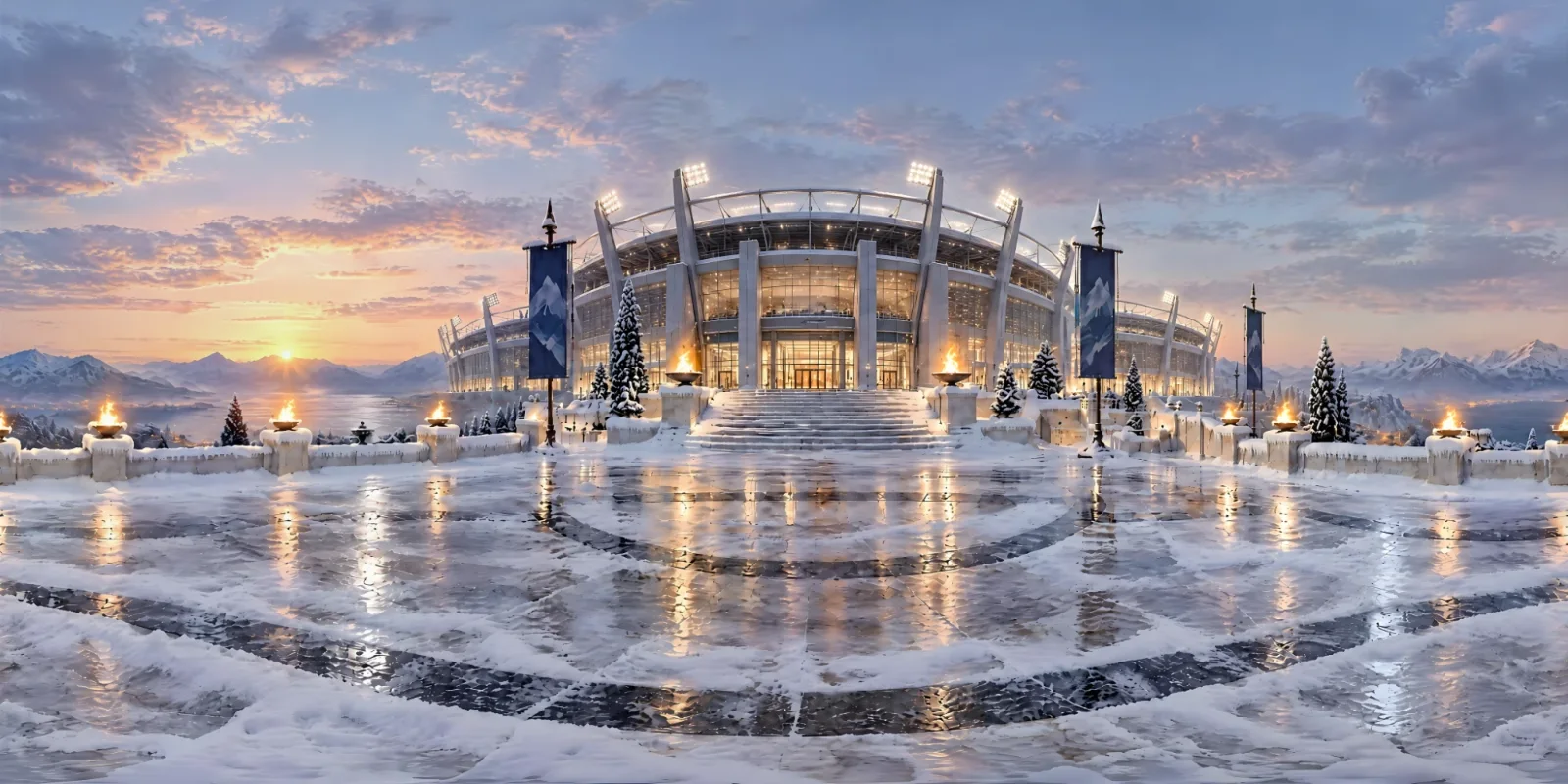
One Greek citadel, remixed four times: to night, to a storm in oil paint, into deep snow, and into a modern stadium. Pick a time and weather preset, switch the style or describe any change in your own words. Remix changes only what you ask for and inherits everything else, and you can remix a remix to keep going.
How Remix works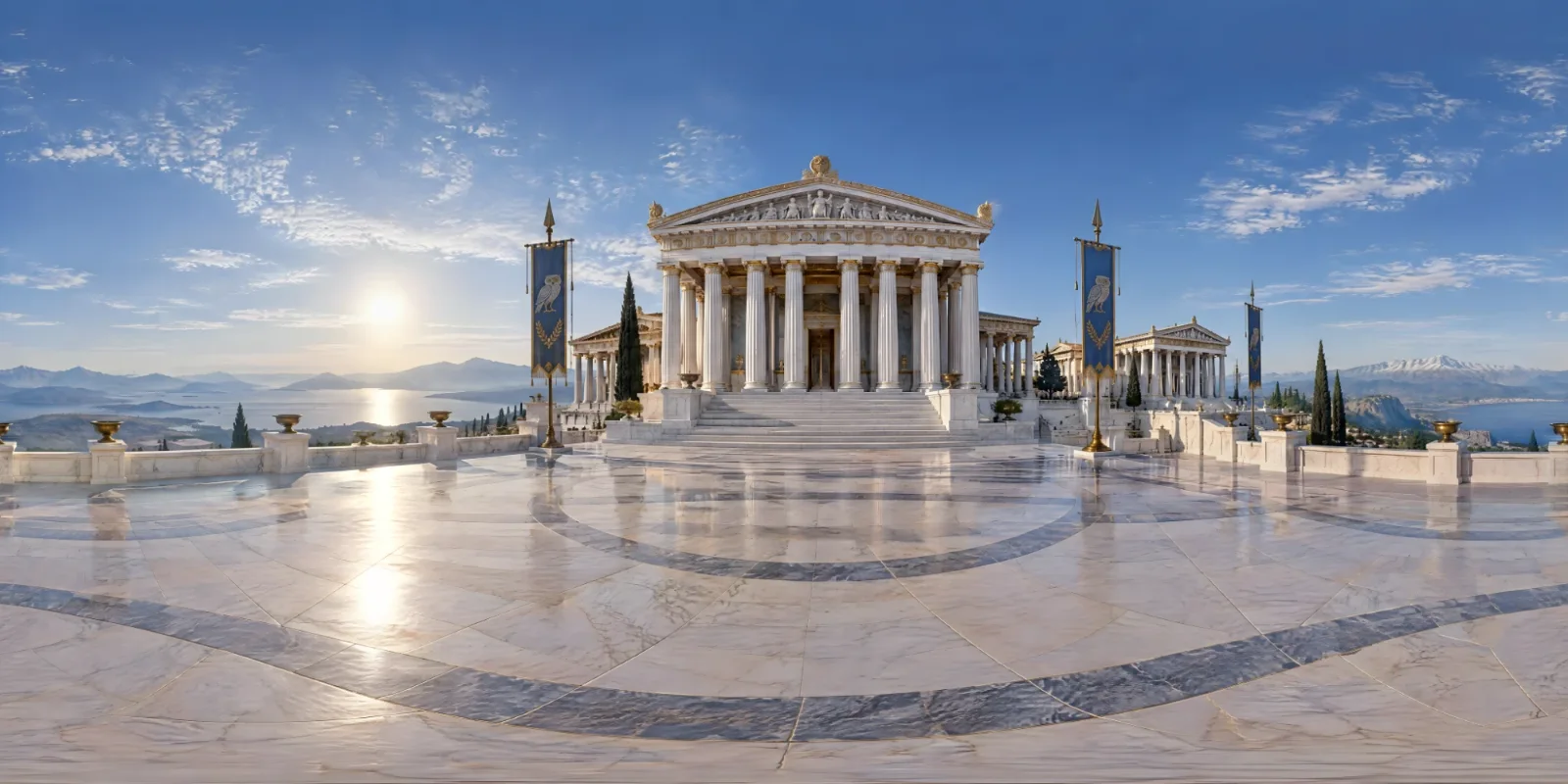
Step 1 of 5The originalA Greek citadel at midday
Magic Eraser
Fix it on the sphere
Brush over anything that does not belong and press Remove. The fill happens on the sphere itself, so a fix near the poles or across the wrap never breaks the world. Auto-Repair re-runs the seam, horizon and pole passes, and Undo steps back.
See the editing tools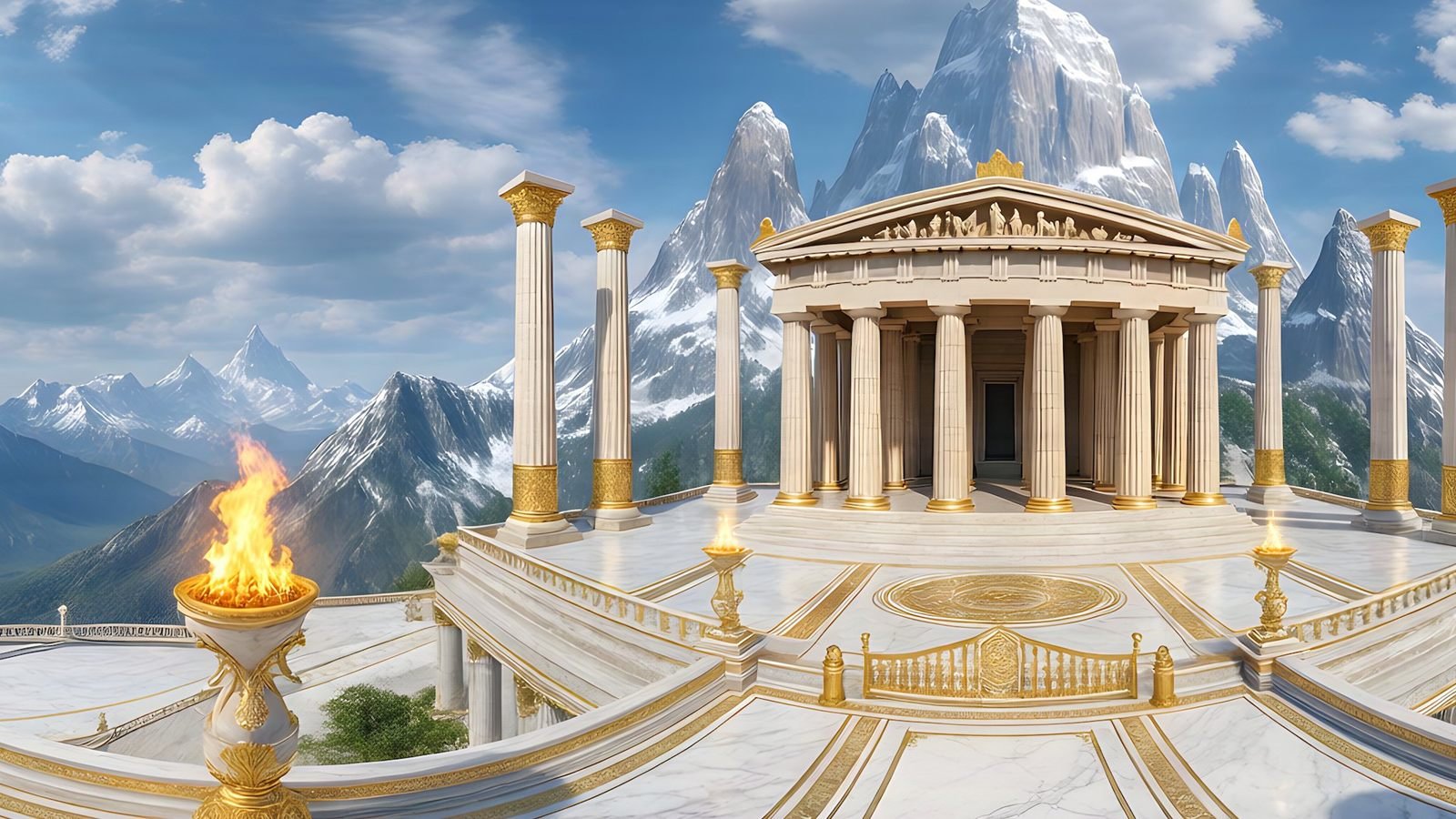
Adjust
Fine-tune the look before you export
Set brightness in stops, contrast, saturation, temperature and tint on a finished world, and rotate it on its axis to choose which way it faces. Changes save as you go, and apply to your PNG and EXR downloads and to anything you share.
More about Studio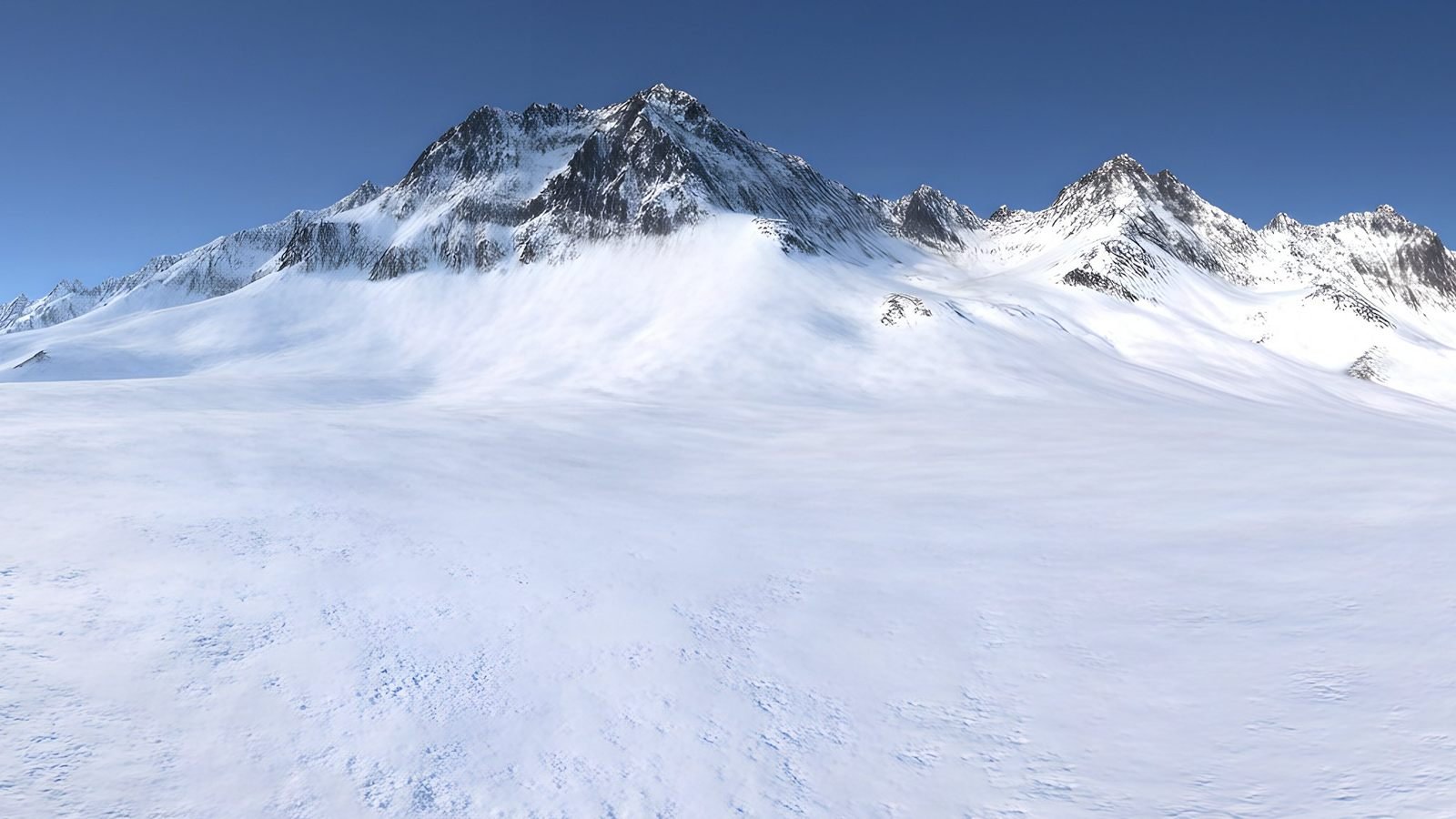
8K 360° output specification
Sheet 04
01
Resolution
8192 × 4096
8K on paid plans; 4K on the free plan.
02
Projection
Equirectangular 2:1
The format engines and 360 players already expect.
03
Formats
PNG · EXR
PNG in sRGB, or linear EXR for HDR lighting on paid plans.
04
Seams
Repaired & checked
Seam, horizon and poles repaired, then verified in a quality report.
05
Free tier
5 × 4K
Five credits to get started, once per person. No card required.
06
Video
360° MP4
A 1920 × 1080 sweep around the world, rendered in your browser.
Use cases
One world, wherever you need it
The same seamless 2:1 image works as a game sky, a VR space, a previs set or the light in an architectural render. Pick where your world is going for a step-by-step guide.
 Unity
Generate Unity skyboxes from a text prompt
Generate a seamless 360° sky from a text prompt and use it as your Unity skybox. 8K equirectangular PNG or EXR, pole-corrected, set up in minutes.
Explore
Unity
Generate Unity skyboxes from a text prompt
Generate a seamless 360° sky from a text prompt and use it as your Unity skybox. 8K equirectangular PNG or EXR, pole-corrected, set up in minutes.
Explore
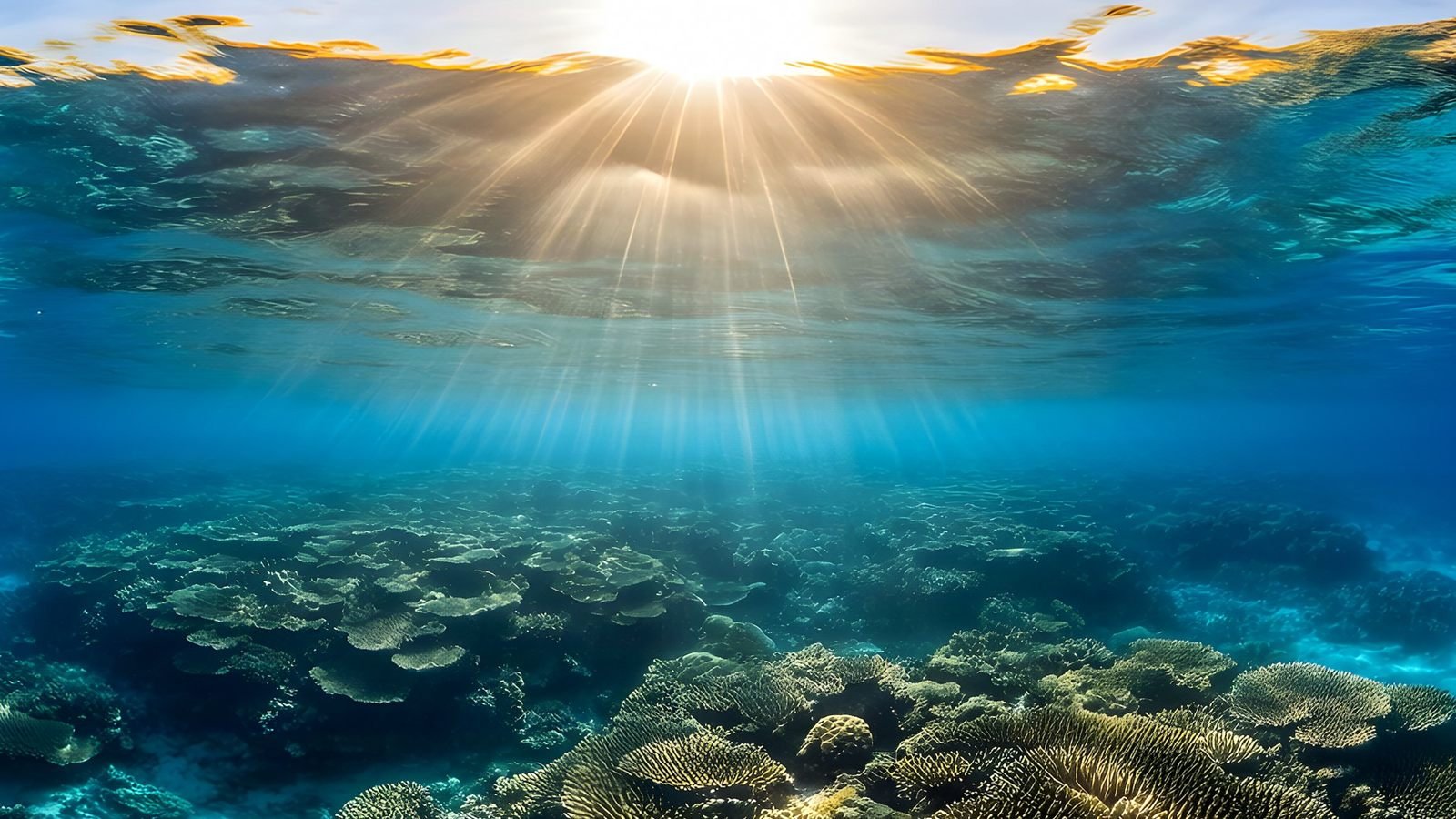 Virtual reality
Generate VR environments from a text prompt
Create immersive 360° VR environments from a text prompt: 8K, pole-corrected worlds for Quest, WebXR, Unity and Unreal, with no seams up or down.
Explore
Virtual reality
Generate VR environments from a text prompt
Create immersive 360° VR environments from a text prompt: 8K, pole-corrected worlds for Quest, WebXR, Unity and Unreal, with no seams up or down.
Explore
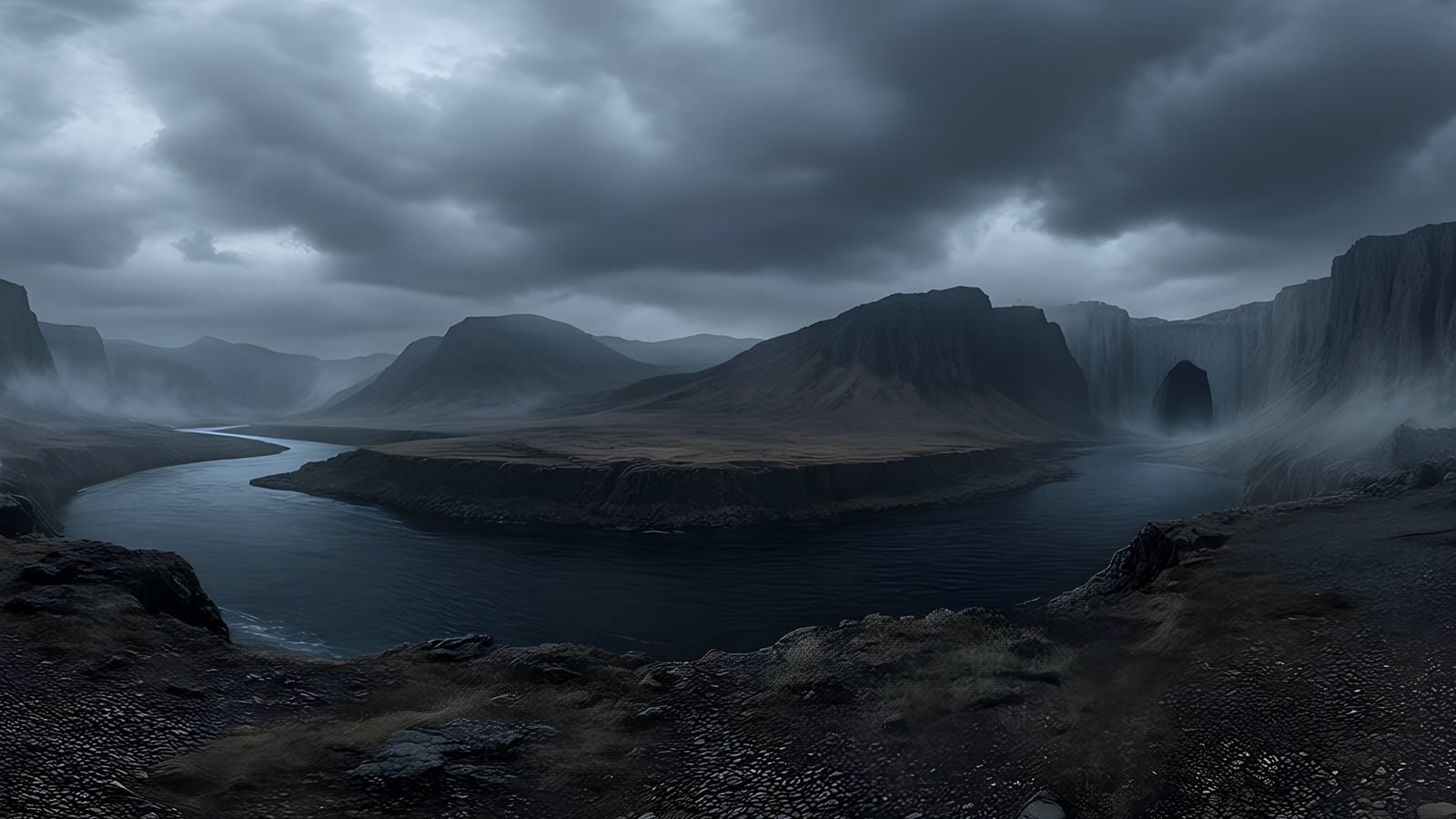 Unreal Engine
 skyboxes from a text prompt
Generate the sky your Unreal Engine level is set under: a seamless 8K 360° EXR from a text prompt, ready for HDRI Backdrop and Sky Light.
Explore
Unreal Engine
Unreal Engine skyboxes from a text prompt
Generate the sky your Unreal Engine level is set under: a seamless 8K 360° EXR from a text prompt, ready for HDRI Backdrop and Sky Light.
Explore
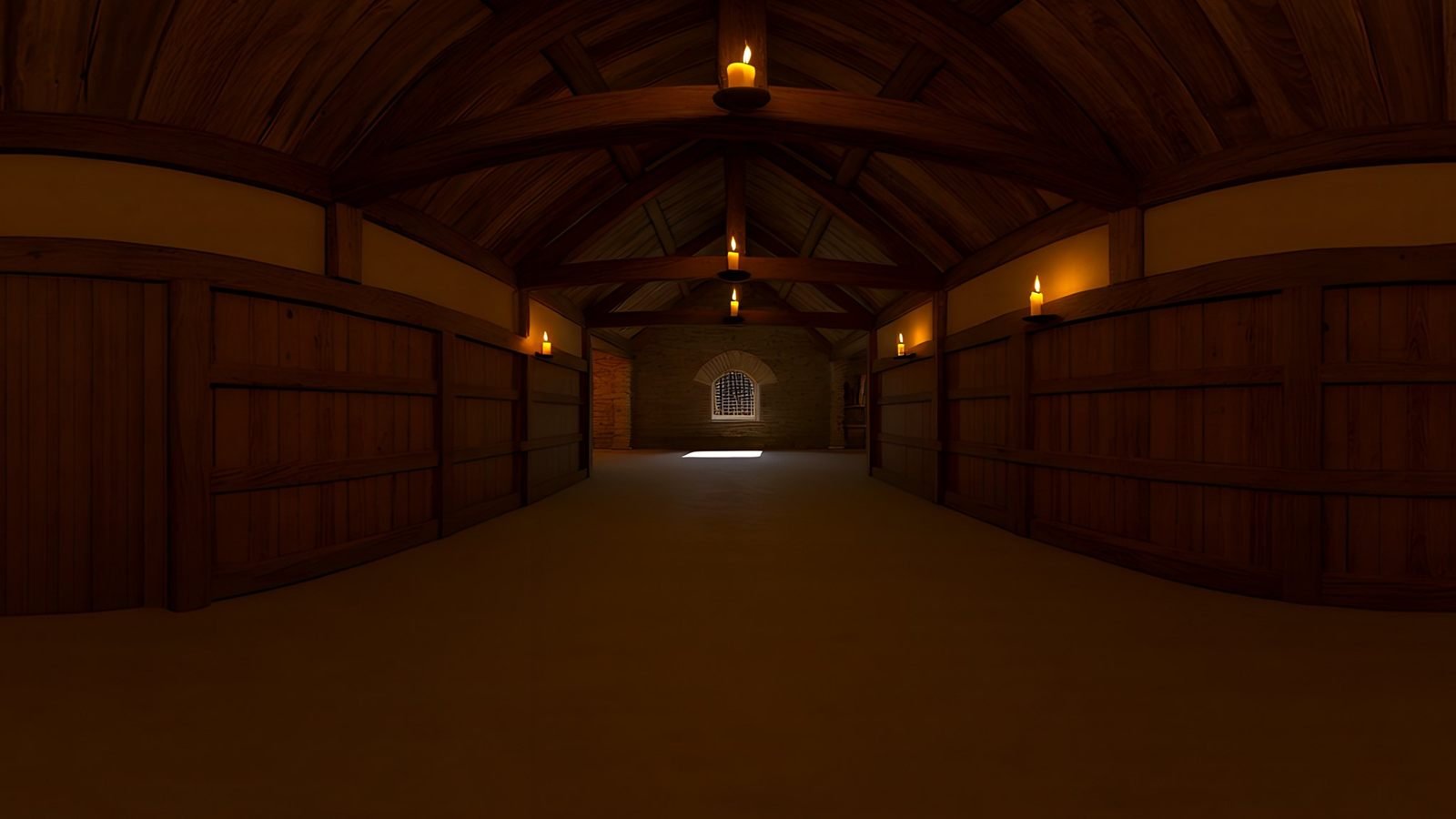 Virtual production
AI environments for virtual production and previs
Scout, pitch and previs locations that do not exist yet. Generate a 360° environment from a description and review it in Unreal or a VR headset.
Explore
Virtual production
AI environments for virtual production and previs
Scout, pitch and previs locations that do not exist yet. Generate a 360° environment from a description and review it in Unreal or a VR headset.
Explore
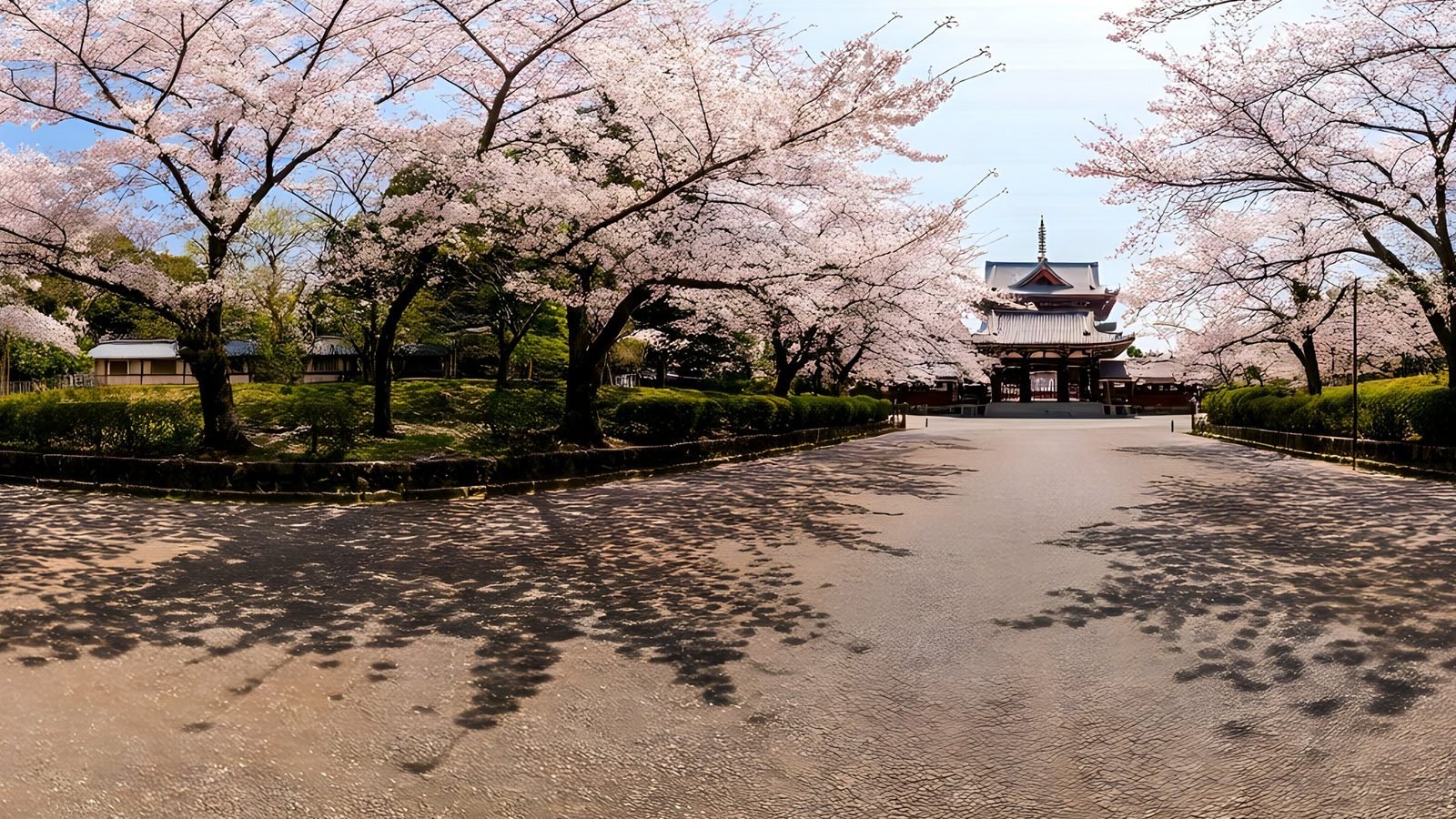 Architecture and interiors
Skies and surroundings for architectural visualisation
Generate the sky and surroundings for architectural renders: seamless 360° environment maps up to 8K, as EXR for lighting or PNG for backdrops.
Explore
Architecture and interiors
Skies and surroundings for architectural visualisation
Generate the sky and surroundings for architectural renders: seamless 360° environment maps up to 8K, as EXR for lighting or PNG for backdrops.
Explore
Pricing
One credit, one world
Every paid plan exports full 8K worlds as PNG or EXR, and every world costs one credit, whatever its resolution. Pick a monthly allowance, and top up with bonus credits that roll over when a month runs heavy.
Launch pricing · available when Studio opens in Q4 2026
Free
$0
5 credits to get started
4K PNG exports
Worlds kept 30 days
No card required
Basic
$19.99/mo
100 credits / month
8K, PNG and EXR
API access
Worlds kept 180 days
Standard
$38.99/mo
200 credits / month
8K, PNG and EXR
API access
Priority queue
Worlds kept 180 days
Business
$94.99/mo
500 credits / month
8K, PNG and EXR
API access
Priority queue
Worlds kept 180 days
Enterprise
For studios and teams: every feature, the top of the generation queue, and credit volume and billing agreed with you.
Bonus top-ups
Bonus credits for any paid plan. Unlike monthly credits, they roll over and are not lost at the end of a billing period.
+50
$9.99 · bonus credits
+150
$29.99 · bonus credits
+500
$94.99 · bonus credits
In every plan
Commercial use of every world
Seam, horizon and pole repair
A quality report on every world
All 6 styles and 10 environments
Remix and photo reference
Magic Eraser and Auto-Repair
360° viewer and private share links
360° video export
FAQ
Questions about 360° worlds
A tool that turns a written description into a complete 360° environment: one image that wraps all the way around the viewer, with sky above and ground below. WorldGen360 Studio generates the whole sphere, repairs it as a panorama and checks it, at up to 8K, ready for engines, renderers and headsets.
Yes. Every world goes through a repair pass that heals the seam where the left and right edges meet, levels the horizon and rebuilds the poles. A quality report then checks the result before you download it.
A stitched panorama is assembled from several photographs, which is where seams, ghosting and smeared poles come from. Studio generates the scene as one image and then repairs it as a sphere, so the light and the horizon agree in every direction and the image wraps cleanly.
Yes. Attach a photograph and Studio builds a 360° world from it, then describe any changes you want, such as another era, season or time of day. Your photo is resized and stripped of location data before it is sent to our image provider, OpenAI, to build the panorama.
Remix makes a new version of a world you already have, with only the changes you ask for: a time and weather preset such as Night, Golden hour, Storm or Winter, a different art style, or a change you describe in your own words. It starts from the original picture and inherits everything else, so the result stays recognisably the same place. Each remix costs 1 credit, and you can remix a remix.
An equirectangular image at up to 8192 × 4096: PNG on every plan, and linear EXR for HDR lighting on paid plans. The free plan exports at 4K. You can also export a 1920 × 1080 360° video, rendered in your browser at no extra cost.
Any tool that takes a 2:1 equirectangular image: Unity, Unreal Engine, Godot and Blender, most 3D renderers, 360° players, WebXR scenes and VR headsets. PNG suits most real-time scenes; EXR keeps extra dynamic range for lighting.
Yes. The Magic Eraser removes anything you paint over, working on the sphere so the wrap stays intact. Auto-Repair re-runs the seam, horizon and pole passes, Undo steps back, and Retry runs a generation again on the same settings.
Choose one of six visual styles and ten environments, write one prompt or split it into near, middle and sky layers, pick a ground-level or aerial viewpoint and keep living creatures out. Enhance turns a short idea into a fuller prompt, and a seed reproduces a look exactly.
Usually two to three minutes. Generations run in a queue on our servers, with live progress and your place in the queue, and finished worlds wait in your history. Standard and Business plans get priority in the queue.
Yes, on every plan, including the free one. Studio only runs on commercially licensed models, so the worlds you generate can go into games, films, renders and client work. The Terms of Service set out the details.
A complete environment captured as one image that wraps all the way around you - sky above, ground below and the horizon in every direction. View it in a browser, a VR headset or a game engine and you can look anywhere.
Game skies and backgrounds, VR spaces, virtual production and previs, architectural and product renders, immersive storytelling, and backdrops for 3D scenes.
No. Studio runs in a modern web browser and generation happens on our servers, so any recent laptop will do. You only need a capable machine for the engine or renderer you take the world into.
Studio opens in Q4 2026. Join the waitlist and we will email you the day it goes live.
Your first world is on us
Five free 4K generations when Studio opens. Join the waitlist and be first in.