
Virtual reality
Generate VR environments from a text prompt
Create immersive 360° VR environments from a text prompt: 8K, pole-corrected worlds for Quest, WebXR, Unity and Unreal, with no seams up or down.
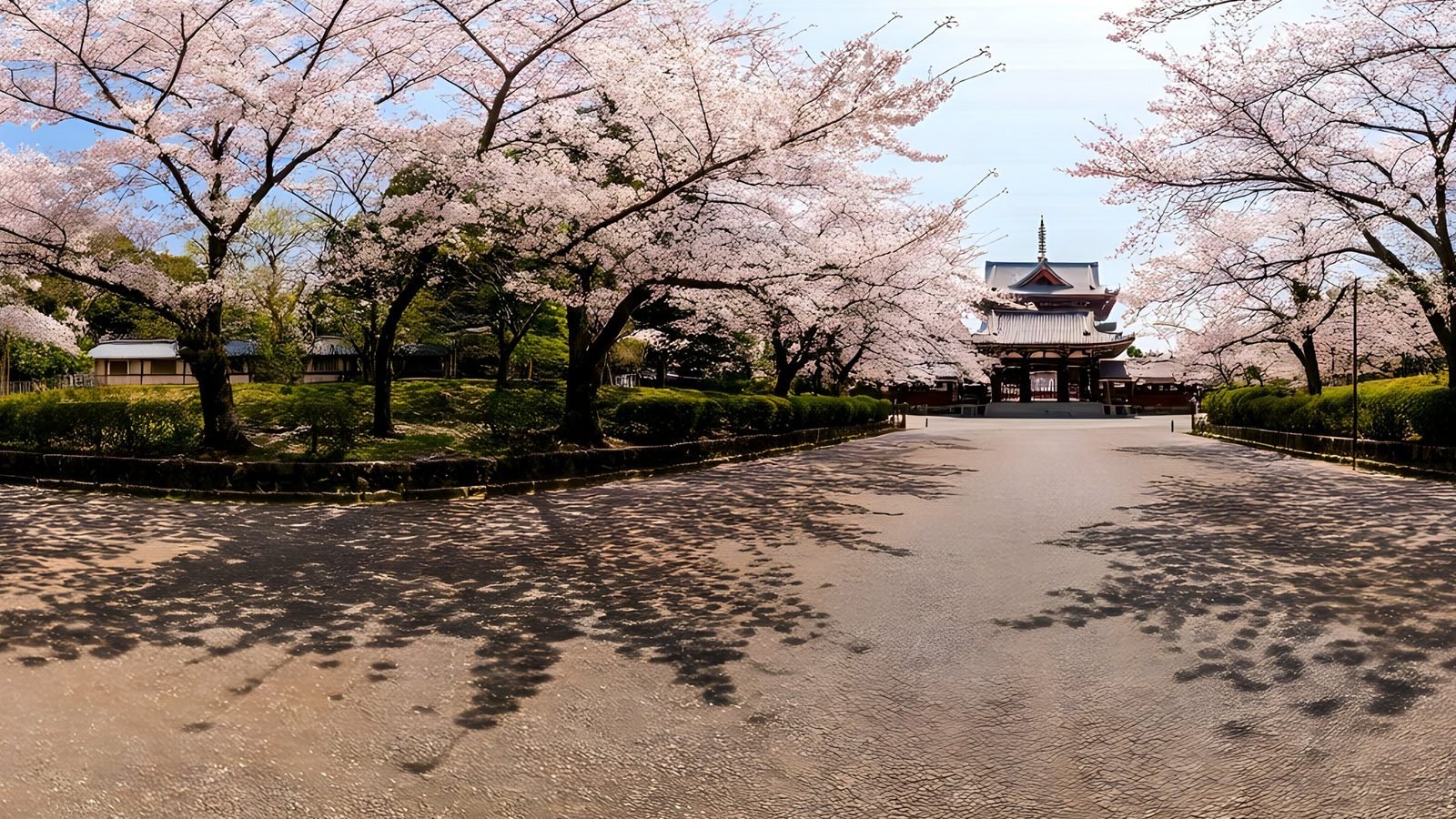
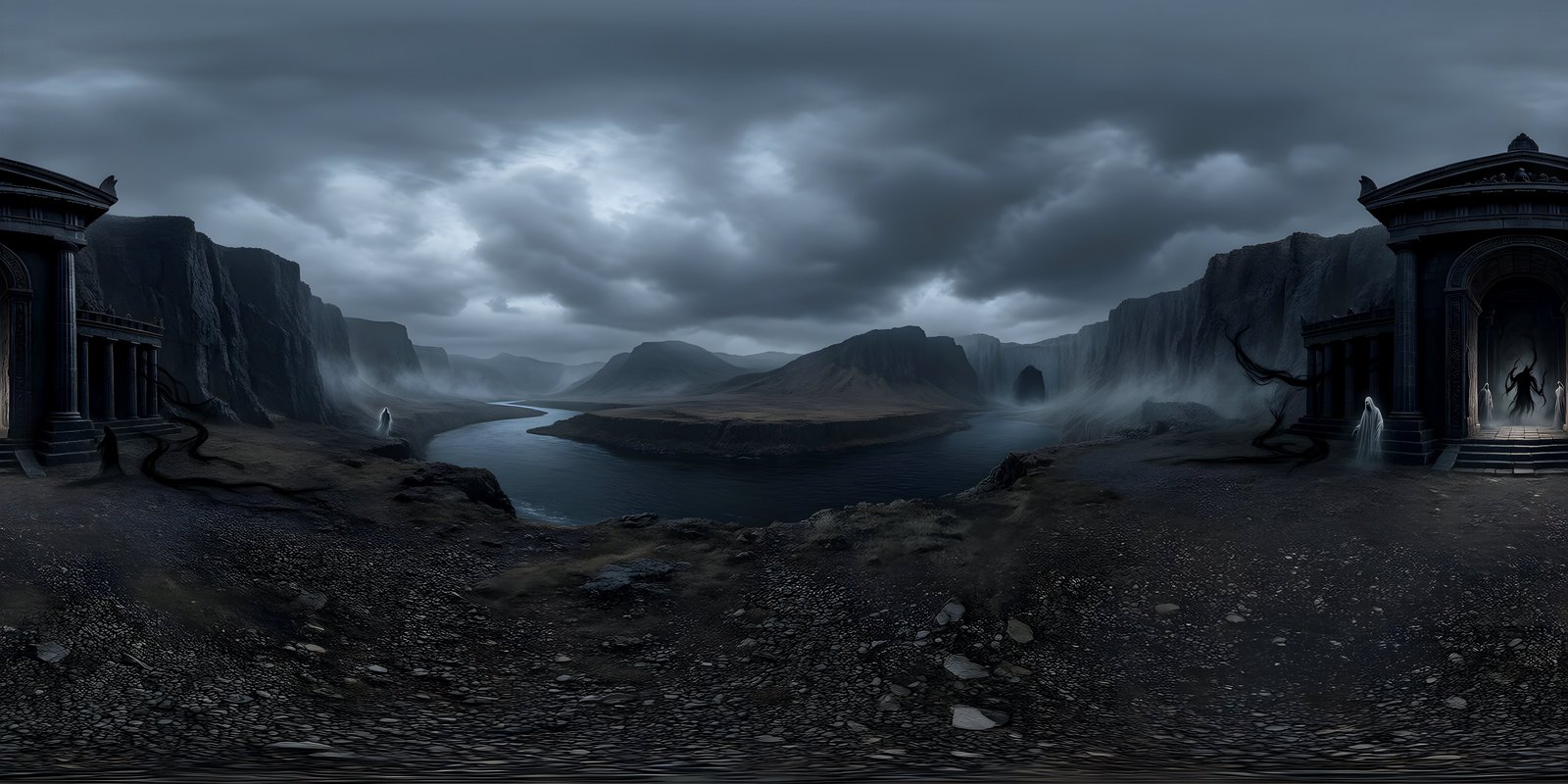
WorldGen360 is an AI VR environment generator. Describe a place and Studio builds a complete 360° world around the viewer – seamless, corrected at the poles, and up to 8192 × 4096. Use it as the sky and surroundings of a VR game or app in Unity or Unreal Engine, as the background of a WebXR scene, or simply open it in a 360° viewer on a headset and stand inside it.
Put people somewhere new
In VR the environment is the first thing anyone notices, and often the last thing a team has time to build. Studio generates a complete world from a description, so a scene has a sky, a horizon and a sense of place from the first build – underwater, orbital, ancient or invented.
Why seams and resolution matter more in a headset
A headset shows a small slice of the sphere at a time, magnified to fill your view. What decides how sharp it looks is how many source pixels land in each degree. A 360° image spreads its width across 360 degrees, so the maths is simple:
| World size | Pixels per degree | In a current standalone headset |
|---|---|---|
| 4096 × 2048 | about 11 | Soft up close; fine for distant, low-detail skies |
| 8192 × 4096 | about 23 | Close to what the headset can resolve |
Meta Quest 3, for example, has 2064 × 2208 pixels per eye and resolves roughly 25 pixels per degree at the centre of its lenses, which is why 8K is the practical target for anything viewed in a headset. Pole correction matters just as much: nothing pinches or tears when someone looks straight up or straight down, the two places a stitched panorama usually gives itself away.
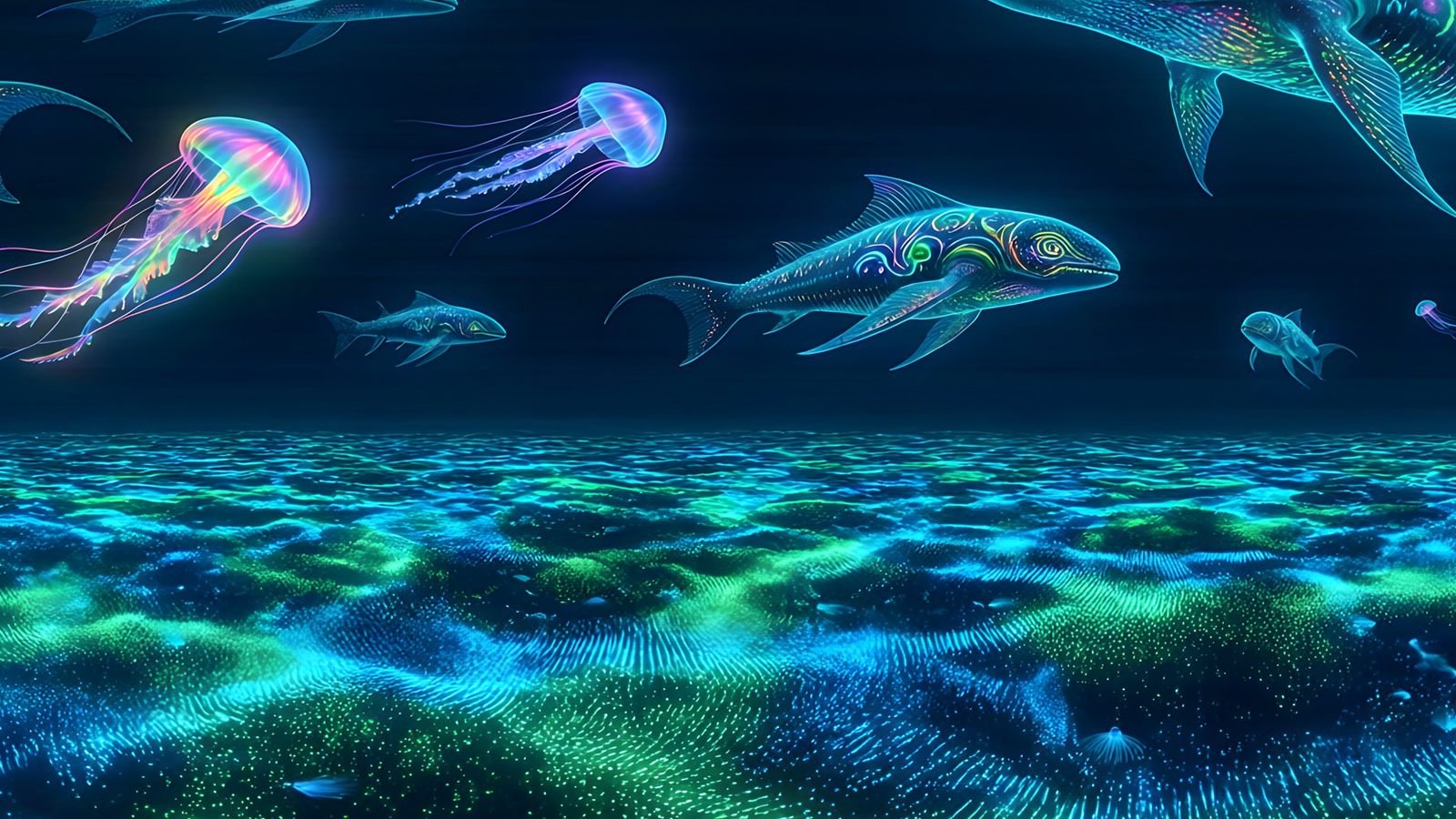
Virtual reality
A whole world from one sentence
Underwater, orbital, ancient or invented. Describe where people should stand and Studio builds the sphere around them, in the style your experience needs.
- Full 360° by 180° coverage
- Photoreal or stylised
- Remix into any time of day or season
Where 360° worlds work in VR
- Skies and backgrounds for VR games and apps built in Unity or Unreal
- WebXR scenes that run in the headset’s browser
- 360° viewers and virtual tours
- Lobbies, menus and calm spaces
- Training scenarios that need a believable setting
- Pitch and previs environments you can stand inside
What a single image can and cannot do
A 360° world is a single image shown to both eyes, so it has no depth of its own. That suits skies and distant scenery, which is what most VR scenes need around them, and it is why detail staged far from the viewer holds up best. Anything the player can walk up to or reach for belongs in front of the world as real 3D geometry.
Prompting a world for VR
A headset puts people at the exact centre of the sphere, at a fixed height, with nothing between them and the world. A few habits make a prompt land better in VR than it would on a flat screen:
- Say where the viewer is standing. “From the middle of a frozen lake” or “on a ridge above a desert canyon” gives Studio a viewpoint to build around and puts the horizon at a believable height.
- Keep the detail far away. Mountains, skylines, clouds and distant structures read well in a headset. Rocks, furniture or plants close to the camera look flat, because they do not shift when the player moves their head. Studio’s layered prompts let you describe the near field, the middle distance and the sky separately.
- Leave the floor to your scene. If the player stands on modelled ground, ask for open water, sand or a distant valley below the horizon, so the world does not show a second, mismatched floor under their feet.
- Keep a set of worlds consistent. Pick one style preset for the whole experience and change a few words at a time – midday to dusk, clear to stormy – so every scene feels like the same place.
Comfort starts with a stable world
A level horizon that stays put gives people a fixed reference while they turn, walk or teleport, which is one of the simplest things a scene can do for comfort. Keep the world still: rotating or scrolling the sky while the player is standing still can feel like motion their body does not agree with. Watch brightness too. A glaring white sky around a dark interior is tiring to look at for long, and high-contrast edges can show glare in some headset lenses, so a softer sky is often the kinder choice for longer sessions.
Getting a world into a headset
- Unity or Unreal: follow the Unity guide or the Unreal Engine guide. The world becomes the sky around the player.
- WebXR: use the image as the scene background. A-Frame’s
<a-sky>takes an equirectangular image directly, and so does three.js as a scene background. - Just looking around: most 360° photo viewers open the exported PNG as it is.
Performance on standalone headsets
Standalone headsets share memory between the system, the app and every texture in the scene. An 8192 × 4096 sky takes 128 MB of video memory uncompressed, but about 32 MB with ASTC compression before mipmaps, which many projects can afford for the one texture that is always on screen. If yours cannot, downscale to 4096 × 2048 for the build and keep the 8K original to go back to. Always test on the device: a sky that looks fine in the editor can shimmer or blur in a headset.
Comfort, stereo and performance are covered in depth in the complete guide to VR environments.
Frequently asked questions
What resolution does a VR environment need?
For a headset, 8192 × 4096 is the practical target: about 23 pixels per degree, close to what current standalone headsets resolve. A 4096 × 2048 world gives about half that and looks soft up close, though it can work for distant, low-detail skies.
Can I view a WorldGen360 world on a Meta Quest?
Yes. Most 360° photo viewers open the exported PNG as it is, and a WebXR page in the headset’s browser can show it too. For an app, set the world as the sky in Unity or Unreal Engine.
Will an 8K world run on a standalone headset?
Usually, if it is compressed. An 8192 × 4096 sky takes about 32 MB with ASTC compression before mipmaps, against 128 MB uncompressed. If your memory budget is tight, downscale to 4096 × 2048 for the build.
Is a 360° world mono or stereo?
Mono: one image shown to both eyes. That suits skies and distant scenery, which is what most VR scenes need behind them. Put anything the player can reach in as real 3D geometry.
Can I use a generated world in a WebXR experience?
Yes. A-Frame’s a-sky element and three.js both take an equirectangular image directly, so a world can be the background of a WebXR scene that runs in a headset’s browser.
Use cases
More ways to use a 360° world
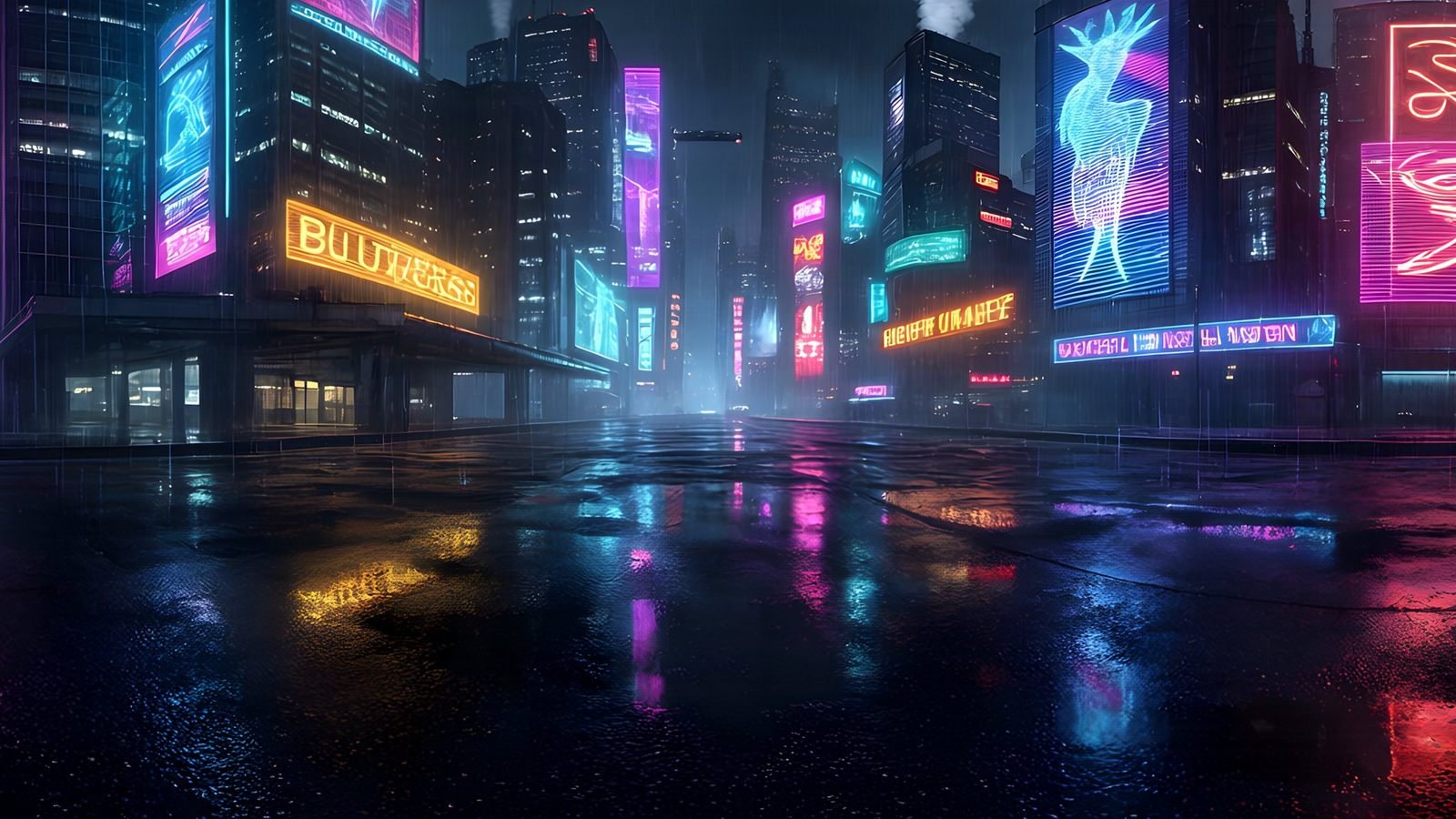 Unity
Generate Unity skyboxes from a text prompt
Generate a seamless 360° sky from a text prompt and use it as your Unity skybox. 8K equirectangular PNG or EXR, pole-corrected, set up in minutes.
Explore
Unity
Generate Unity skyboxes from a text prompt
Generate a seamless 360° sky from a text prompt and use it as your Unity skybox. 8K equirectangular PNG or EXR, pole-corrected, set up in minutes.
Explore
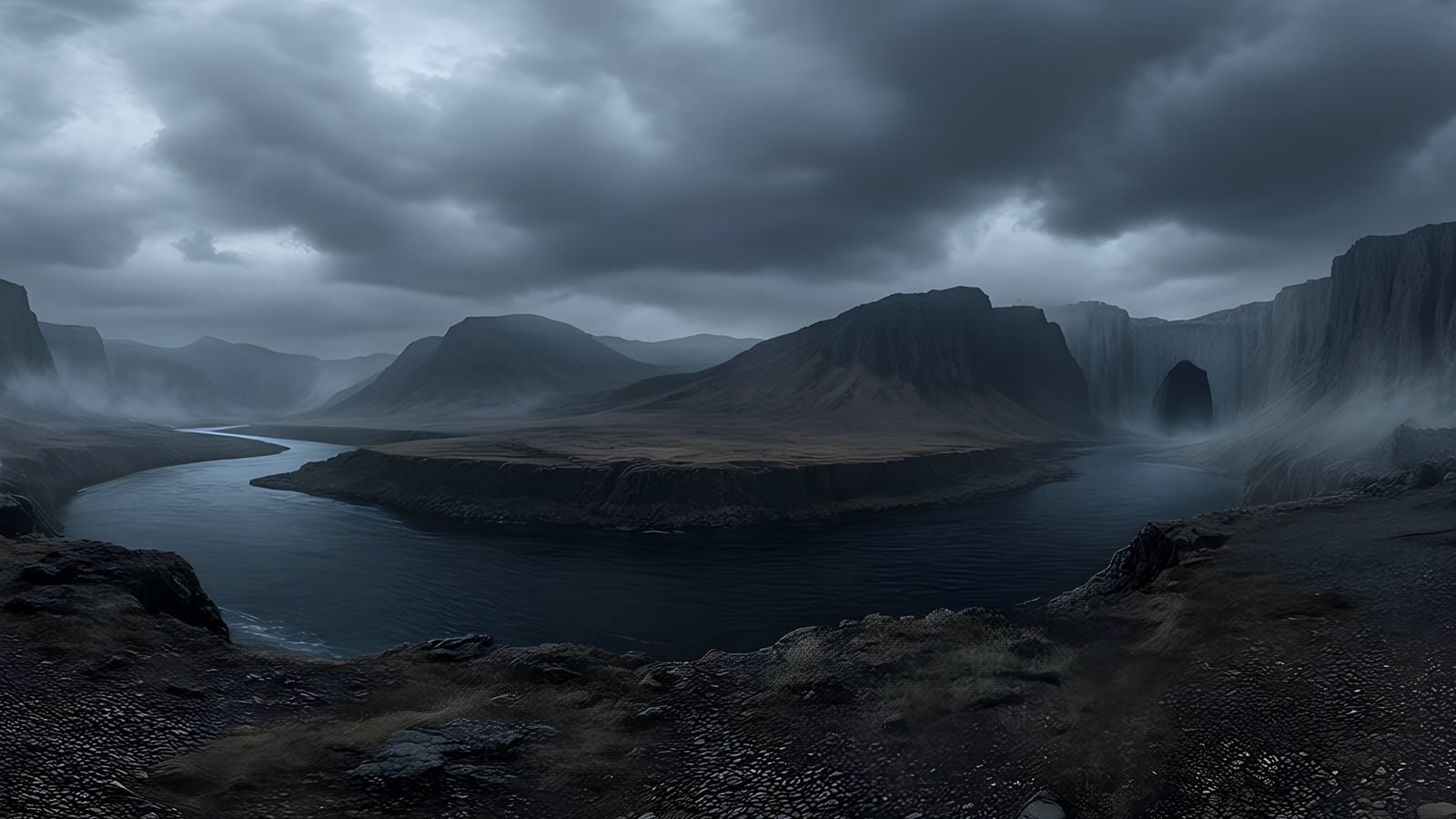 Unreal Engine
 skyboxes from a text prompt
Generate the sky your Unreal Engine level is set under: a seamless 8K 360° EXR from a text prompt, ready for HDRI Backdrop and Sky Light.
Explore
Unreal Engine
Unreal Engine skyboxes from a text prompt
Generate the sky your Unreal Engine level is set under: a seamless 8K 360° EXR from a text prompt, ready for HDRI Backdrop and Sky Light.
Explore
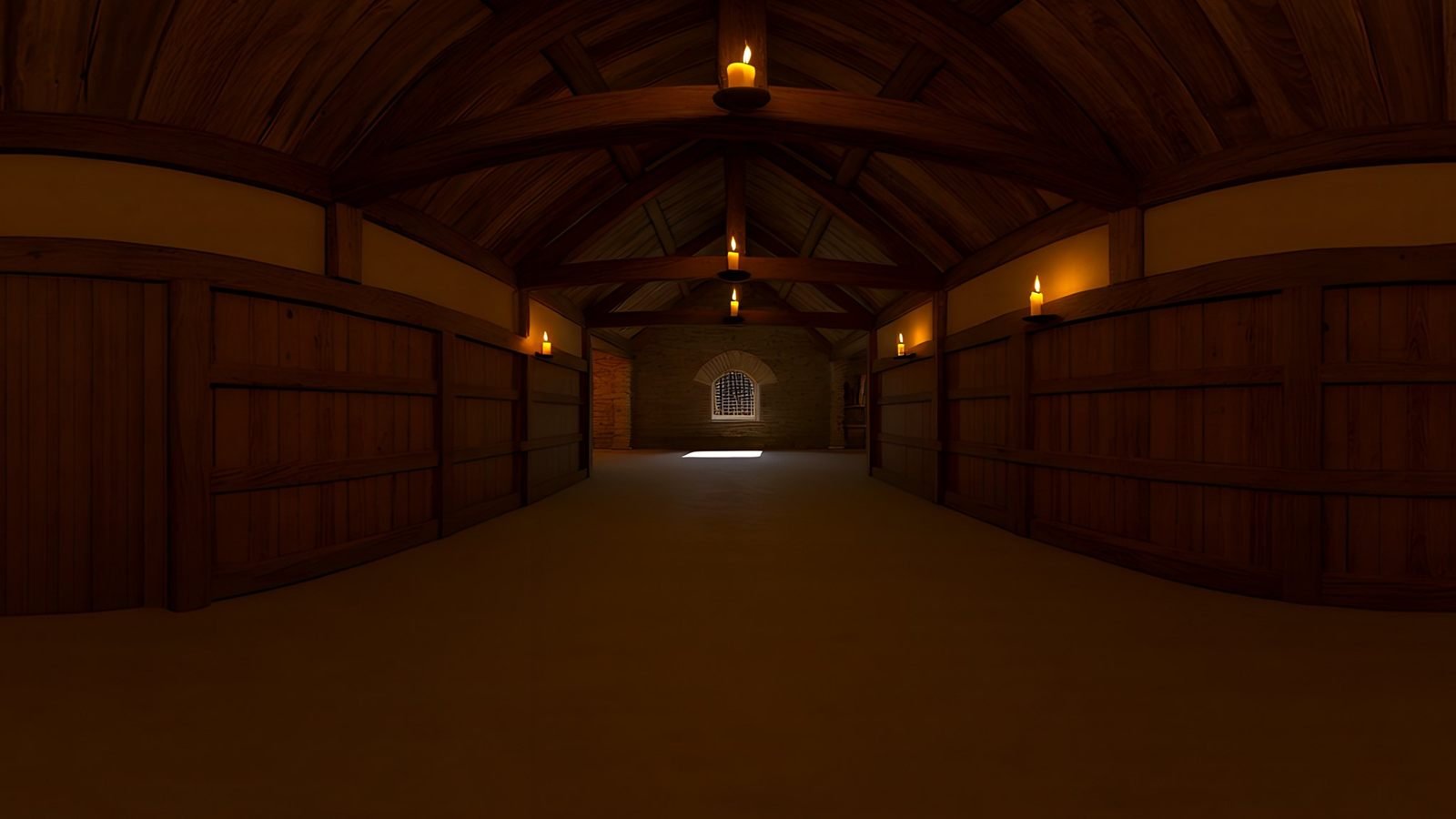 Virtual production
AI environments for virtual production and previs
Scout, pitch and previs locations that do not exist yet. Generate a 360° environment from a description and review it in Unreal or a VR headset.
Explore
Virtual production
AI environments for virtual production and previs
Scout, pitch and previs locations that do not exist yet. Generate a 360° environment from a description and review it in Unreal or a VR headset.
Explore
 Architecture and interiors
Skies and surroundings for architectural visualisation
Generate the sky and surroundings for architectural renders: seamless 360° environment maps up to 8K, as EXR for lighting or PNG for backdrops.
Explore
Architecture and interiors
Skies and surroundings for architectural visualisation
Generate the sky and surroundings for architectural renders: seamless 360° environment maps up to 8K, as EXR for lighting or PNG for backdrops.
Explore
Your first world is on us
Five free 4K generations when Studio opens. Join the waitlist and be first in.