
Virtual production
AI environments for virtual production and previs
Scout, pitch and previs locations that do not exist yet. Generate a 360° environment from a description and review it in Unreal or a VR headset.
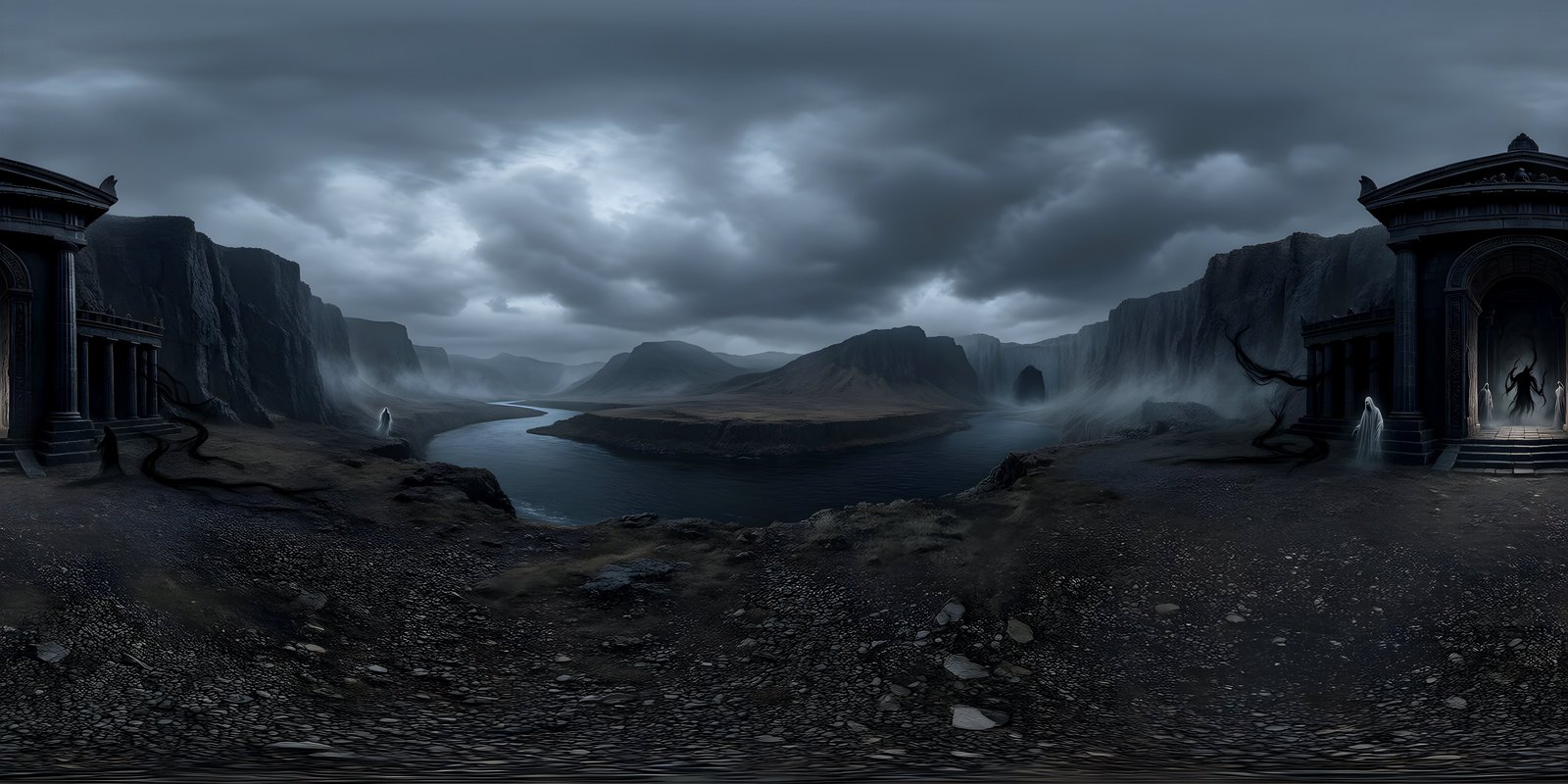
WorldGen360 Studio generates 360° environments for virtual production and previs. Describe a location in a few lines, or start from a recce photo, and Studio builds the whole sphere – sky, horizon and surroundings – at up to 8192 × 4096, usually in two to three minutes. The director, designer and cinematographer can look around it in a browser or a headset, drop it into Unreal Engine as a backdrop, and Remix it into dawn, rain or another era while it stays recognisably the same place. It is the fast first version of a location: ideal for pitching, previs and virtual scouting, while final in-camera backgrounds on an LED volume still call for full 3D scenes.
Scouting and rendering future locations
Early in a project, the location is usually a paragraph in a script and a folder of reference images. Studio turns that paragraph into a full 360° environment the director, designer and cinematographer can all stand inside and argue about, long before anyone builds a set or books a recce.
Teams agree faster when everyone is looking at the same place. A private share link opens the world in the 360° viewer for anyone who has it, with no account needed, so a producer or client can look around from their own laptop and the link can be revoked afterwards.
Where it fits in a production
- Pitch and mood: a world the client can look around, not a flat mood board. It shows the scale and atmosphere of a place in a way a single frame cannot.
- Previs and blocking: drop the world into Unreal Engine as the backdrop, then block the action and try camera moves in front of it.
- Virtual scouting: review a location in a headset and agree where the camera goes before anything is built.
- Art department reference: one consistent sense of place for set, costume and lighting design to work from.
- Lighting look development: export EXR and test how a scene reads at dawn, noon and dusk by remixing the same location.
Worked example: from a script line to a previs set
Take a scene heading and a line of description, such as this one:
EXT. HARBOUR WALL – DAWN. Fog sits on the water. Fishing boats knock against the quay while gulls wheel over the lighthouse at the end of the wall.
Split it into Studio’s layered prompt: what is right around the camera, what stands in the middle distance, and what belongs in the sky. Choose the Cinematic style, keep the viewpoint at ground level and tick No living creatures. The gulls are the one thing to leave out: anything that should move looks wrong frozen in a still 360° world, so they are better added later as effects or animation.
Once the dawn version is right, Remix it three ways: the fog lifting at sunrise, a storm rolling in at dusk, and night with the harbour lamps lit. Each keeps the same quay, boats and lighthouse, so the team compares light and mood rather than four different places. Export the favourite as EXR, set it up behind the scene in Unreal Engine, stand proxy boats and mannequins in front of it, and frame the first shots.
Virtual production
Change the weather with a sentence
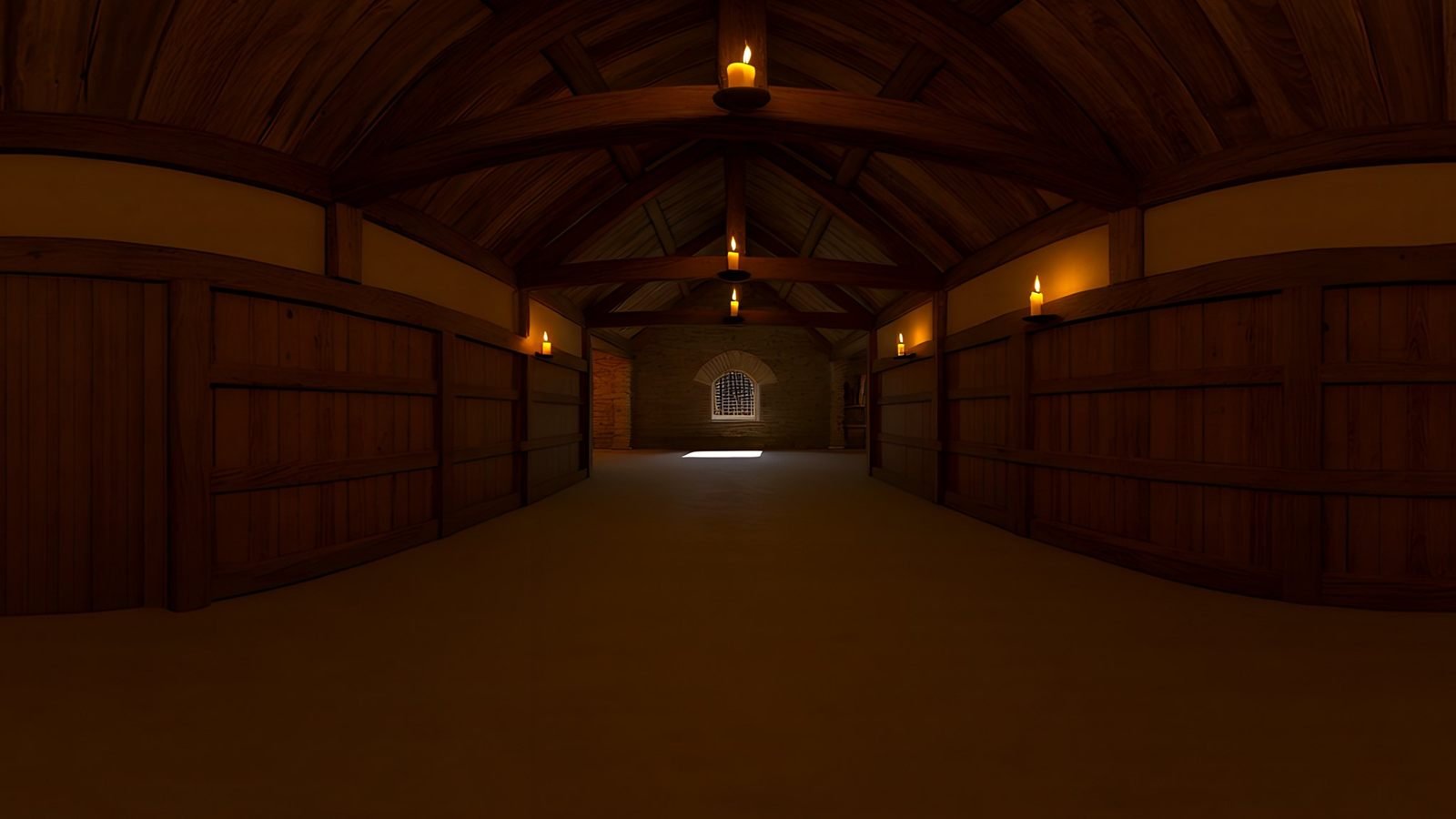
Same hall by candlelight, at dawn or in a storm. Remix a location with a few words and review each version in the 360° viewer before any reach the engine.
- Time and weather presets, or any change by prompt
- Cinematic, photoreal, painted or stylised
- EXR export for lighting tests
From description to previs, step by step
- Describe the location, or attach a recce photo and describe what should change. The Cinematic style gives film-grade colour and dramatic light.
- Place the detail with layered prompts, keep the viewpoint at ground level for eye-height framing, and keep living creatures out.
- Review it in the 360° viewer and check the quality report for the seam, the horizon and a clear view from the centre.
- Remix it into other times of day, weather or eras, and review each version.
- Clean it up with the Magic Eraser, which works on the sphere, so nothing distracting stays in shot.
- Export EXR at 8K and set it up with the Unreal Engine guide, review it in a headset with the VR guide, or send a private share link.
- Build what the camera gets close to as proxy geometry in front of the world, so near objects have depth.
What a single image can and cannot do
A 360° world is one image, seen from one point. It is ideal for previs, pitching, lighting reference and distant backgrounds. It has no parallax, so a camera moving through the space will not see objects shift against each other, and anything the camera approaches needs to be real geometry.
That matters most on an LED volume. Final in-camera backgrounds there are usually real-time 3D scenes, so the image on the wall can shift with the tracked camera, and an 8K image is below what large volumes usually need. Treat a generated world as the fast first version of a location, the reference the 3D build is judged against, rather than as the final backplate.
Frequently asked questions
Can AI-generated environments be used on an LED volume?
For look development and planning, yes. For final in-camera backgrounds, usually not on their own: a single 360° image has one viewpoint and no parallax, and 8K is below what large volumes typically need. Teams use the generated world as the reference for the real-time 3D scene they build for the wall.
How do you previs with a 360° environment?
Export the world as EXR, set it up as an HDRI Backdrop in Unreal Engine so it surrounds and lights the scene, then block the action with proxy geometry and cameras in front of it. For scouting rather than shots, open it in a headset instead.
How do directors review a generated location?
In the 360° viewer in a browser, through a private share link that needs no account, in a VR headset, or as a 360° video exported from Studio. Everyone looks around the same place, which makes decisions quicker.
Can the same location be generated at different times of day?
Yes. Remix a finished world and change the time of day, the weather or the era in the prompt. Pick a preset such as Dawn, Fog or Storm, or describe the change in your own words. Remix starts from the original picture and changes only what you ask for, so each version stays recognisably the same location.
Use cases
More ways to use a 360° world
 Unity
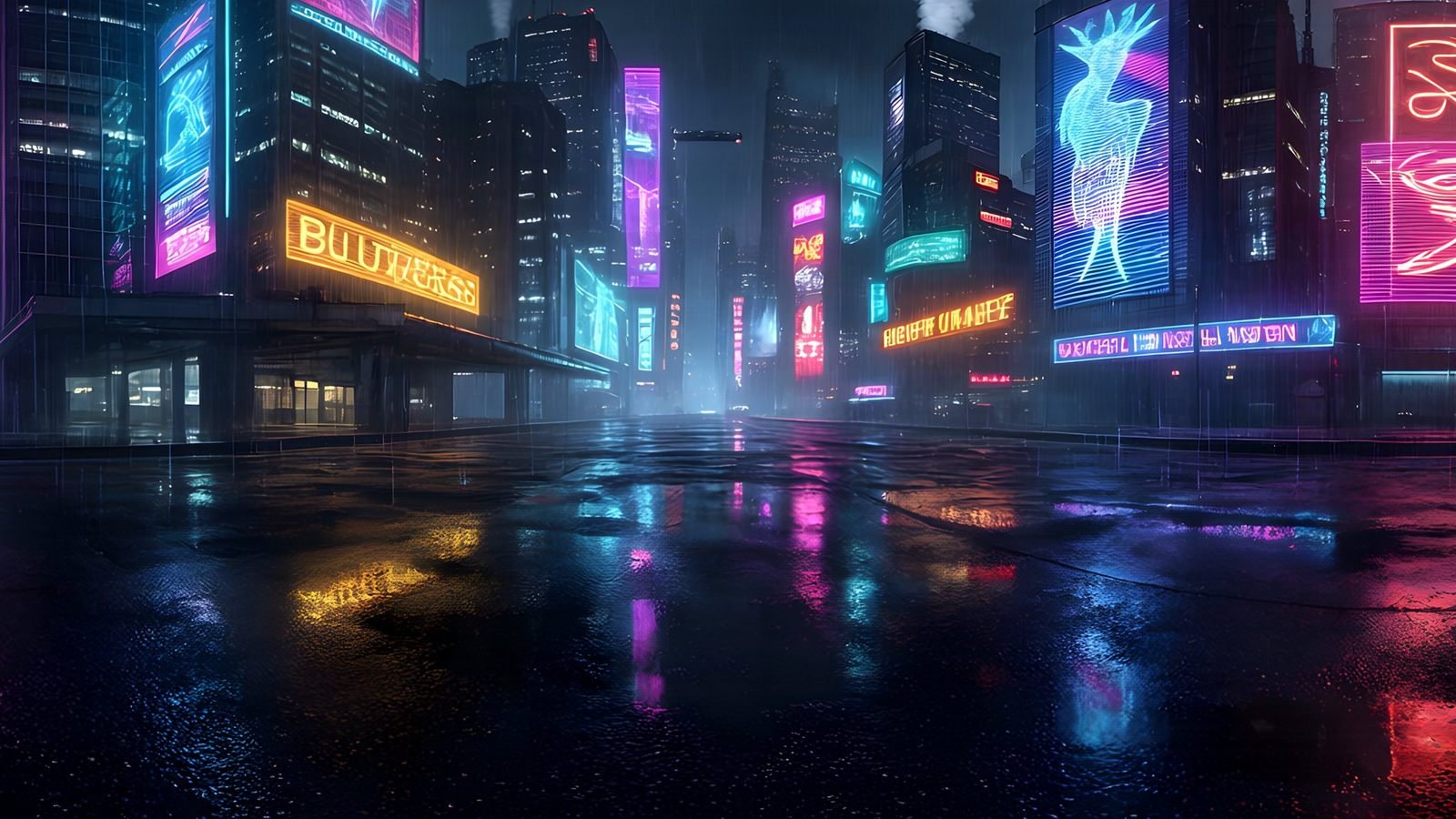
Generate Unity skyboxes from a text prompt
Generate a seamless 360° sky from a text prompt and use it as your Unity skybox. 8K equirectangular PNG or EXR, pole-corrected, set up in minutes.
Explore
Unity
Generate Unity skyboxes from a text prompt
Generate a seamless 360° sky from a text prompt and use it as your Unity skybox. 8K equirectangular PNG or EXR, pole-corrected, set up in minutes.
Explore
 Virtual reality
Generate VR environments from a text prompt
Create immersive 360° VR environments from a text prompt: 8K, pole-corrected worlds for Quest, WebXR, Unity and Unreal, with no seams up or down.
Explore
Virtual reality
Generate VR environments from a text prompt
Create immersive 360° VR environments from a text prompt: 8K, pole-corrected worlds for Quest, WebXR, Unity and Unreal, with no seams up or down.
Explore
 Unreal Engine
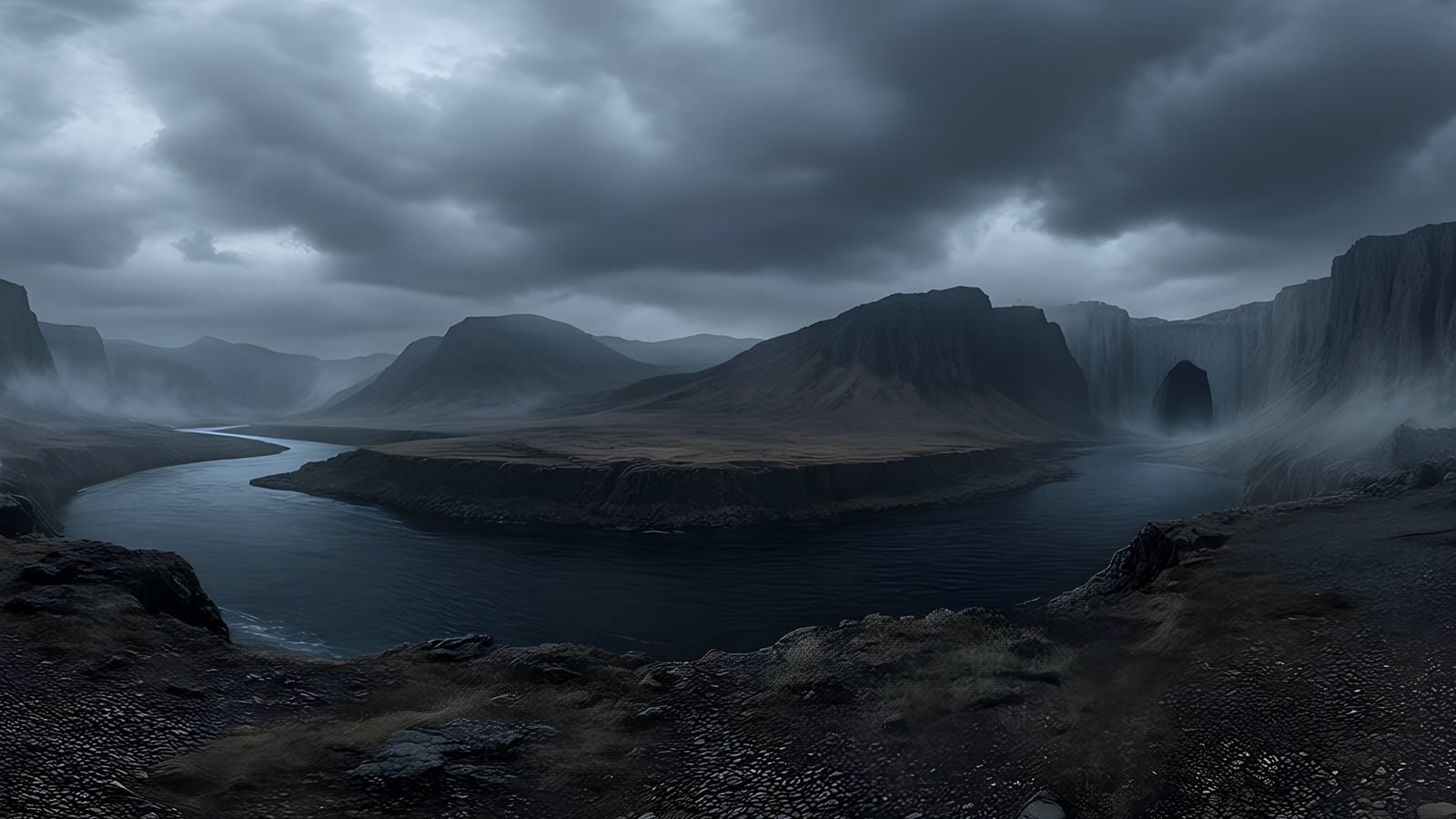
 skyboxes from a text prompt
Generate the sky your Unreal Engine level is set under: a seamless 8K 360° EXR from a text prompt, ready for HDRI Backdrop and Sky Light.
Explore
Unreal Engine
Unreal Engine skyboxes from a text prompt
Generate the sky your Unreal Engine level is set under: a seamless 8K 360° EXR from a text prompt, ready for HDRI Backdrop and Sky Light.
Explore
 Architecture and interiors
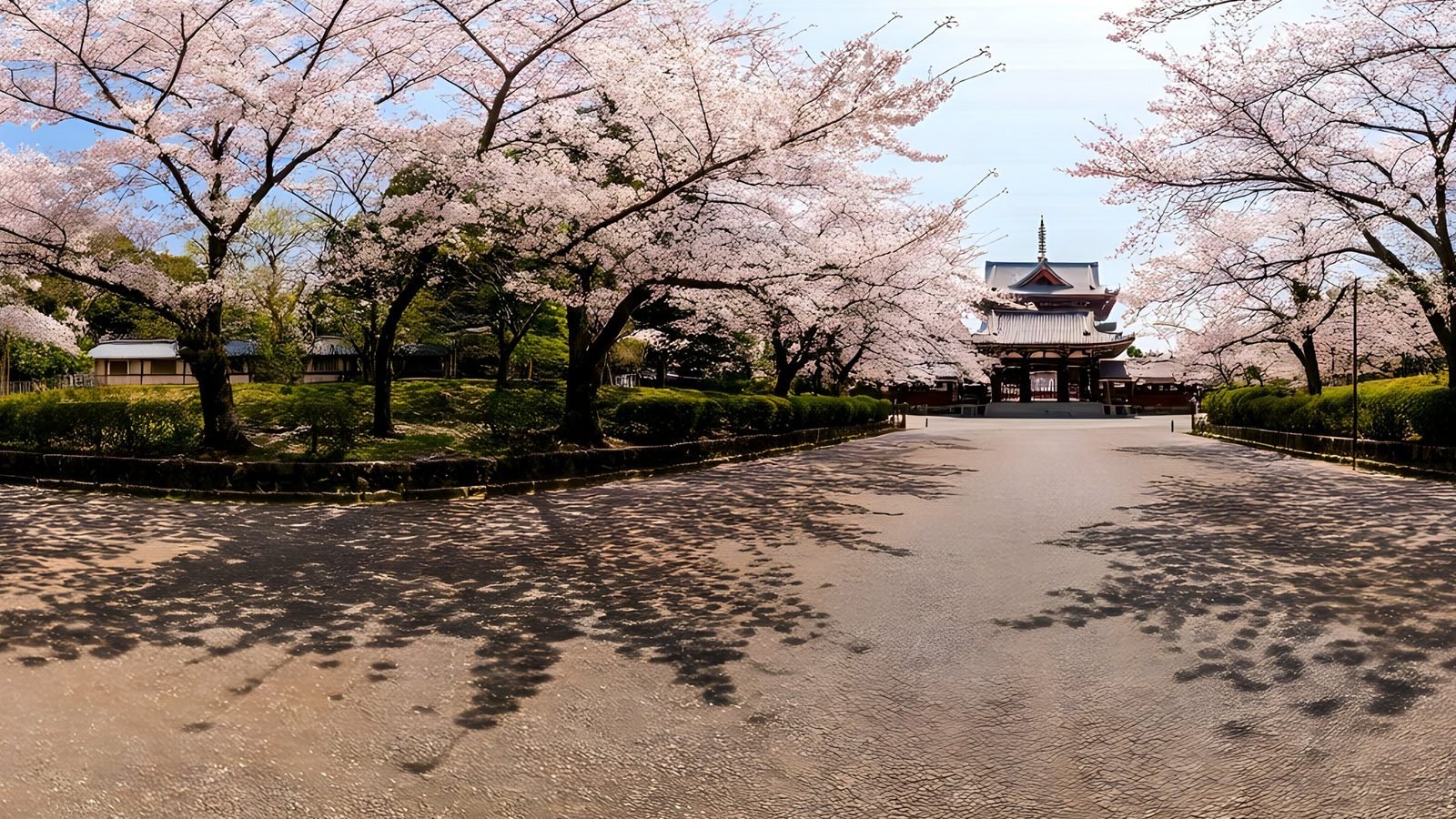
Skies and surroundings for architectural visualisation
Generate the sky and surroundings for architectural renders: seamless 360° environment maps up to 8K, as EXR for lighting or PNG for backdrops.
Explore
Architecture and interiors
Skies and surroundings for architectural visualisation
Generate the sky and surroundings for architectural renders: seamless 360° environment maps up to 8K, as EXR for lighting or PNG for backdrops.
Explore
Your first world is on us
Five free 4K generations when Studio opens. Join the waitlist and be first in.