
Photo reference
Turn a photo into a 360° world
Upload a photo and WorldGen360 Studio builds a seamless 360° world from it, at up to 8K. Bring history to life, or give your car a world of its own.
WorldGen360 Studio can turn a photo into a 360° world. Attach a photograph under your prompt, describe anything you want changed, and Studio builds a complete, seamless sphere from it – sky, horizon and ground – at up to 8192 × 4096. It goes through the same panorama pipeline as every other world, so the edges join, the horizon is level and the poles are clean, and you can look all the way around a place that began as a single frame.
Photo reference
One photo in, a whole world out
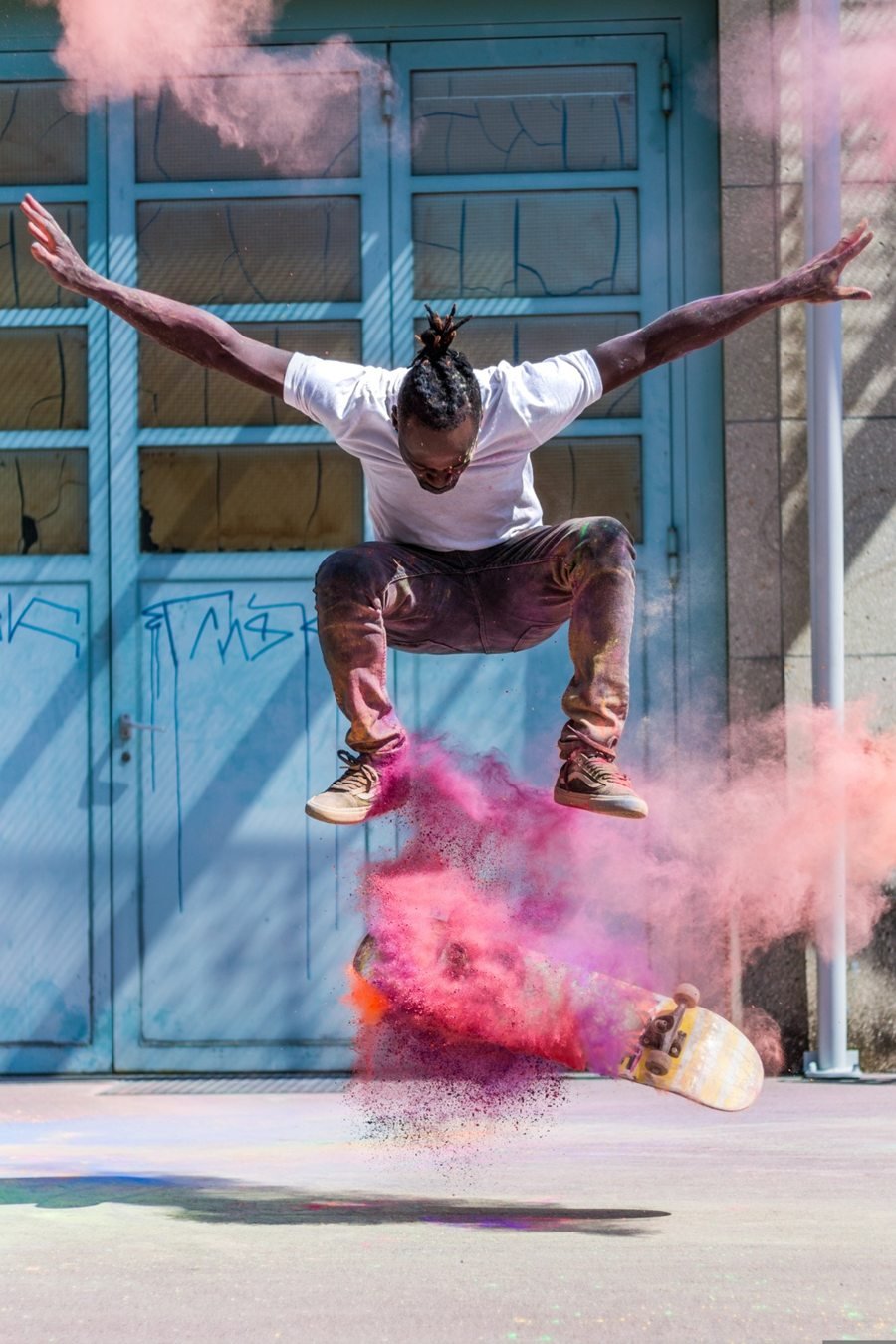
This is a single frame of a skateboard trick. Studio kept the moment and imagined everything around it: the rest of the building, painted murals, trees and planters, the open sky and the courtyard behind the camera, as one seamless 360° world.
How to turn a photo into a 360° world
- Describe the scene. Write what the world should be, including anything that should change from the photo: another era, another season, a different time of day or a new setting.
- Attach your photo. Choose Use a photo under the prompt and pick an image. Studio confirms that your world will be built from it.
- Set the look. Pick a visual style, an environment and a ground-level or aerial viewpoint, exactly as for any other world.
- Generate. Studio builds the sphere, repairs it and checks it, usually in two to three minutes, then shows the quality report beside the finished world.
- Refine it. Erase anything that does not belong, or Remix the world to try another season or time of day while keeping the place recognisably the same.
What people use it for
Bring history to life
An old photograph shows one view of one moment. Start from a picture of a street, a harbour, a family farm or a landmark and Studio builds the rest of the sphere around it, so you can stand in the scene and turn round. Describe the period, the season and the light you imagine. It suits museums and heritage projects, local history groups, classrooms and family history, anywhere a flat archive photo could become a place to explore. Studio imagines what lay beyond the edges of the frame, so present the result as a vivid interpretation of the past rather than a historical record.
Give your favourite things a world of their own
Photograph a car, a motorbike, a boat, a guitar or a treasured object, and describe where it should be: a coastal road at sunset, a neon street in the rain, a salt flat under a huge sky. Studio builds a 360° world around it that you can look around, share with a link or export as a 360° video for a social post or a store page. The object is recreated by the image model rather than cut out of your photo, so small details such as badges, lettering and number plates may not match exactly.
Recreate a real place
A holiday view, a town square, a wedding venue or a location scout’s snapshot can become a world you can look all the way around. Film and game teams can turn a recce photo into a 360° mood piece for a pitch, then Remix it into night, rain or another season to see how the place changes. Because the world is generated, use it to capture the feel of a place, not to show a real property or site exactly as it is.
Start a look from a picture
Sometimes a photo says more than a prompt could: a colour palette, a particular light, a kind of landscape. Use one as the starting point for a game level’s sky, a VR scene or a backdrop, then push it towards your project with a style such as Digital Painting, Oil Painting or Stylised Low Poly.
Take it somewhere new with Remix
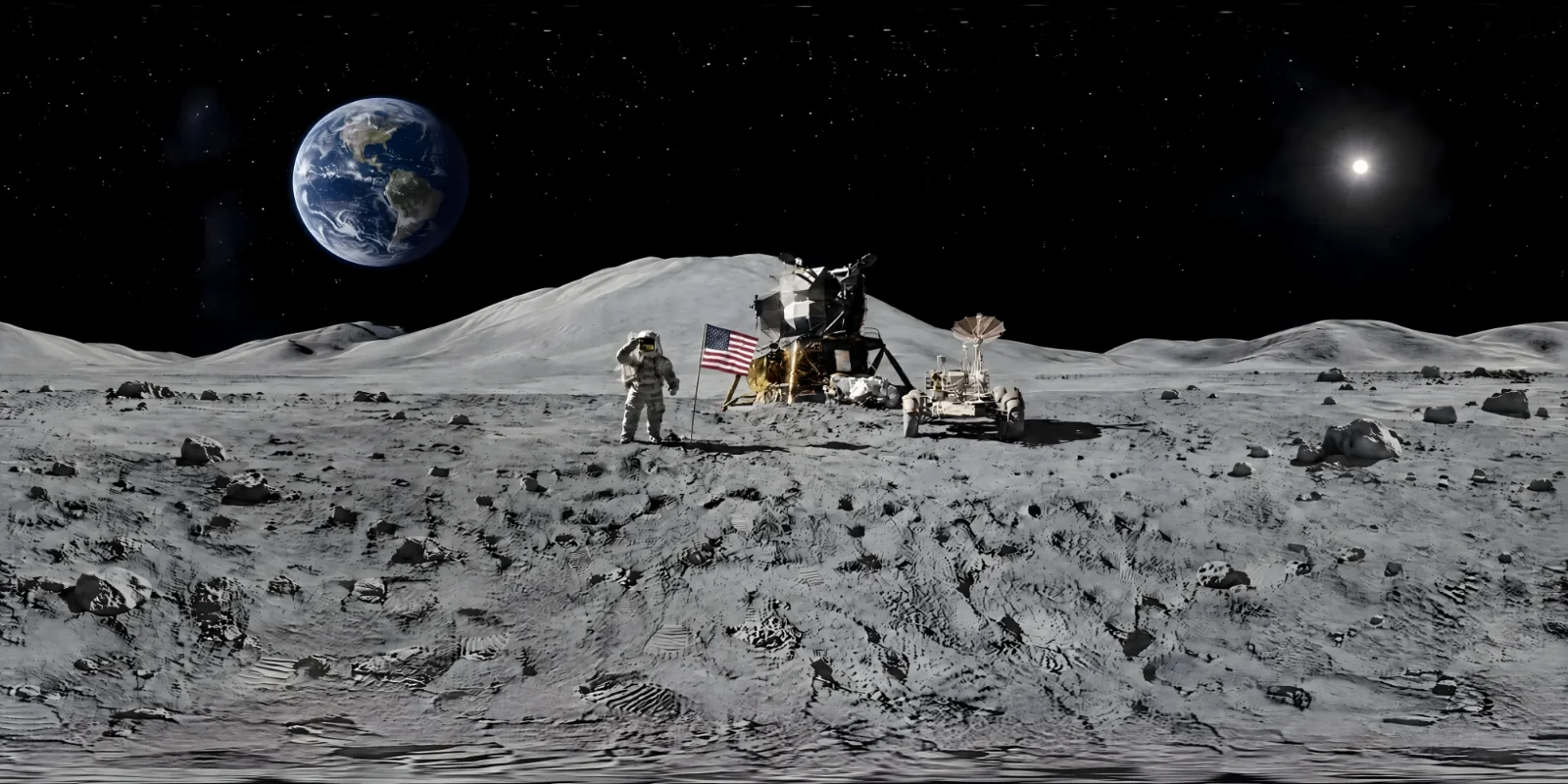
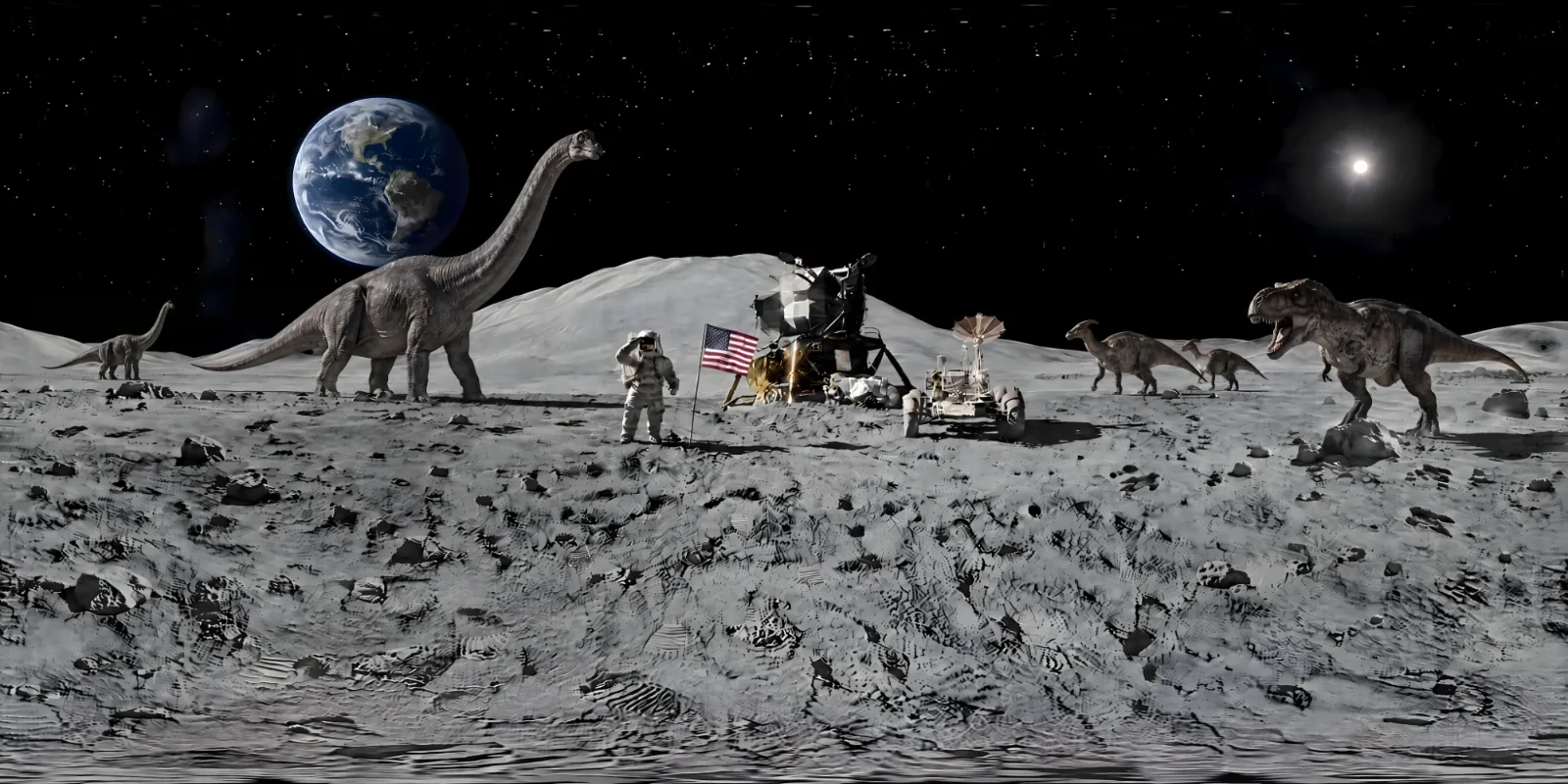
A photo is only the starting point. This world was built from a photo of the Moon landing. One Remix put the Earth in the sky, and the next let dinosaurs loose on the lunar surface, while the astronaut, the flag, the lander and the rover stayed where they were. Choose a step to see it.
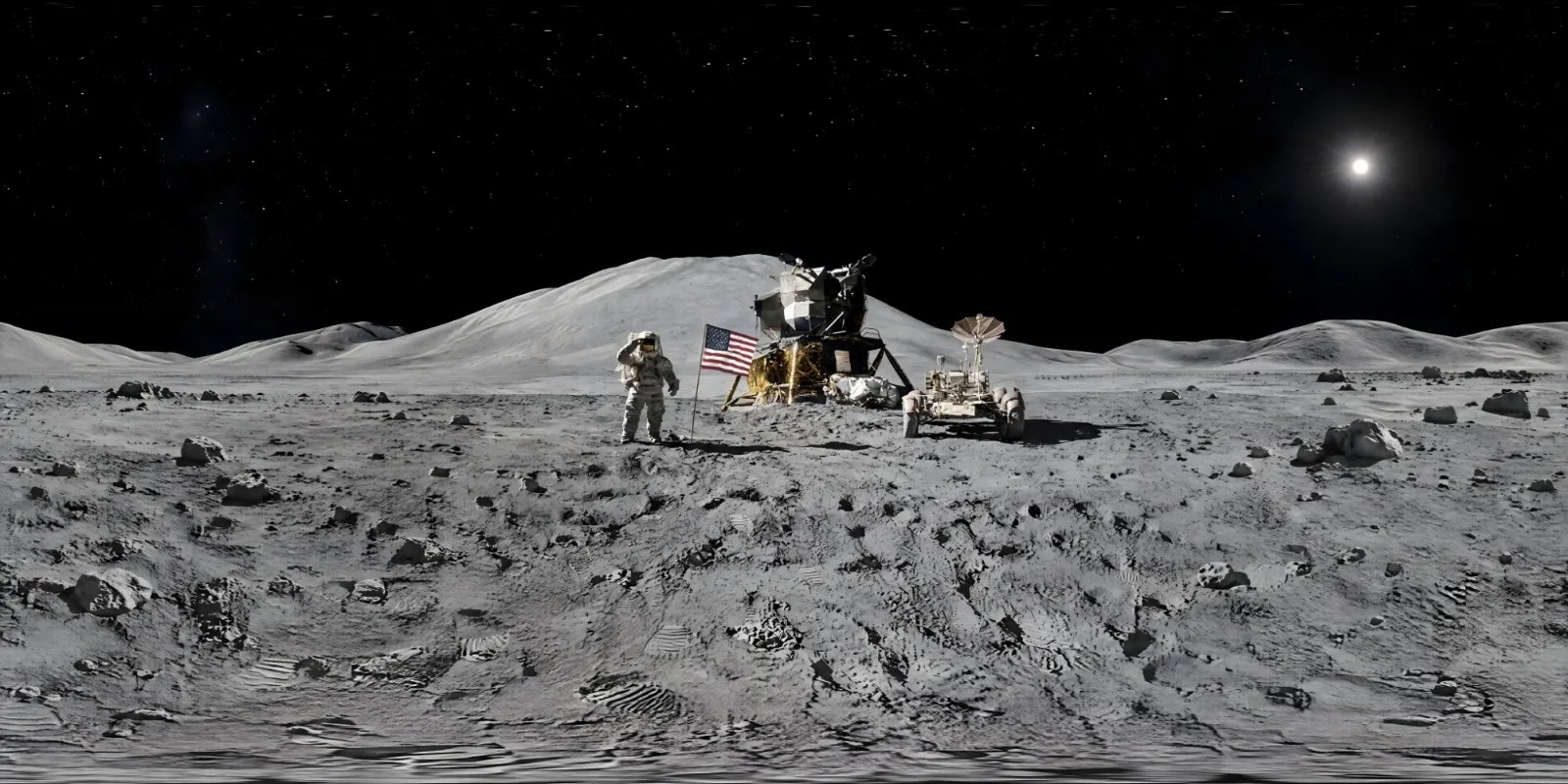
Step 1 of 3From a photoPhoto reference: a picture of the Moon landing
Getting a good result
- Choose a clear photo. A sharp, well-lit image gives Studio more to work from than a small, dark or heavily filtered one.
- For a place, show the horizon. A photo with a visible skyline or horizon gives the world a natural level to build around.
- For an object, keep it uncluttered. One clear subject reads better than a busy scene with several.
- Say what to keep and what to change. The prompt is where you set the era, the weather, the season and the setting.
- Change one thing at a time. Once a world is close, Remix it rather than starting again, so each version stays recognisably the same place.
- Tidy up on the sphere. The Magic Eraser removes anything left over, without breaking the wrap.
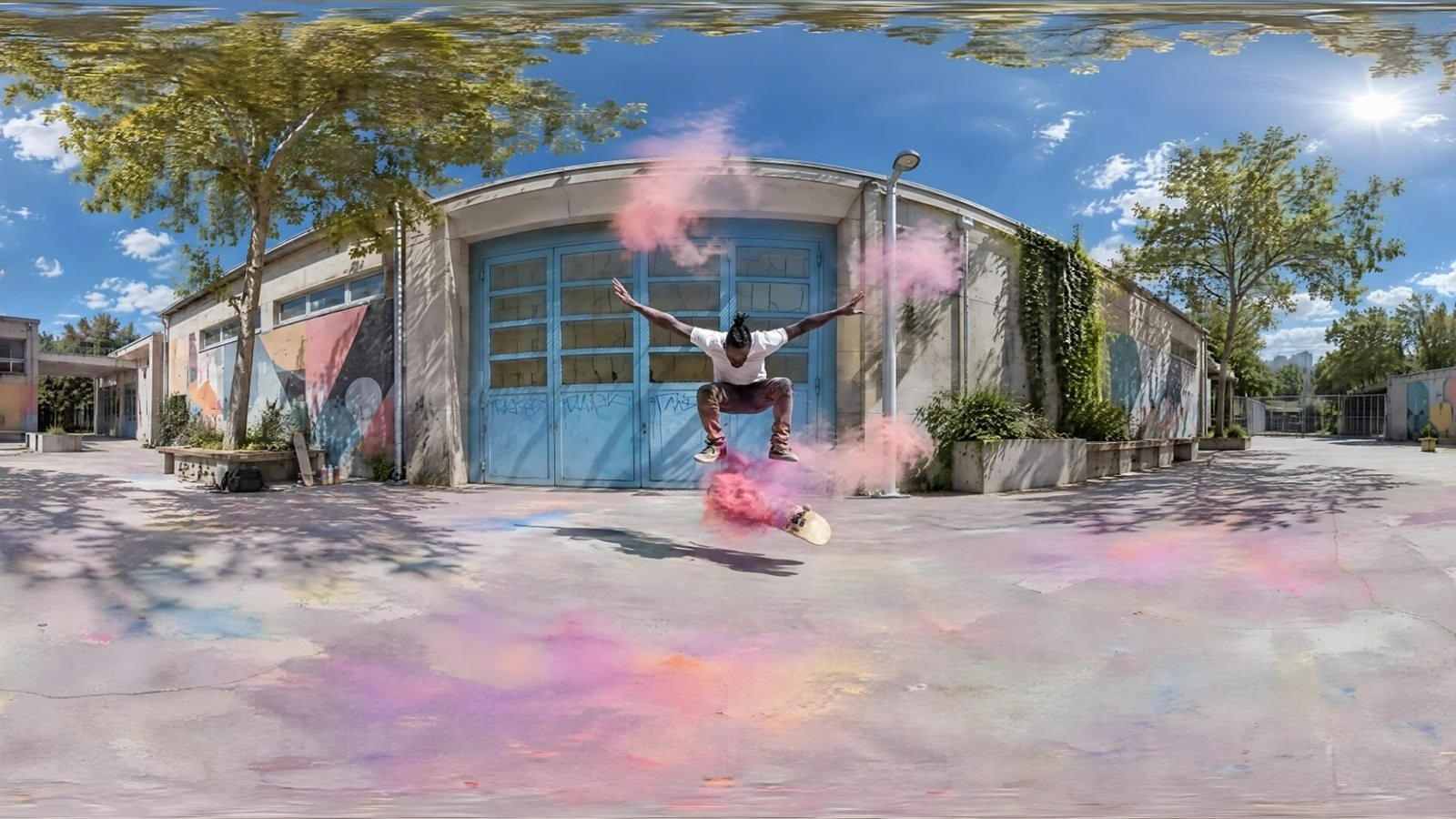
Photo reference
Your photo, all the way round
Studio builds the full sphere from your photo and your description, then repairs and checks it like every other world.
- Up to 8192 × 4096
- PNG, EXR or 360° video
- Remix it into any season or time of day
Your photo and your privacy
Building a world from a photo needs an image model that can work from a picture, so this is the one feature that sends your image outside WorldGen360. Before it leaves, your photo is resized and stripped of location data. It is then sent to our image provider, OpenAI, to build the panorama. Studio tells you this at the moment you choose a file, and it is set out in the Privacy Policy. Content checks on photos are OpenAI’s rather than ours.
Only upload photos you have the right to use, and think twice before using pictures of people who have not agreed to it. If photo generation is ever unavailable, Studio says so instead of accepting a photo it cannot use. If it becomes unavailable part way through, the quality report tells you the world was made from your description alone, and Retry tries again with the photo.
What you get
A world built from a photo is a world like any other. You get a 2:1 equirectangular image at up to 8192 × 4096, as PNG or, on paid plans, as linear EXR for lighting in 3D tools. You can export a 1920 × 1080 360° video in your browser, share the world with a private link, Remix it and keep it in your history. See everything Studio does, or how to use a world in Unity, Unreal Engine and VR.
Frequently asked questions
Can AI turn a photo into a 360° image?
Yes. WorldGen360 Studio builds a complete 360° world from a single photograph and your description, then repairs it as a panorama so the edges join and the poles are clean. The result is a 2:1 equirectangular image at up to 8192 × 4096.
Will the world look exactly like my photo?
No. The photo guides the world, and Studio imagines everything beyond its edges. Expect the place, the mood and the main subject to carry through, while fine details such as lettering may differ.
Can I change the season or time of day in my photo?
Yes. Describe the change in the prompt when you attach the photo, or Remix the finished world afterwards: pick a preset such as Night, Golden hour, Winter or Rain, or describe the change. Remix changes only what you ask for, so the place stays recognisably the same.
Where does my photo go?
It is resized and stripped of location data, then sent to our image provider, OpenAI, to build the panorama. This is disclosed when you choose the file and in the Privacy Policy.
What kind of photo works best?
A clear, well-lit photo. For a place, one with a visible horizon or skyline; for an object, one where the subject stands out from its surroundings.
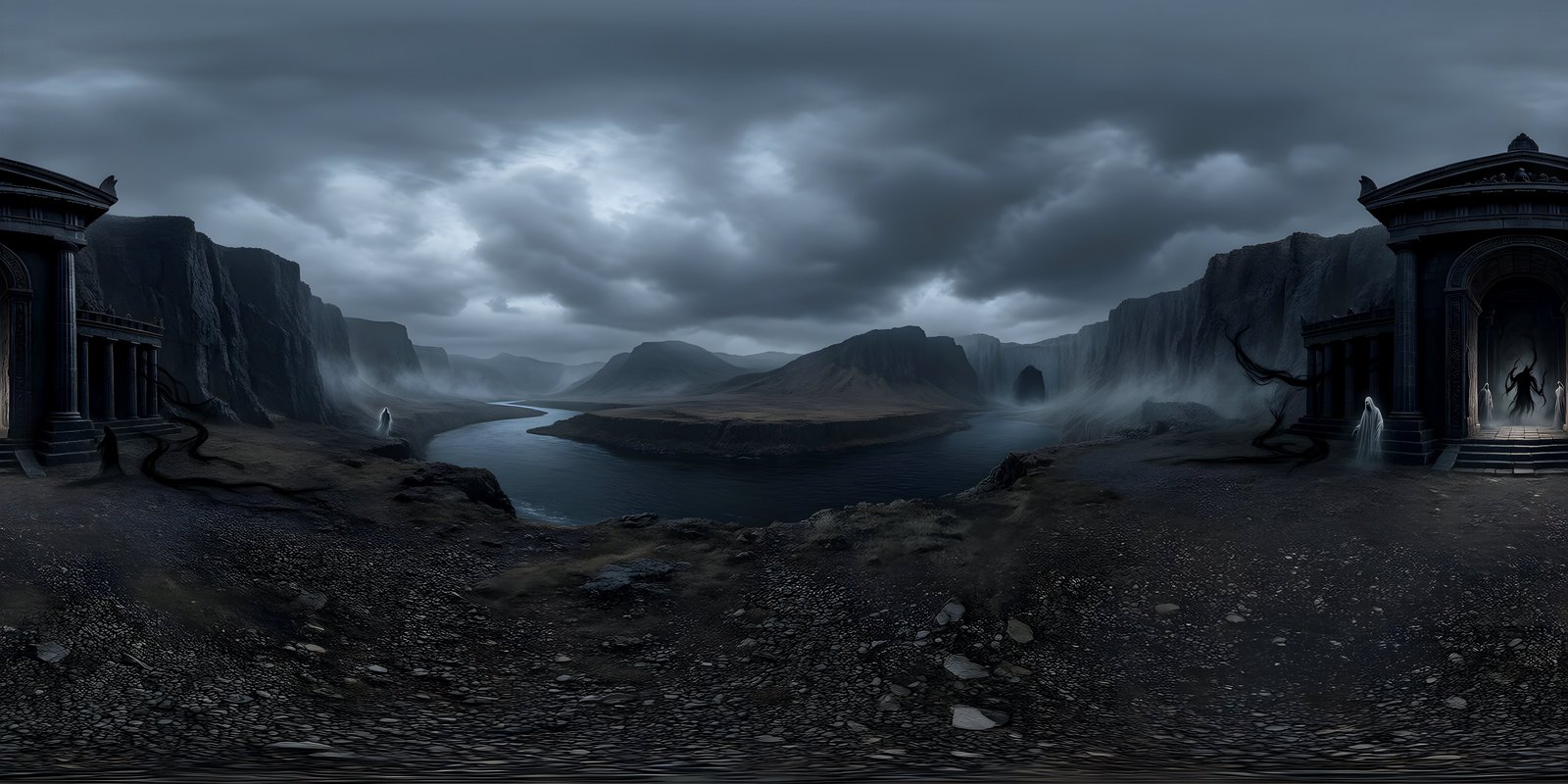
Your first world is on us
Five free 4K generations when Studio opens. Join the waitlist and be first in.