WorldGen360 Studio
Studio, the AI 360° panorama generator
Generate seamless 360° worlds from text or a photo in WorldGen360 Studio: up to 8K PNG or EXR, repaired at the seam and poles, with Remix and quality checks.
WorldGen360 Studio is an AI 360° panorama generator that runs in your browser. Describe a place in a sentence or two, or start from a photograph, and Studio generates the complete sphere – sky, horizon and ground – as one seamless equirectangular image at up to 8192 × 4096. Every world is repaired as a panorama and checked before you download it. You can then Remix it with the changes you want, clean it up on the sphere, and export PNG, EXR or a 360° video for Unity, Unreal Engine, Blender, WebXR and VR headsets.
How Studio generates a 360° panorama
General image generators make a framed picture. Even when the result is twice as wide as it is tall, it is still a wide picture: the edges do not join, the horizon wanders and the top and bottom smear where a sphere would pinch. Studio treats every world as a panorama from the first word to the final file.
- It rewrites your prompt for a sphere. Studio turns what you typed into a panorama brief. It works out whether the camera is on the ground, floating or in orbit, so a planet seen from space is placed below you rather than folded into a blur, and it drops anything that would look wrong frozen in a still 360°, such as implied motion.
- It paints the scene on a commercially licensed image model.
- It repairs the panorama. The seam where the left and right edges meet is healed, the horizon is levelled if it came out low, and the zenith and nadir are rebuilt rather than left as the smear the projection produces.
- It sharpens the world to its full resolution, keeping a painted style painted rather than quietly turning it into a photograph.
- It checks the result before handing it over, and shows you a quality report: the 360° shape, clean edges, a level horizon, variety across the scene and a clear view from the centre. A world that passes is marked Ready to use; anything else is marked Worth a look, so you know to check it or Remix it.
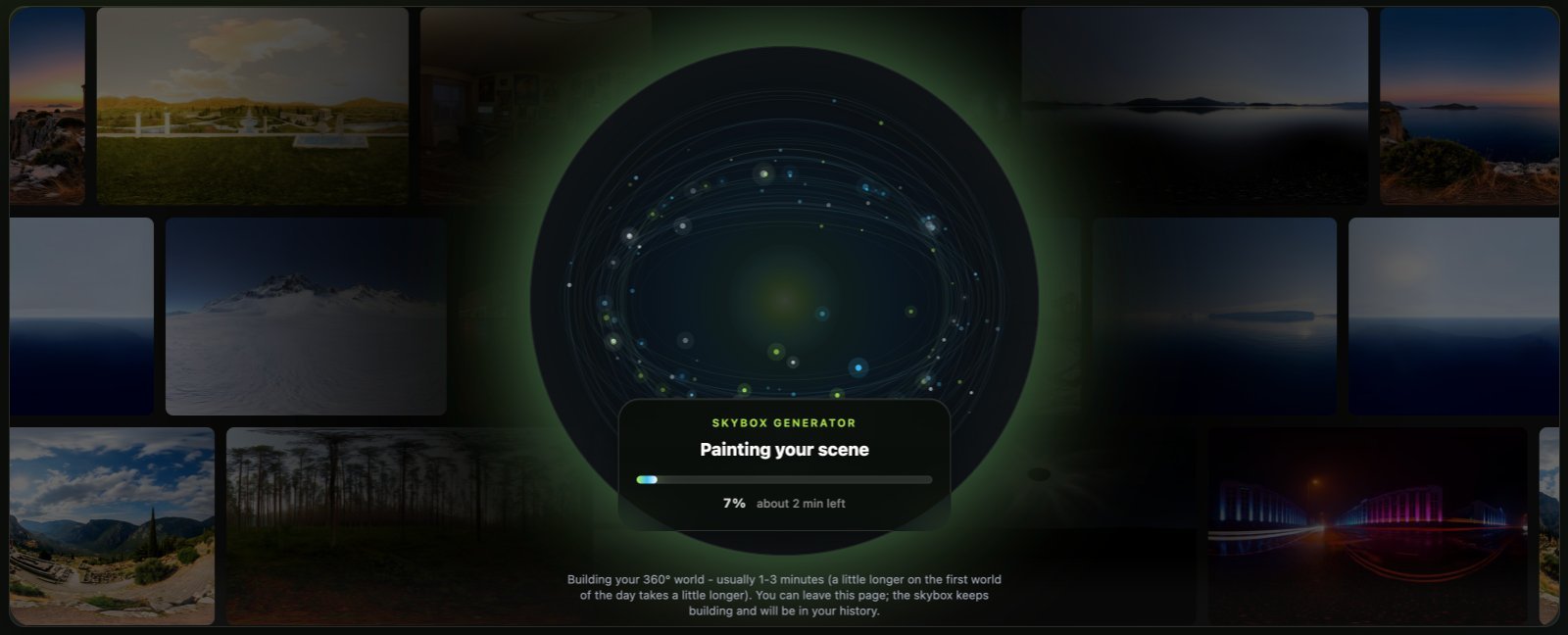
You watch it happen in plain language rather than behind a spinner: Reading your prompt, Painting your scene, Building the sphere, Sharpening detail, Opening up the sky, Final checks and Getting your files ready. A world usually takes two to three minutes. Generation runs on our servers, so it carries on if you move to another page, and when it is busy you see your place in the queue.
Start from a photo
Words are not the only way in. Attach a photograph and Studio builds a 360° world from it, then describe anything you want changed. The photo sets the place; your prompt sets the era, the season, the weather or the mood.
- Bring history to life. Start from an old photograph of a street, a harbour or a landmark and step inside an imagined 360° version of it.
- Put something you love in a world of its own. A car, a motorbike, a boat or a favourite object, set in a landscape you describe.
- Recreate a real place. A holiday view, a venue or a location scout’s snapshot, turned into a world you can look all the way around.
Your photo is resized and stripped of location data, then sent to our image provider, OpenAI, to build the panorama. More examples and tips are on turning a photo into a 360° world.
Remix: change the world, keep the place
Remix is where a single world becomes a whole set. Open any world, choose Remix and say what should change: a time of day, the weather, a new art style or anything you can describe. Remix starts from that world’s picture and changes only what you ask for. Everything else is inherited, so the result is recognisably the same place rather than a fresh roll of the dice.
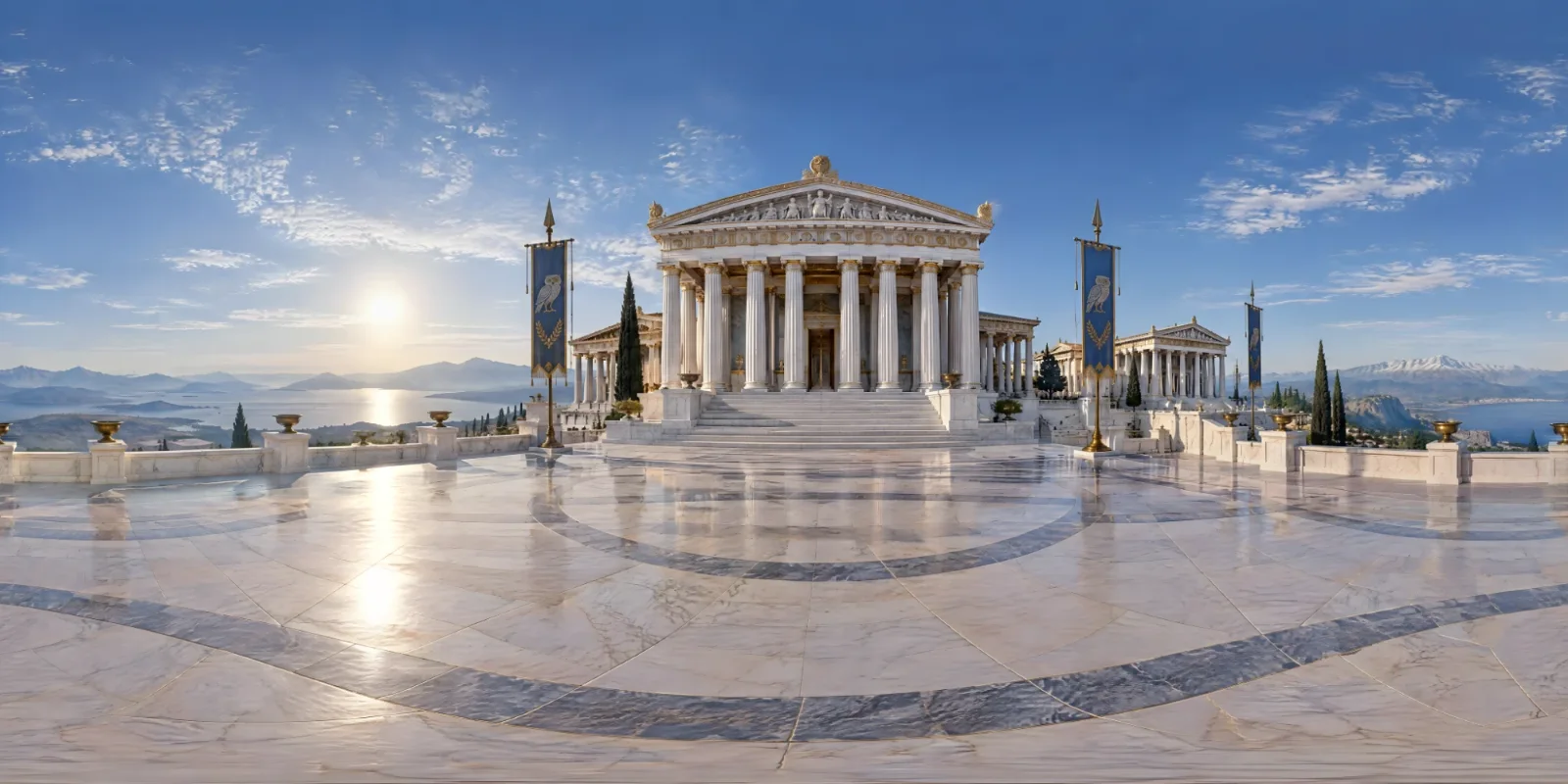
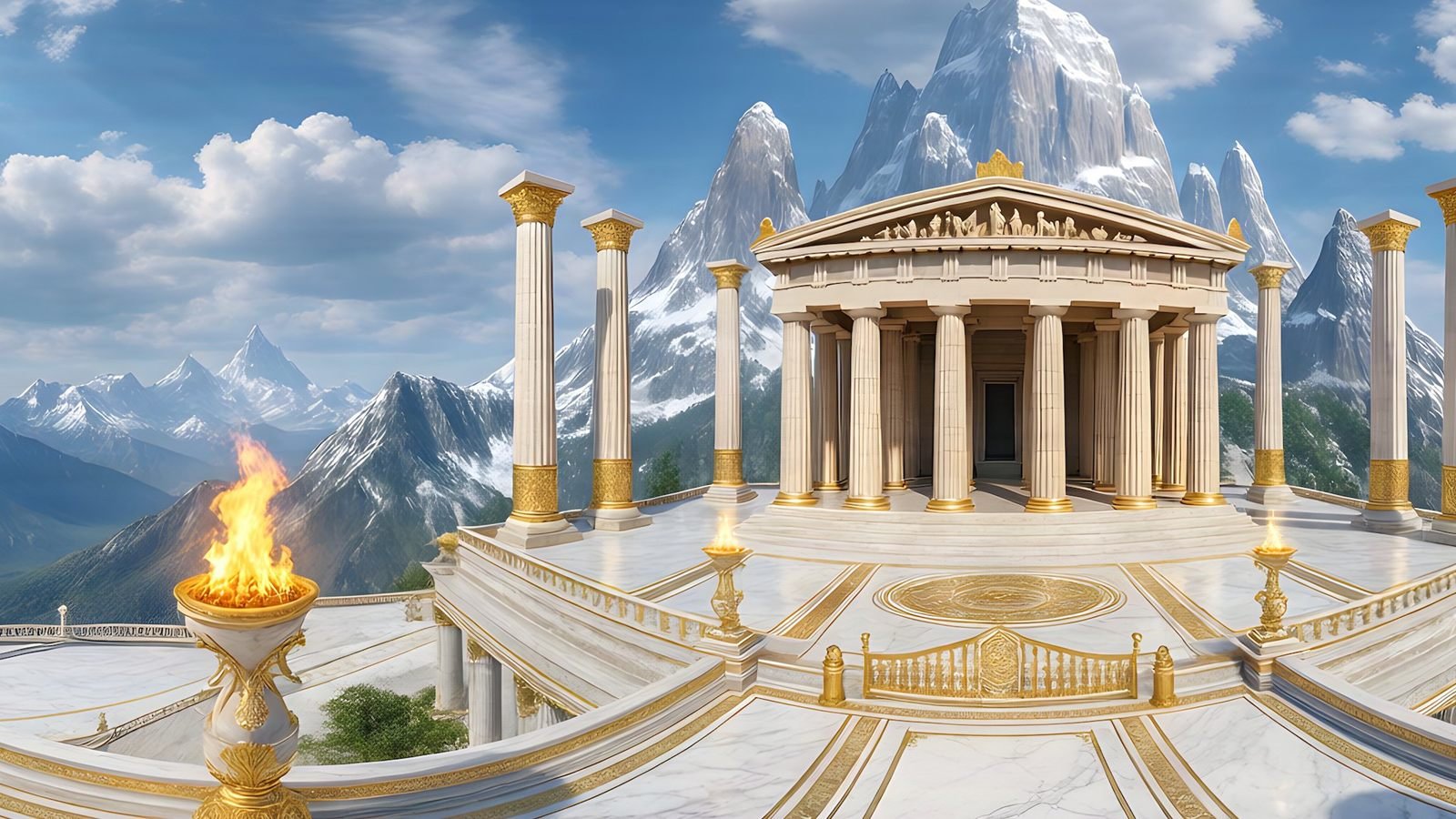
Step 1 of 5The originalA Greek citadel at midday
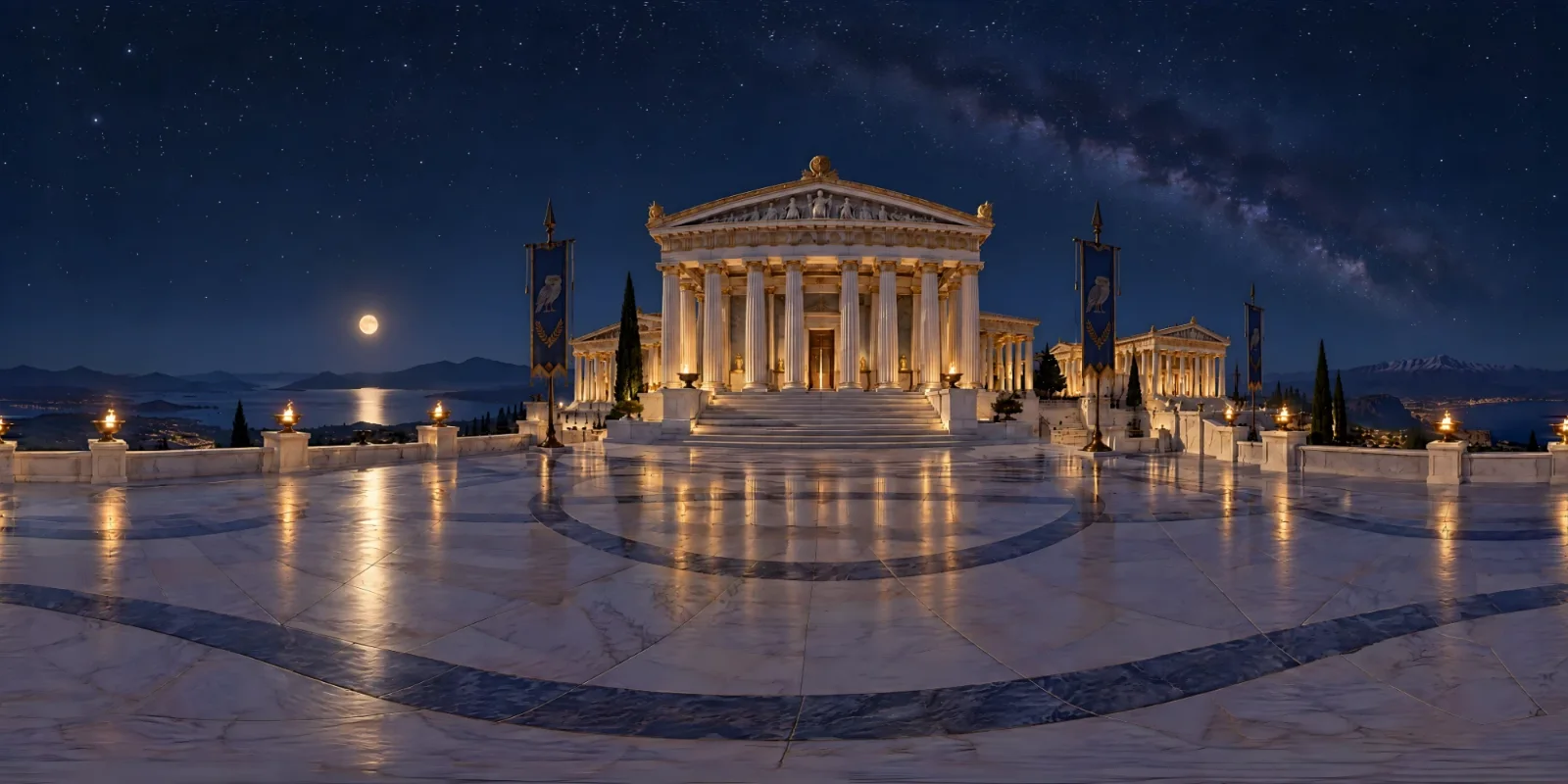
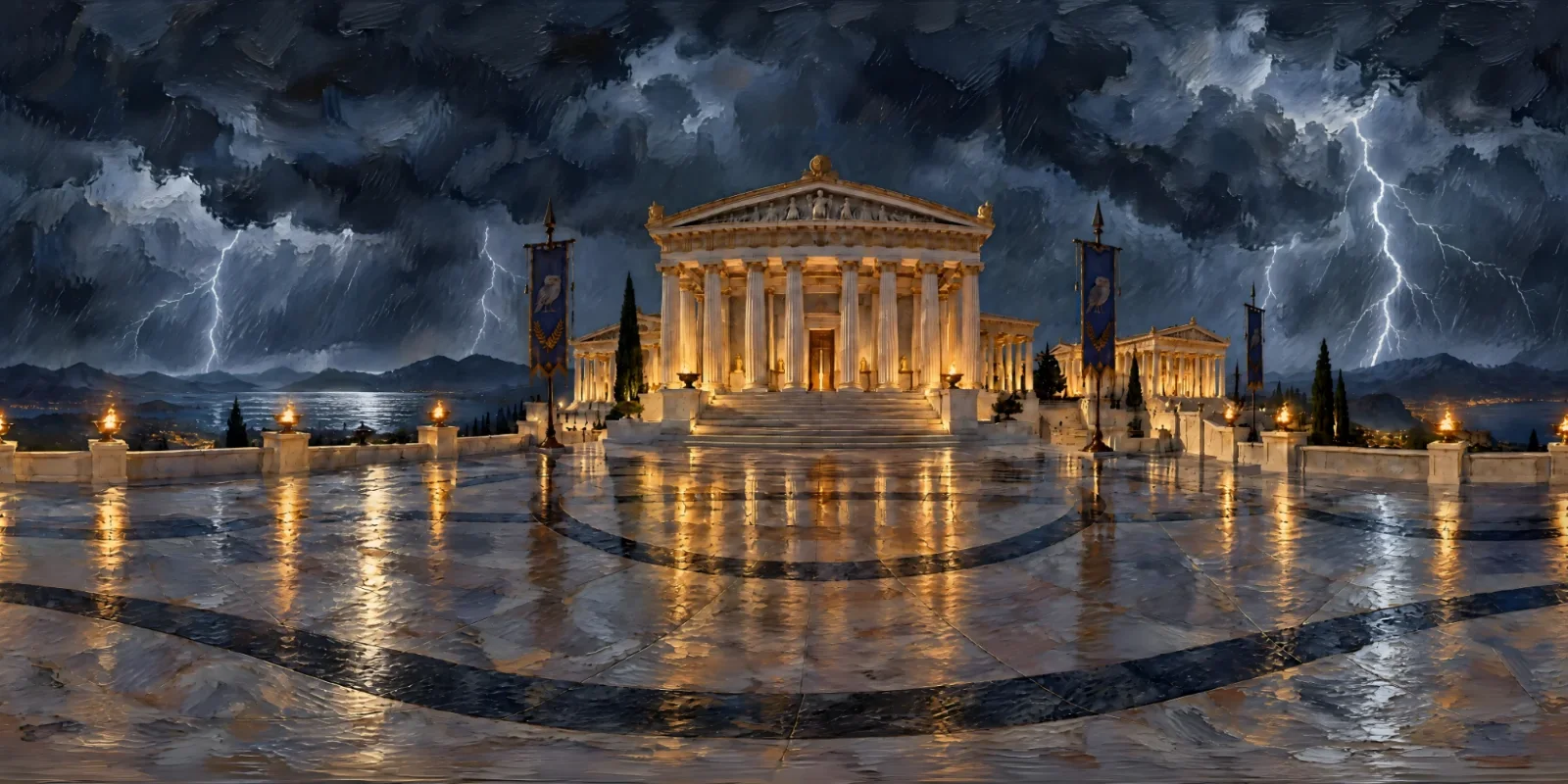
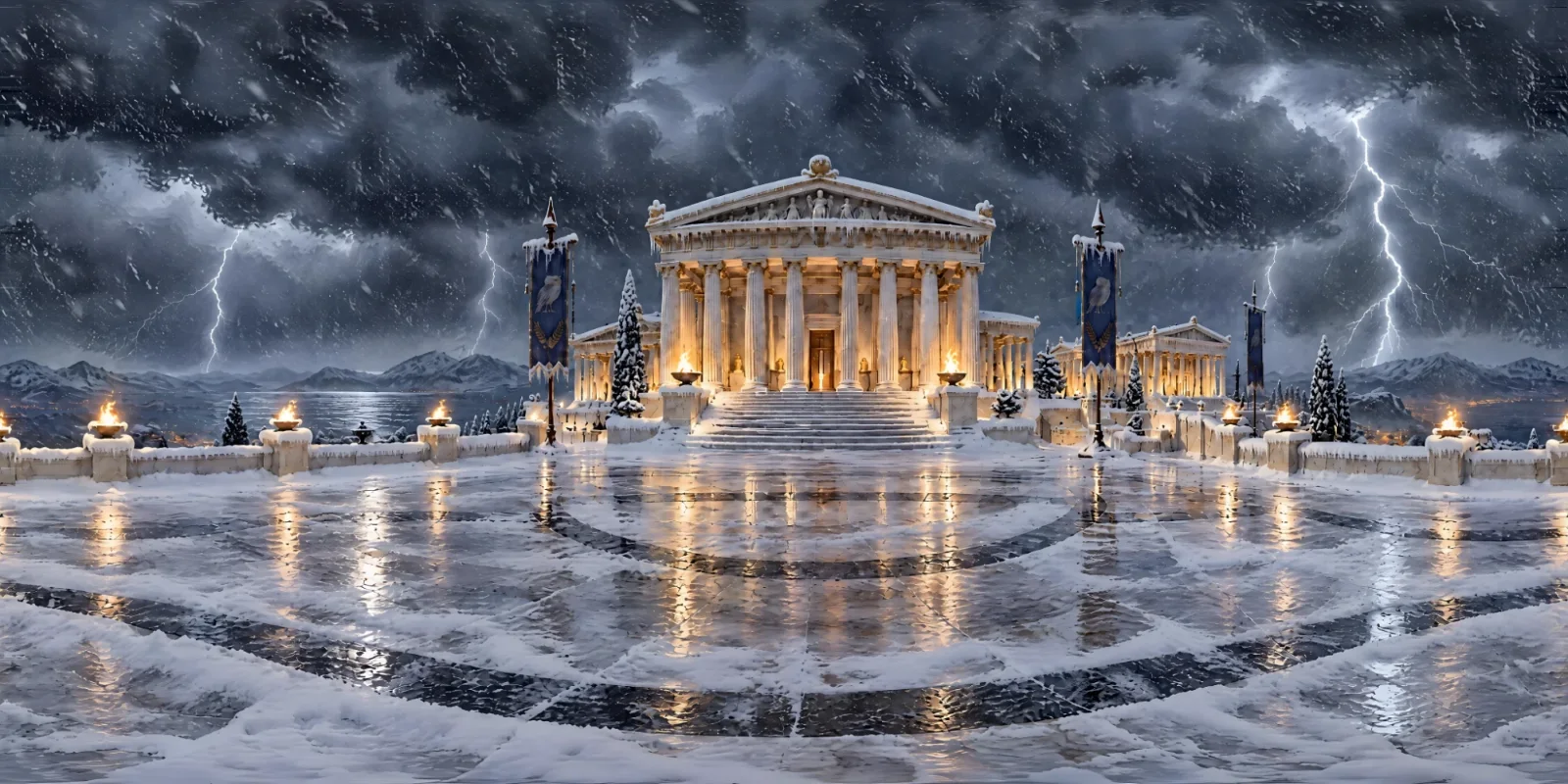
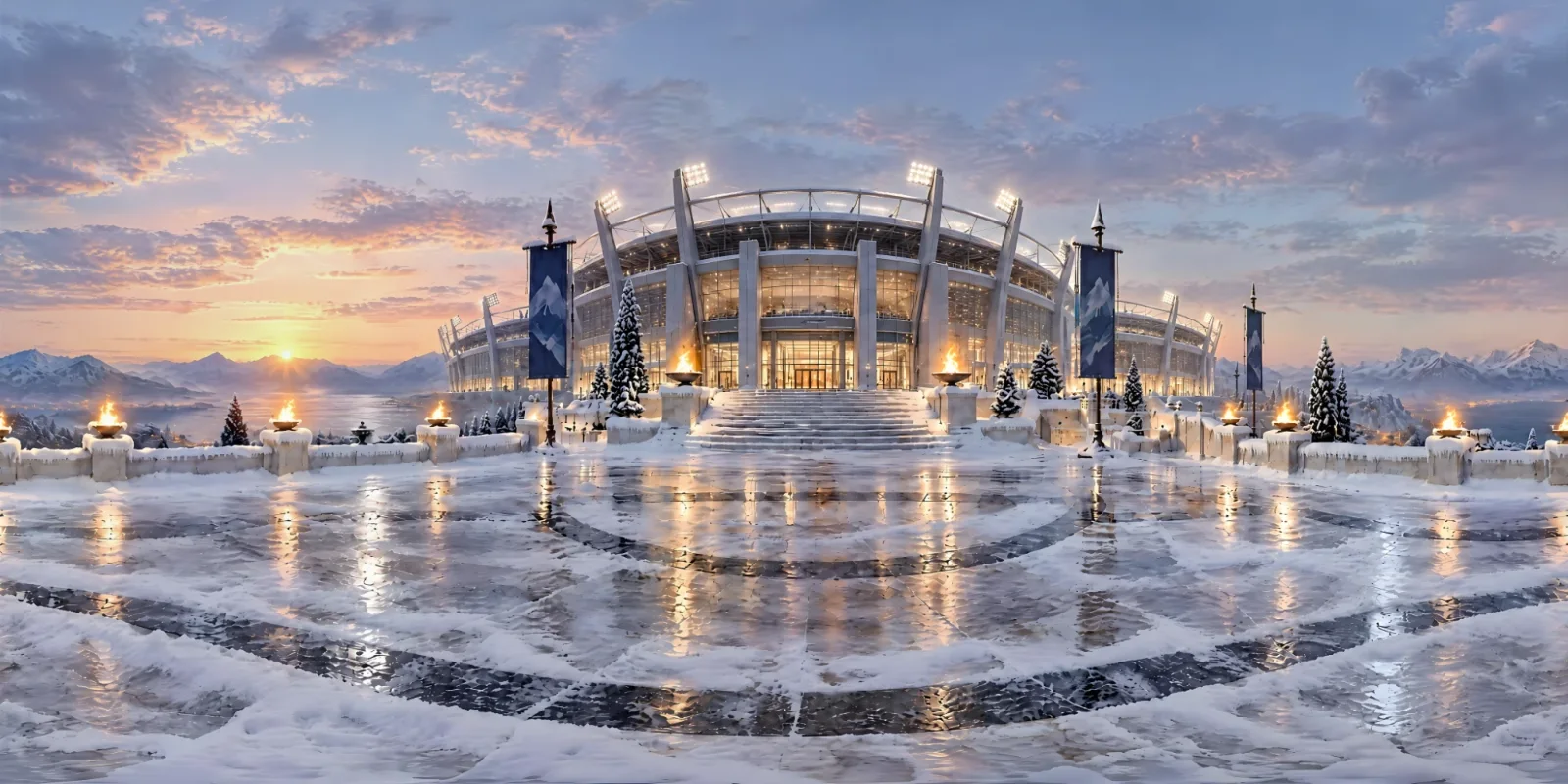
Choose a step above to see it. This Greek citadel began as a clear day. One click on the Night preset lit its braziers under the Milky Way. Storm, with the style switched to Oil Painting, turned it into a painted thunderstorm, and Winter buried it in snow. Finally, a described change swapped the temple for a modern stadium, on the same terrace, in the same snow. Each step was remixed from the one before, so the changes build on each other.
How it works
Pick a preset, a style or your own words
Remix opens over the world you are changing. Use any mix of the options below, press Remix, and the new world arrives in two to three minutes, like any other.
- Time and weather in one click: Night, Golden hour, Dawn, Overcast, Storm, Fog, Winter and Rain
- A new style, or keep the original's: photoreal to oil painting, anime or low poly
- Describe any other change, and it is added to the original prompt, word for word
- Keep the same seed, on by default, reuses the original's random seed as well as its picture
- Each remix costs 1 credit, and you can remix a remix
From a photo to dinosaurs on the Moon
Remix works just as well on a world built from a photo, and it does not stop at the weather. This one started as a photo of the Moon landing. One remix put the Earth in the sky; the next let dinosaurs loose on the lunar surface. The astronaut, the flag, the lander and the rover stay exactly where they were, because Remix only changes what you ask for.
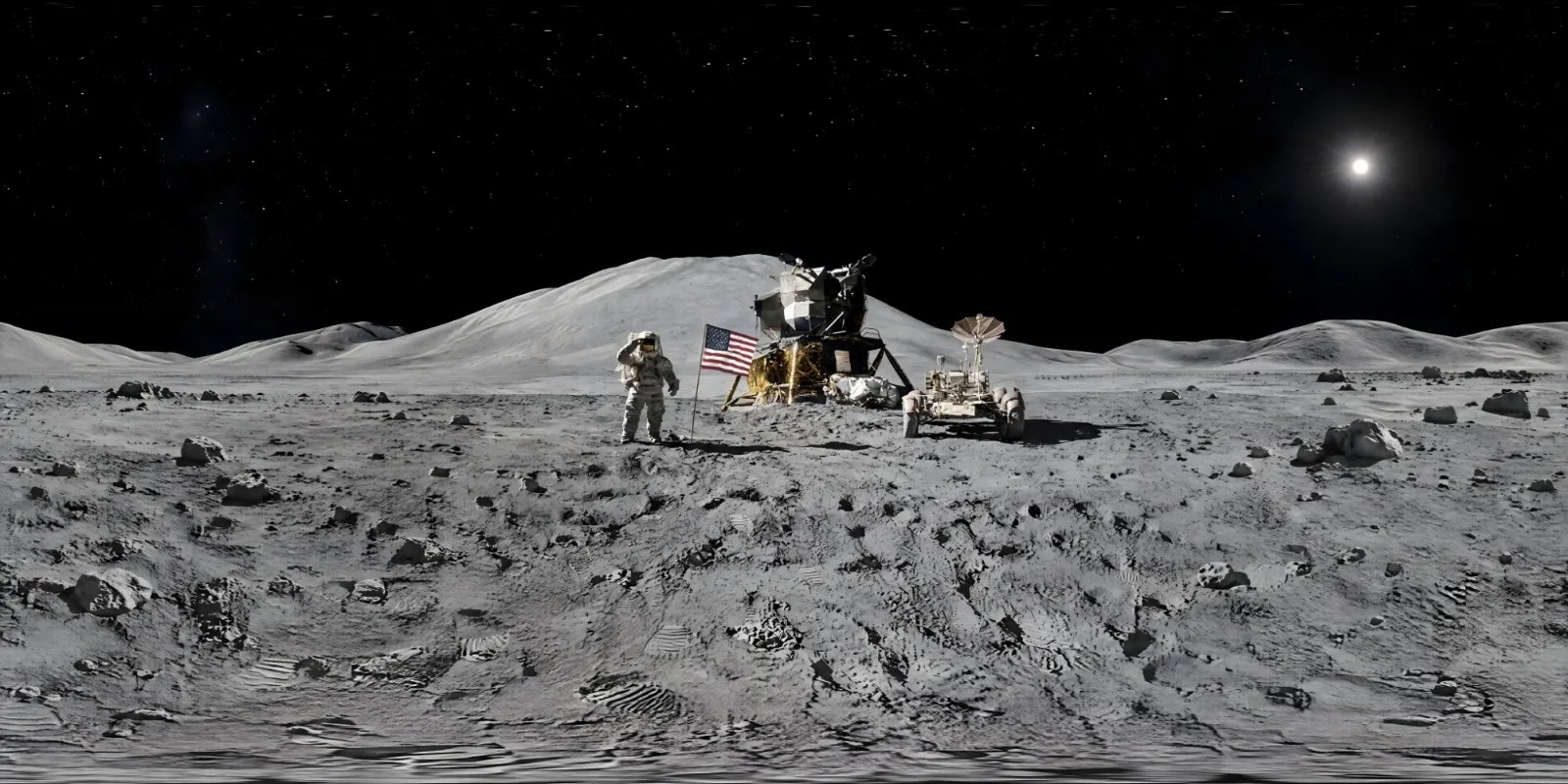
Step 1 of 3From a photoPhoto reference: a picture of the Moon landing
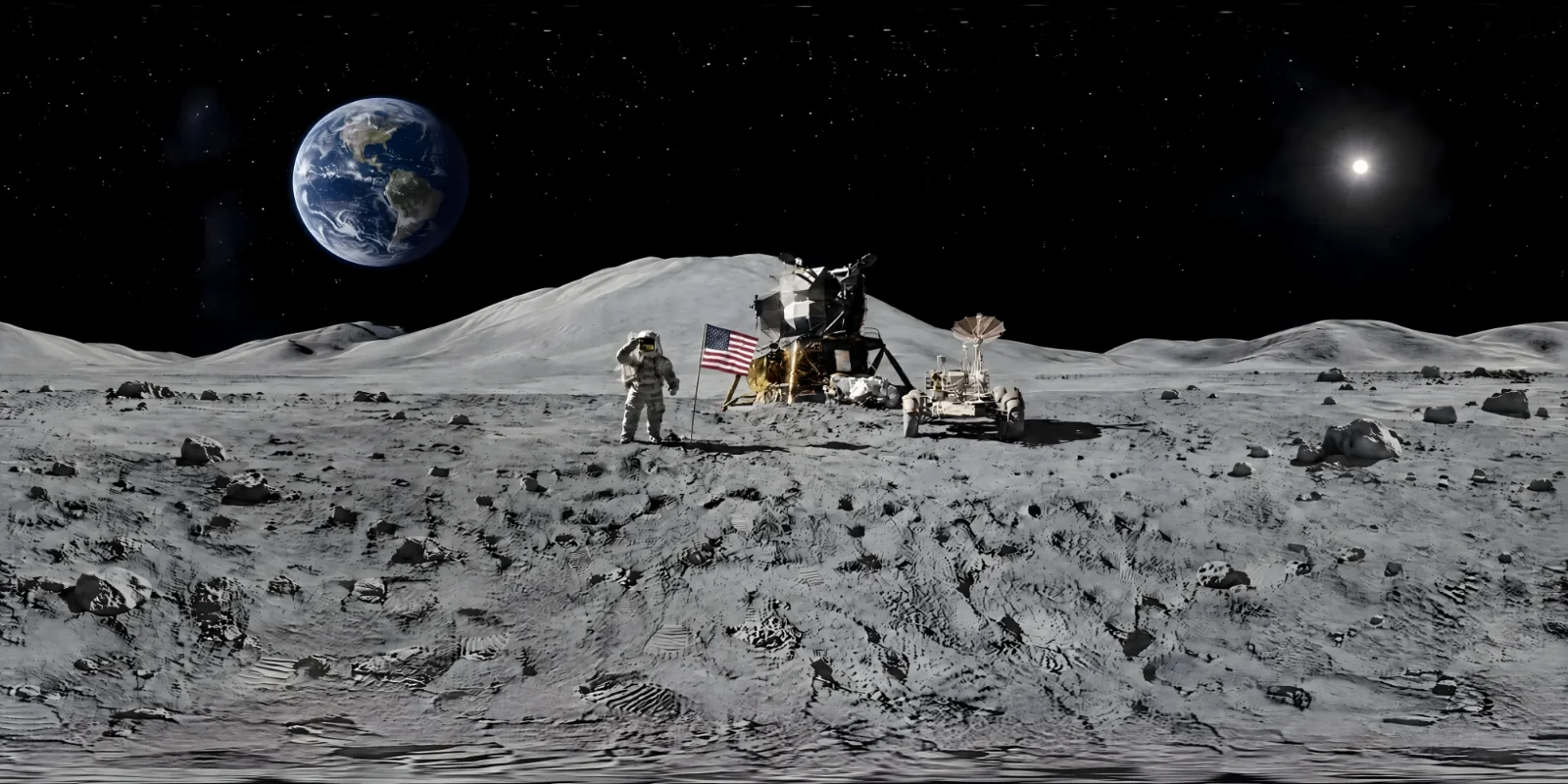
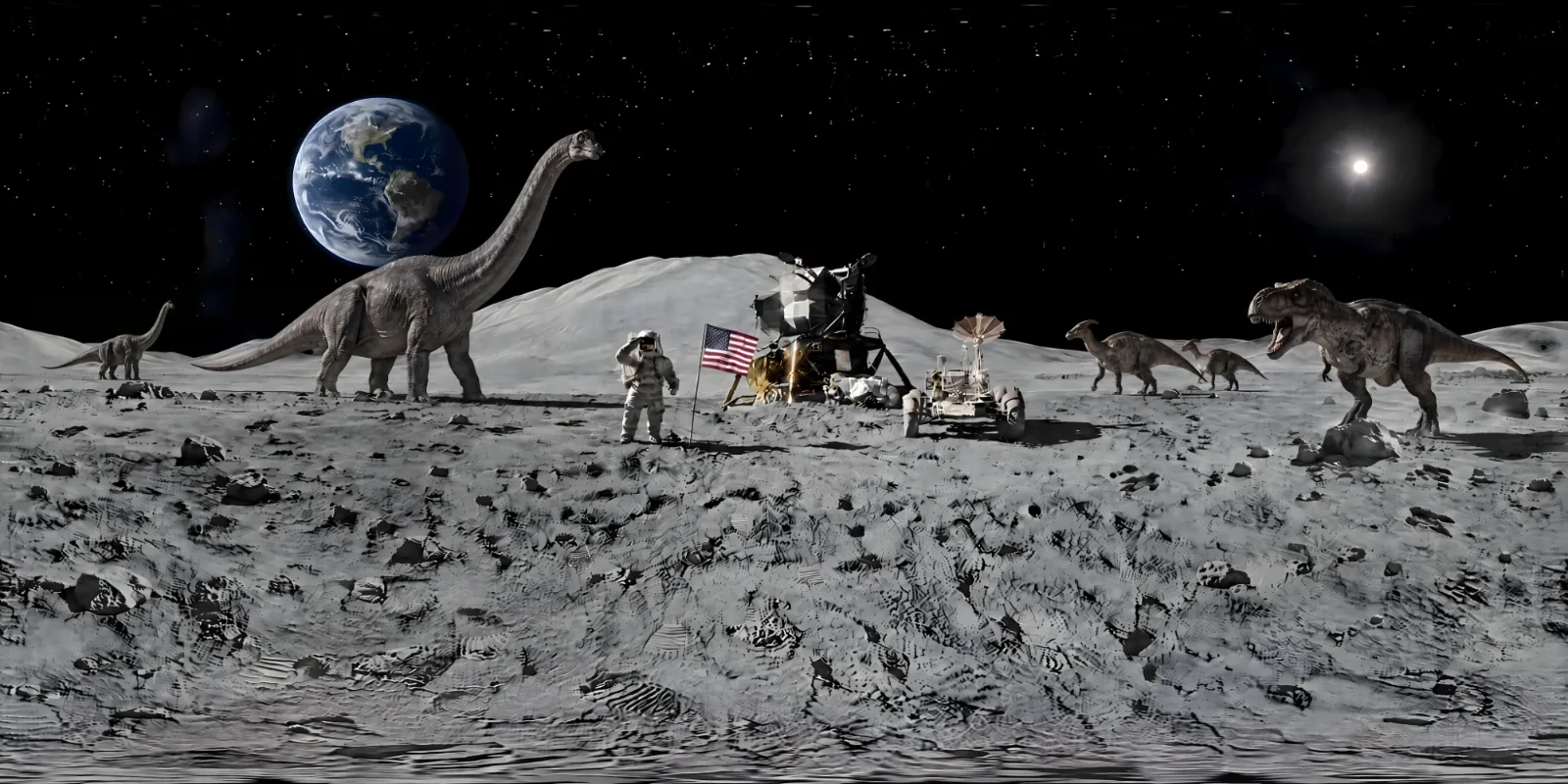
That makes a matching set easy to build:
- A level at every time of day: the same map at dawn, golden hour and night, for a day-night cycle or a lighting pass.
- A location through the seasons: summer to deep snow, clear skies to fog, rain or a storm rolling in.
- Look development: the same place as a photograph, an oil painting or a low-poly scene, before you commit to a style.
- What-if edits: add a shipwreck, flood the plaza, swap a temple for a stadium – whatever you can describe.
Control the world, not just the prompt
- Six visual styles. Photorealistic, Cinematic, Digital Painting, Oil Painting, Anime / Cel-Shaded and Stylised Low Poly. The style changes how the world is built, not just how it is described.
- Ten environments. Natural Landscape, Desert, Underwater, Space / Airless World, Snow / Arctic, Cyberpunk City, Fantasy, Sci-Fi World, Ancient Ruins and Horror / Dark, or Auto to let the prompt decide. Style and environment are separate choices, so an oil-painted desert and a photoreal one are both one click away.
- Simple or layered prompts. Write one description, or split it into the near field around the camera, the middle distance and the sky, so each part lands where you meant it.
- Viewpoint. Ground level keeps the foreground close and sharp at eye height; aerial gives a bird’s-eye view.
- No living creatures. Keep people, animals, birds and fish out of the scene, because they imply motion and look wrong frozen in a still 360°.
- Enhance and spell check. Enhance turns a short idea into one clear, 360-friendly prompt, and a spell check catches typos before they cost a credit.
- Seeds. The same seed with the same prompt and settings reproduces a world exactly, so you can nudge a look instead of re-rolling it blind.
Fix it on the sphere
Even a strong result can have one thing wrong: a shape that does not belong, a smudge in the sky, a sign with nonsense lettering. Studio fixes it where it lives, on the sphere, rather than on a flat image where a repair near the poles or across the wrap would break the world.
- Magic Eraser. Look around, switch to Paint, brush over anything you want gone and press Remove. It is filled in to match its surroundings, and the wrap stays seamless.
- Auto-Repair. Re-runs the seam, horizon and pole passes on a finished world. It also fixes the “small world” effect, where the horizon sits far below the middle and the scene looks like a miniature planet.
- Undo. Steps a world back to how it was before a repair or an erase.
- Retry. Runs a generation again on the same settings, when one fails or disappoints.
Adjust
Fine-tune the look before you export
Get the light and colour right in Studio, once, rather than in every tool that uses the world. The Adjust panel changes a finished world's brightness, contrast, saturation, temperature and tint, and turns it on its vertical axis to set which way it faces. Changes save as you go.
- Brightness in stops of exposure, plus contrast and saturation
- Temperature and tint, to warm a scene up or cool it down
- Rotate, to choose the default view and line up the sun with your scene
- Applied to your PNG and EXR downloads, and to anything you share
Made to fit
Straight into the engine, headset or render
Every world comes out as a 2:1 equirectangular image, repaired at the seam and the poles so it wraps cleanly. That is the format game engines, 3D tools, 360° players and VR headsets already expect.
- Game and VR environments
- Virtual production and previs backdrops
- Architectural and product visualisation
- Store pages and social posts, as 360° video
What you export
- PNG, in sRGB, at up to 8192 × 4096 on paid plans and 4096 × 2048 on the free plan. The everyday format for skies and backgrounds that will be seen.
- EXR, linear and floating point, on paid plans. The format a 3D pipeline wants when the world will light a scene: it drops straight into an engine as an environment map.
- 360° video, a 1920 × 1080 MP4 sweep around the world, rendered in your own browser. Nothing is uploaded and no credit is spent, and it is ready for a store page or a social post.
Engines turn that one equirectangular image into whatever they need – a panoramic sky material in Unity, a cubemap for Unreal Engine’s HDRI Backdrop, a panorama sky in Godot – so it is also the most portable master copy to keep.
Share it, or keep it to yourself
Nothing is shared unless you choose to share it. Every world opens in an interactive 360° viewer, the real sphere rather than a flat thumbnail, and there are two ways to show it to other people.
- Private share links. Give any world an unlisted link that anyone can open and look around, with no account needed. It is not listed anywhere, and you can revoke it at any time: ideal for showing a client or a teammate.
- The community gallery. Submit a world, with its prompt, to the public gallery. Every submission is reviewed before it appears, you can post anonymously, and you can withdraw it whenever you like. Because prompts are attached, the gallery doubles as a prompt library.
Built into your pipeline
Paid plans include a documented REST API. Create a key from your account, submit a prompt, check back until the world is ready, download the PNG and, if you need them, export other formats. Each generation costs one credit whatever the resolution. API keys are for tools, build pipelines and editor plugins only, and never belong inside a game you ship: a key in a distributed build is a key handed to everyone who downloads it.
Built for the way projects run
- Yours to use commercially. On every plan, including Free, the worlds you generate can go into games, films, renders and client work, because Studio only runs on commercially licensed models.
- Nothing to install. Studio runs in the browser and generates on our servers, so any recent laptop will do.
- A priority queue on Standard and Business plans, and the top of the queue on Enterprise.
- Your history, kept. Finished worlds stay in your history for 30 days on the free plan and 180 days on paid plans, and anything you mark as a favourite is kept for good.
Where your worlds go
- Games: a sky that matches the art style of the level, set up in minutes in Unity or Unreal Engine.
- Virtual reality: complete spaces around the player, sharp enough for a headset at 8K. See VR environments.
- Film: locations for pitching, previs and virtual scouting before a set exists. See virtual production.
- Architecture: skies and surroundings that light a render and fill the view through the glass. See architectural visualisation.
Frequently asked questions
How does WorldGen360 Studio generate a 360° panorama?
Studio rewrites your prompt into a panorama brief, generates the scene, then repairs it as a sphere: the seam is healed, the horizon levelled and the poles rebuilt. It sharpens the world to full resolution and checks it before you download it, usually in two to three minutes.
What resolution and file formats does Studio export?
Paid plans export up to 8192 × 4096 as PNG or linear EXR; the free plan exports 4096 × 2048 PNG. Every export is a standard 2:1 equirectangular image, and any world can also be exported as a 1920 × 1080 360° video.
Can Studio make a 360° world from a photo?
Yes. Attach a photograph and Studio builds a 360° world from it, then describe any changes, such as another era, season or time of day. The photo is resized and stripped of location data, then sent to our image provider, OpenAI.
What does Remix do?
Remix makes a new version of an existing world with only the changes you ask for: a time and weather preset such as Night, Storm or Winter, a different style, or a change you describe in your own words. It starts from the original’s picture and inherits everything else, so the result stays recognisably the same place. Each remix costs 1 credit, and you can remix a remix to build up changes step by step.
Can I fix mistakes in a generated panorama?
Yes. The Magic Eraser removes anything you paint over, Auto-Repair re-runs the seam, horizon and pole passes, and Undo steps back. All of it works on the sphere rather than a flat crop, so the fix stays seamless when you look around.
Do I need to install anything, or a powerful computer?
No. Studio runs in a modern web browser and generation happens on our servers, so any recent laptop will do. You only need a capable machine for the engine or renderer you take the world into.
Use cases
Take your world anywhere
Step-by-step guides for engines, headsets, film and architecture.
 Unity
Generate Unity skyboxes from a text prompt
Generate a seamless 360° sky from a text prompt and use it as your Unity skybox. 8K equirectangular PNG or EXR, pole-corrected, set up in minutes.
Explore
Unity
Generate Unity skyboxes from a text prompt
Generate a seamless 360° sky from a text prompt and use it as your Unity skybox. 8K equirectangular PNG or EXR, pole-corrected, set up in minutes.
Explore
 Virtual reality
Generate VR environments from a text prompt
Create immersive 360° VR environments from a text prompt: 8K, pole-corrected worlds for Quest, WebXR, Unity and Unreal, with no seams up or down.
Explore
Virtual reality
Generate VR environments from a text prompt
Create immersive 360° VR environments from a text prompt: 8K, pole-corrected worlds for Quest, WebXR, Unity and Unreal, with no seams up or down.
Explore
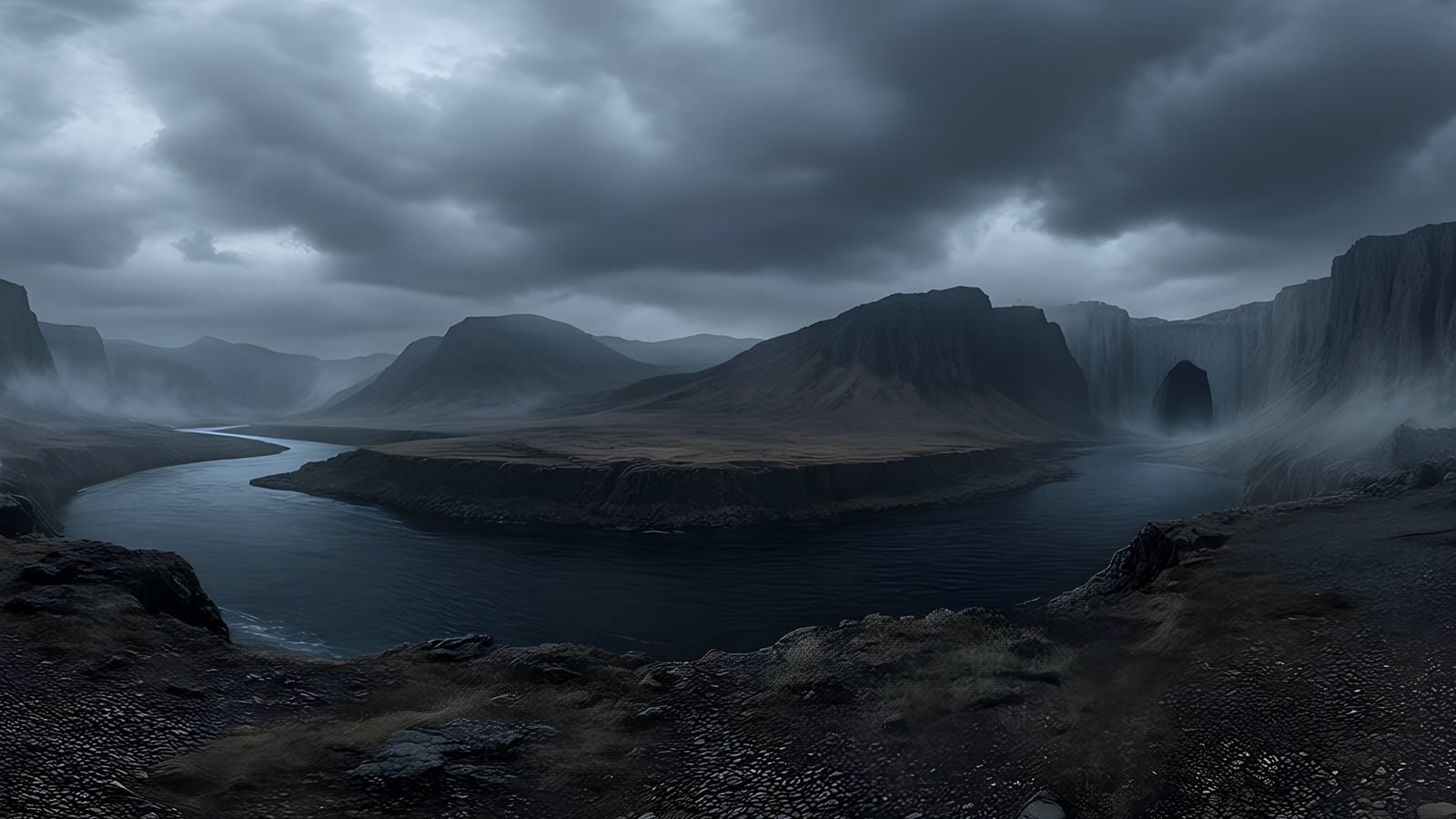 Unreal Engine
 skyboxes from a text prompt
Generate the sky your Unreal Engine level is set under: a seamless 8K 360° EXR from a text prompt, ready for HDRI Backdrop and Sky Light.
Explore
Unreal Engine
Unreal Engine skyboxes from a text prompt
Generate the sky your Unreal Engine level is set under: a seamless 8K 360° EXR from a text prompt, ready for HDRI Backdrop and Sky Light.
Explore
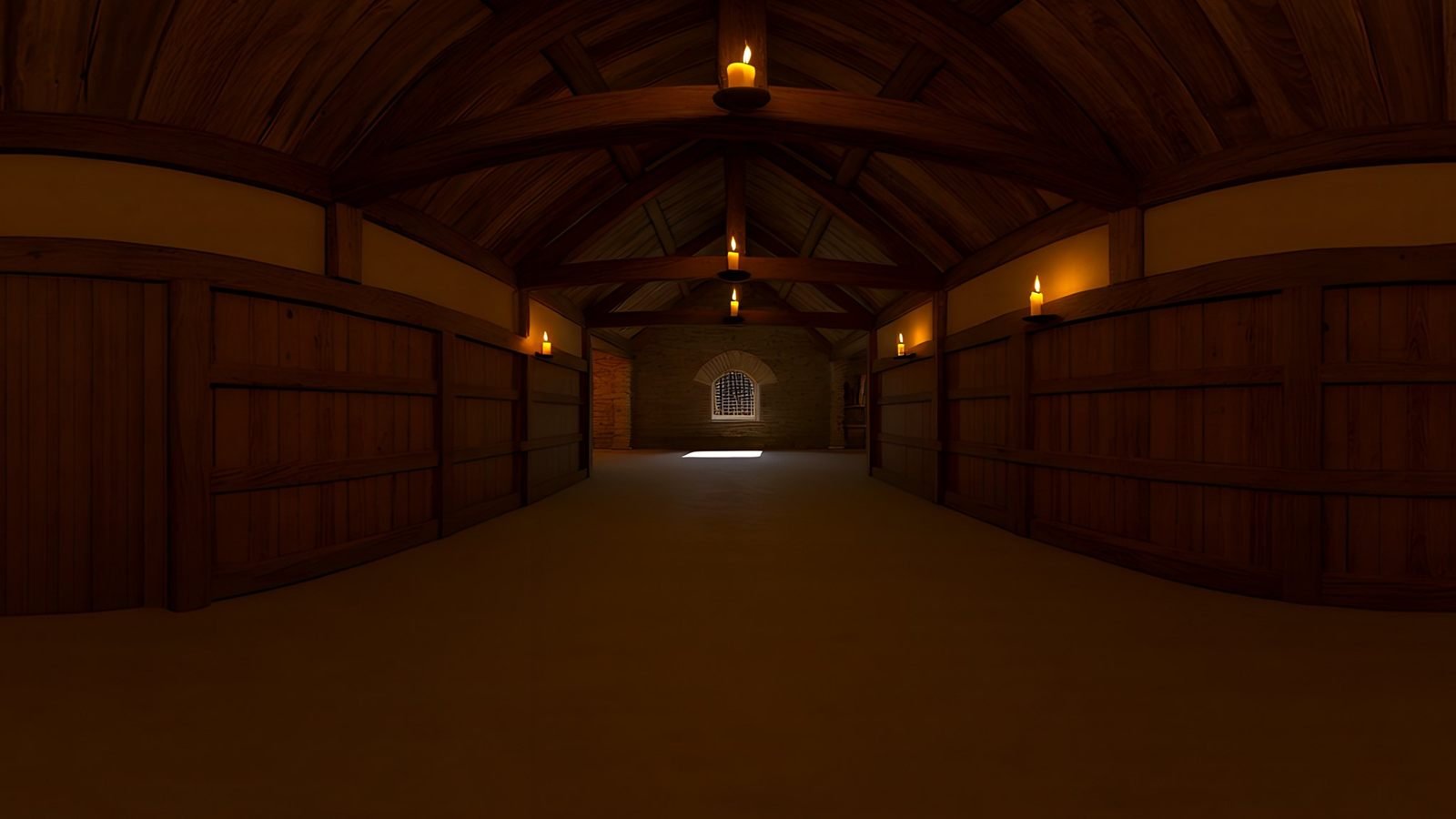 Virtual production
AI environments for virtual production and previs
Scout, pitch and previs locations that do not exist yet. Generate a 360° environment from a description and review it in Unreal or a VR headset.
Explore
Virtual production
AI environments for virtual production and previs
Scout, pitch and previs locations that do not exist yet. Generate a 360° environment from a description and review it in Unreal or a VR headset.
Explore
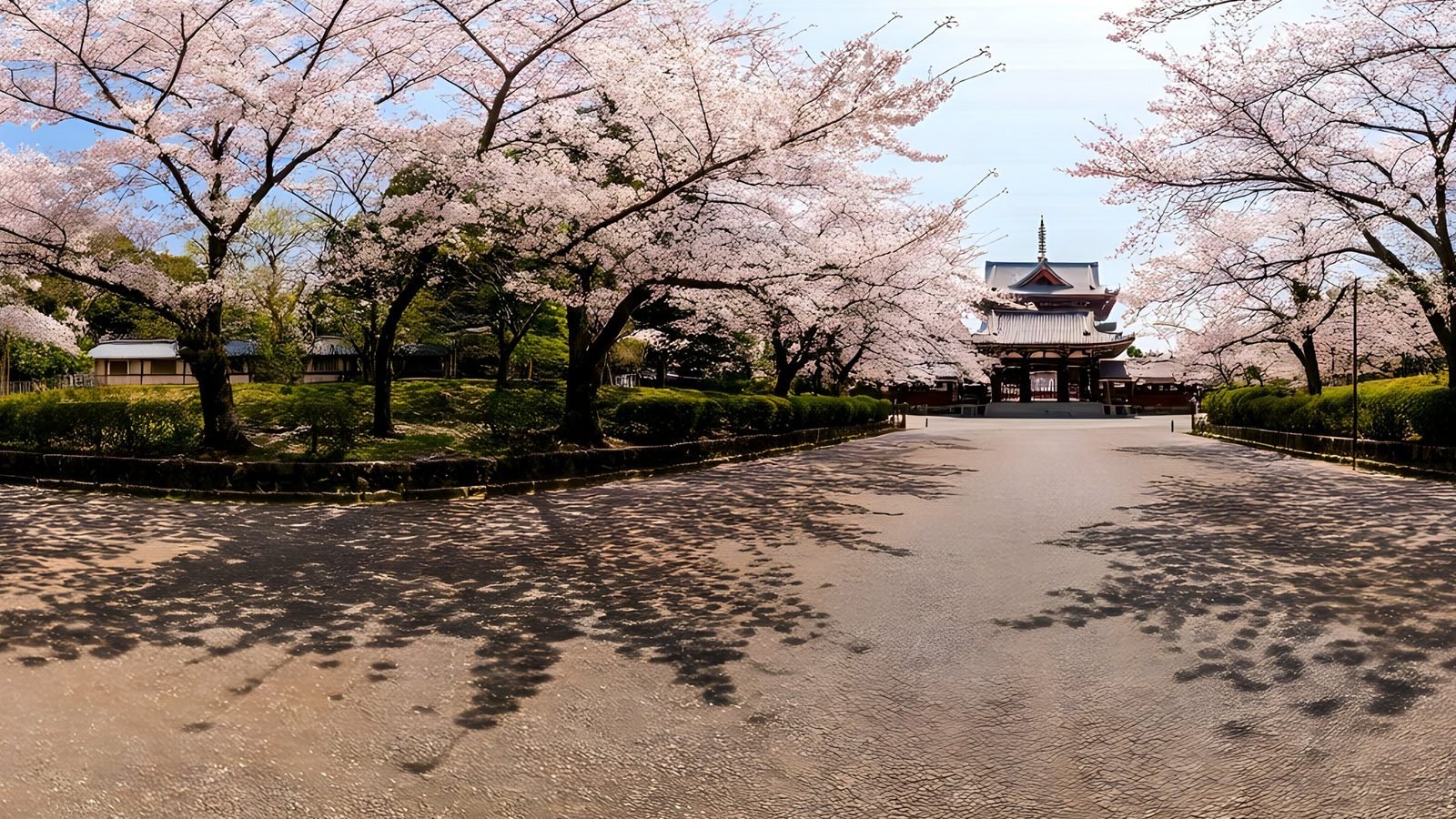 Architecture and interiors
Skies and surroundings for architectural visualisation
Generate the sky and surroundings for architectural renders: seamless 360° environment maps up to 8K, as EXR for lighting or PNG for backdrops.
Explore
Architecture and interiors
Skies and surroundings for architectural visualisation
Generate the sky and surroundings for architectural renders: seamless 360° environment maps up to 8K, as EXR for lighting or PNG for backdrops.
Explore
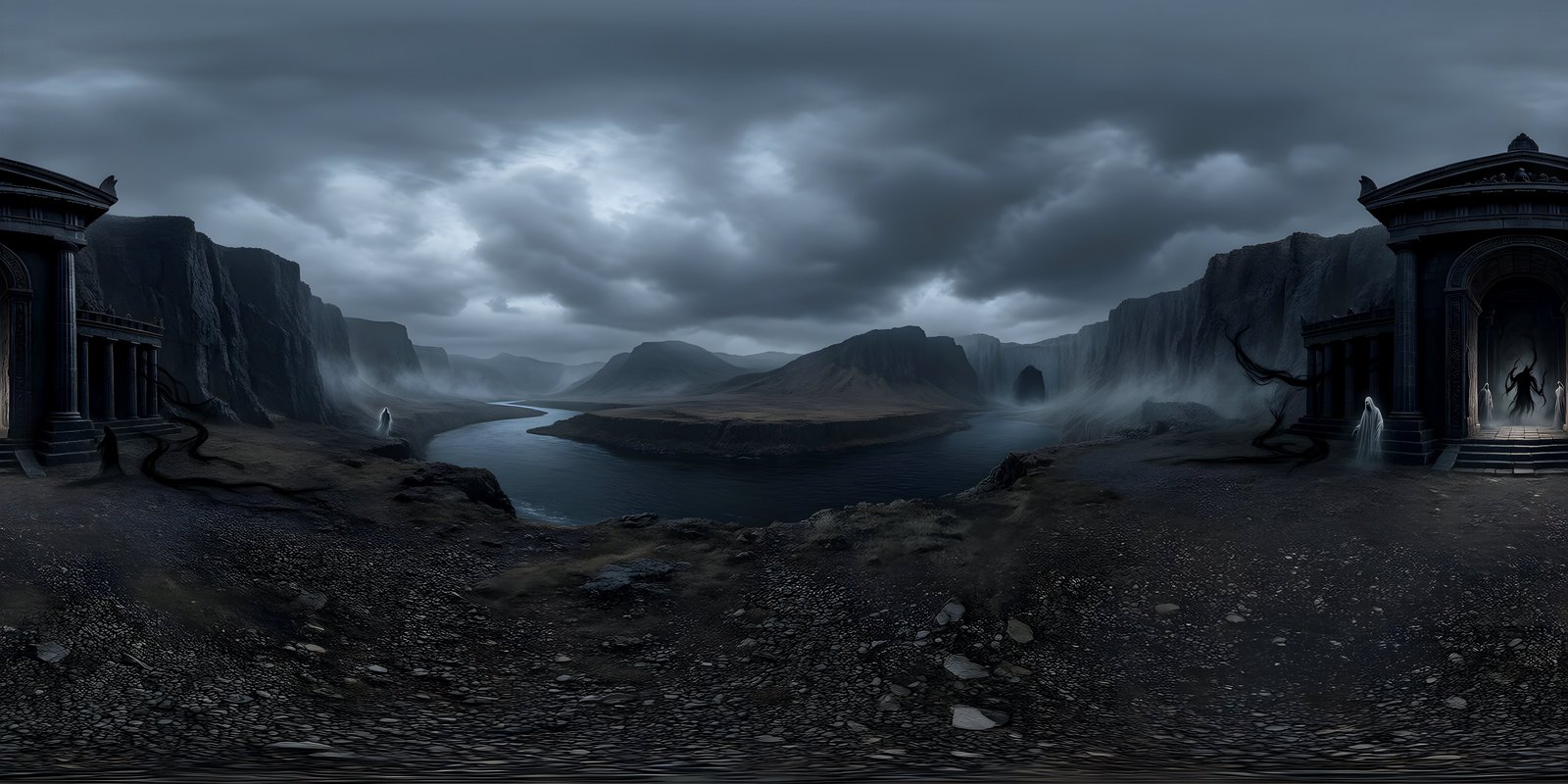
Your first world is on us
Five free 4K generations when Studio opens. Join the waitlist and be first in.