
Use cases
What you can build with a 360° world
How teams use AI-generated 360° environments: game skies in Unity and Unreal, VR spaces, previs for film, and backdrops for architectural renders.
A 360° environment is a complete surrounding in a single image: the sky, the horizon and the ground in every direction. That makes one world useful in a surprising number of places. Game developers use them as skyboxes and to light their levels, VR teams as the space around the player, filmmakers to scout and previs locations that do not exist yet, and architects to light renders and fill the view through the glass. WorldGen360 Studio generates them from a written description or a photo, at up to 8K, as one seamless equirectangular image that every one of those tools already understands.
Use cases
Pick your use case
Step-by-step guides for each field, from setting up an engine to what a single image can and cannot do.
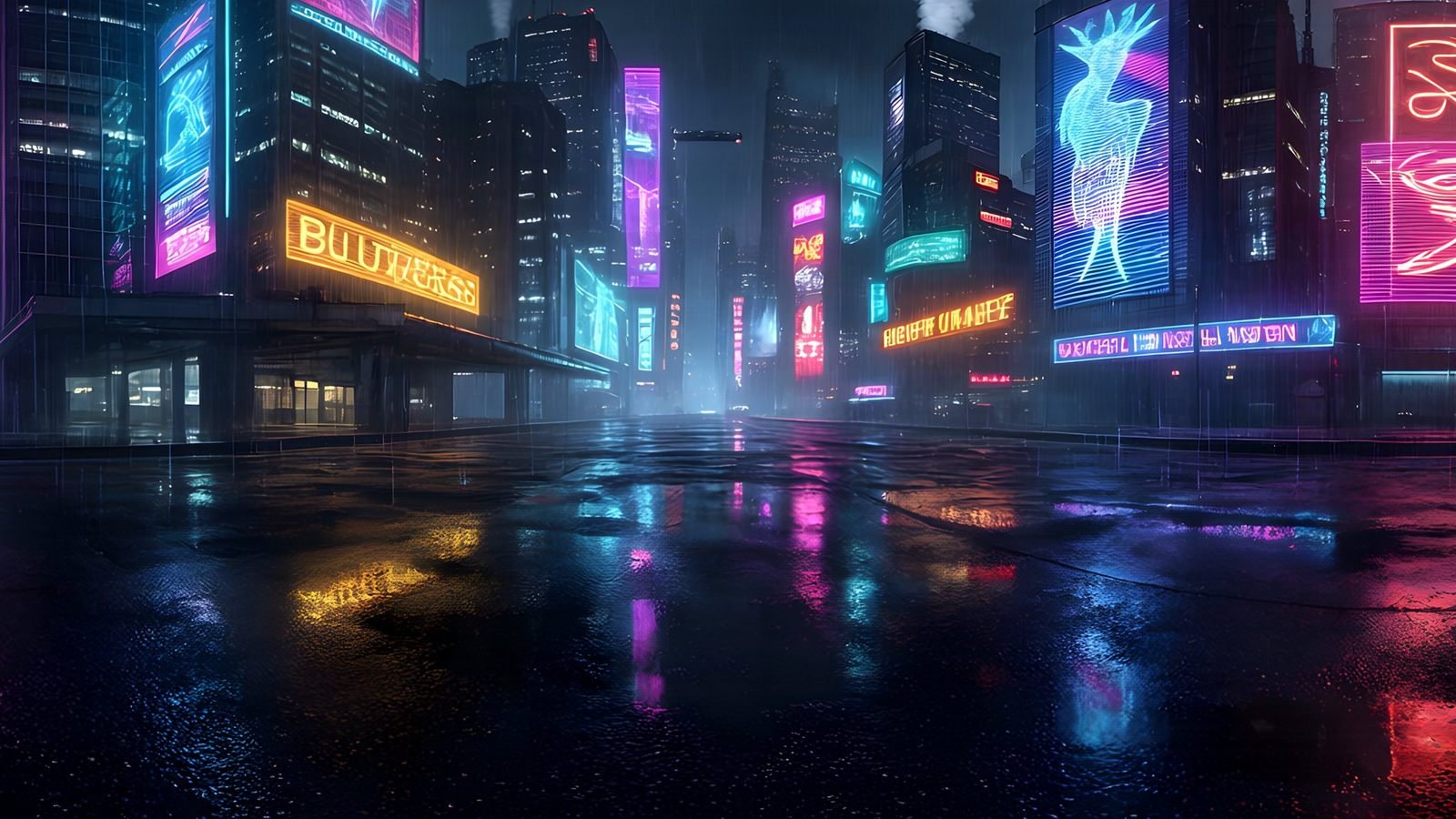 Unity
Generate Unity skyboxes from a text prompt
Generate a seamless 360° sky from a text prompt and use it as your Unity skybox. 8K equirectangular PNG or EXR, pole-corrected, set up in minutes.
Explore
Unity
Generate Unity skyboxes from a text prompt
Generate a seamless 360° sky from a text prompt and use it as your Unity skybox. 8K equirectangular PNG or EXR, pole-corrected, set up in minutes.
Explore
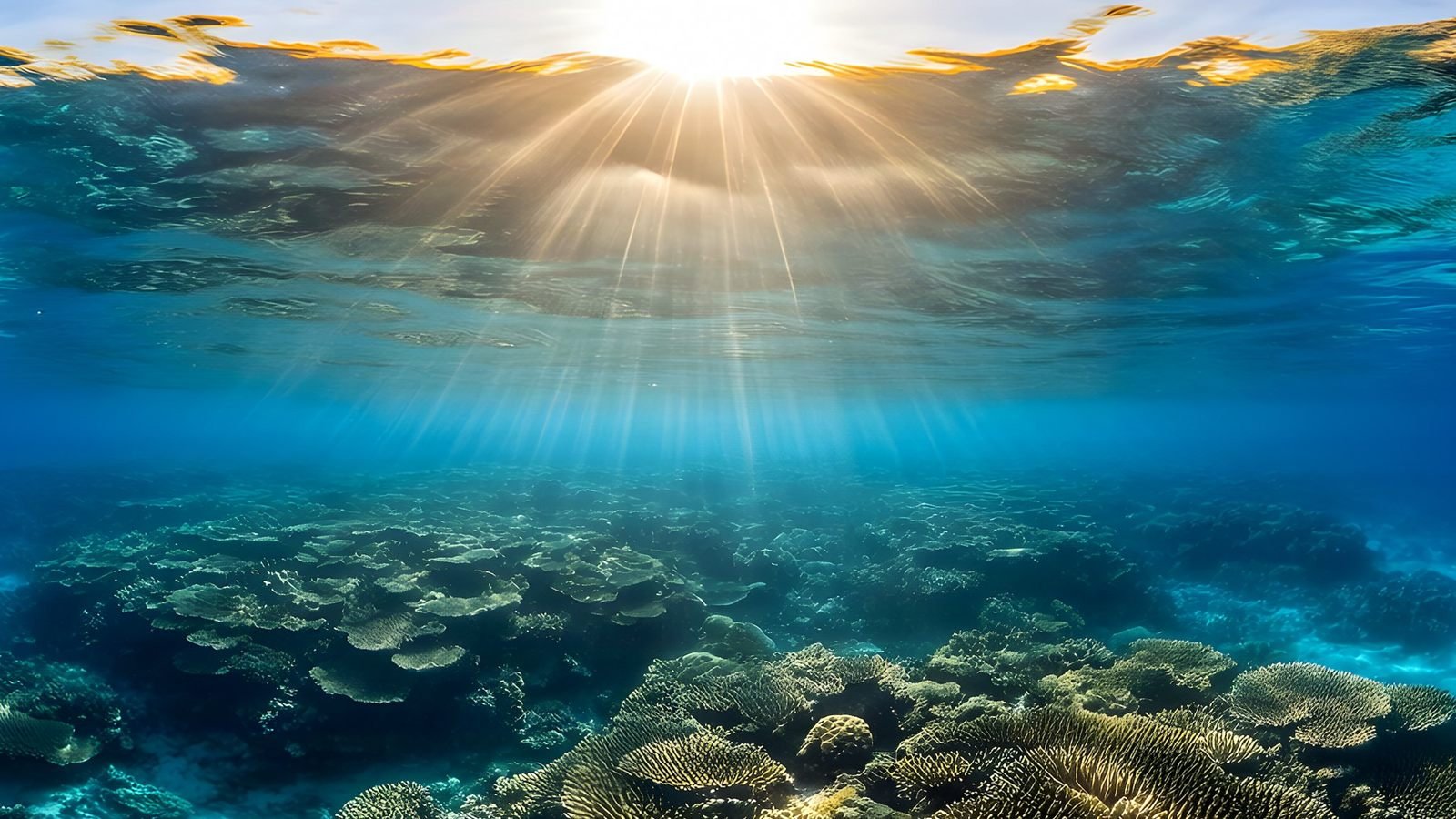 Virtual reality
Generate VR environments from a text prompt
Create immersive 360° VR environments from a text prompt: 8K, pole-corrected worlds for Quest, WebXR, Unity and Unreal, with no seams up or down.
Explore
Virtual reality
Generate VR environments from a text prompt
Create immersive 360° VR environments from a text prompt: 8K, pole-corrected worlds for Quest, WebXR, Unity and Unreal, with no seams up or down.
Explore
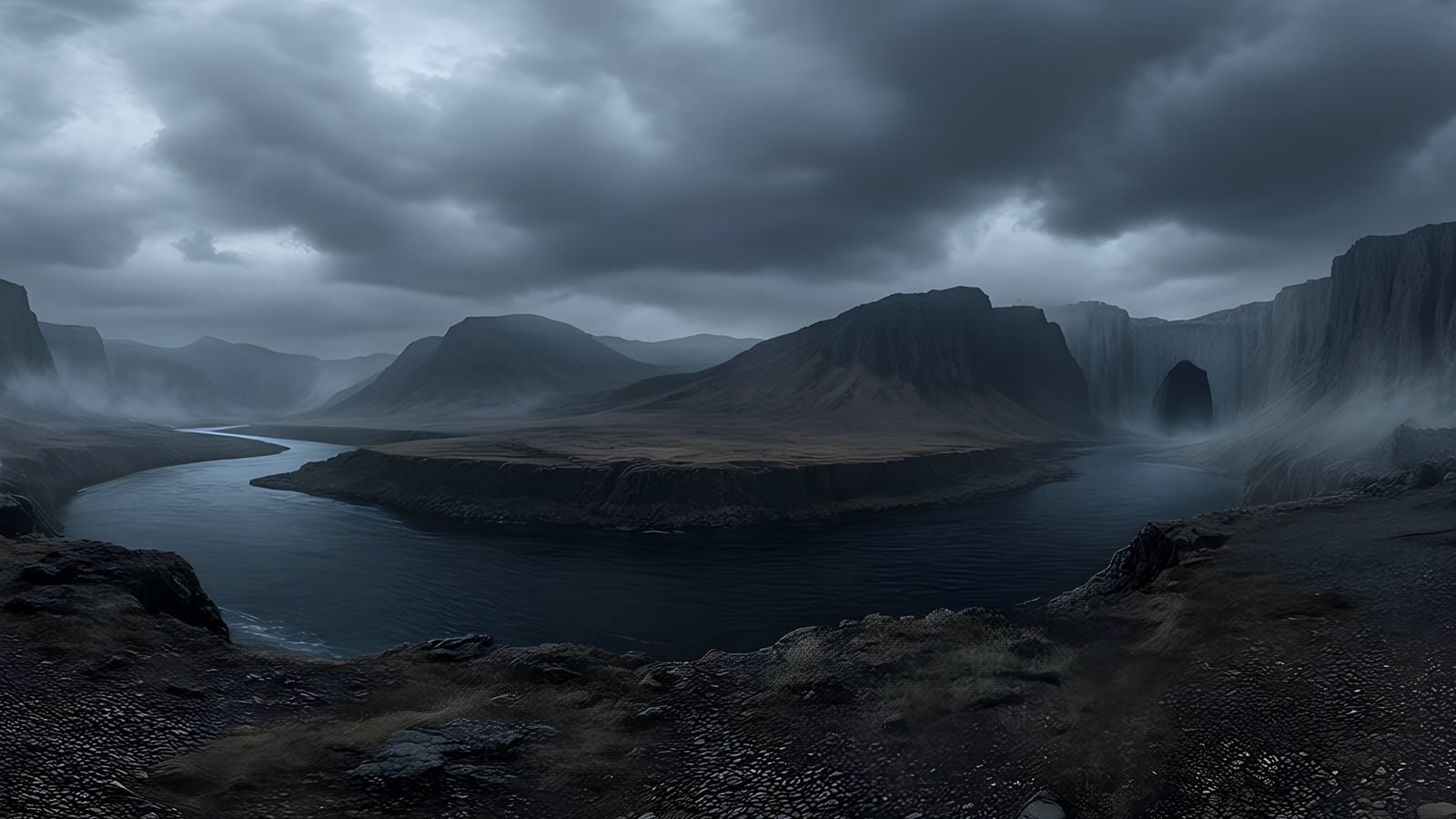 Unreal Engine
 skyboxes from a text prompt
Generate the sky your Unreal Engine level is set under: a seamless 8K 360° EXR from a text prompt, ready for HDRI Backdrop and Sky Light.
Explore
Unreal Engine
Unreal Engine skyboxes from a text prompt
Generate the sky your Unreal Engine level is set under: a seamless 8K 360° EXR from a text prompt, ready for HDRI Backdrop and Sky Light.
Explore
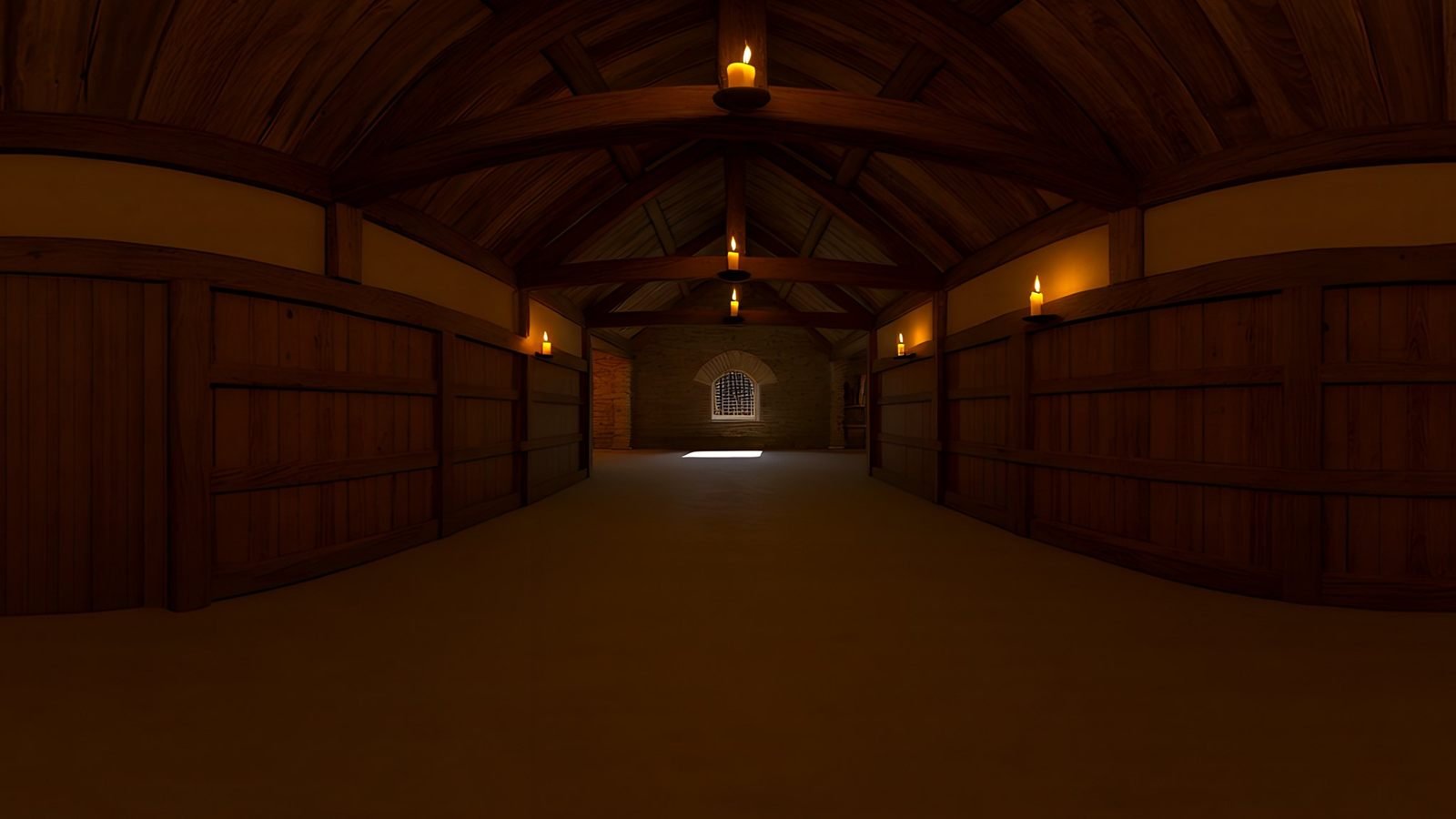 Virtual production
AI environments for virtual production and previs
Scout, pitch and previs locations that do not exist yet. Generate a 360° environment from a description and review it in Unreal or a VR headset.
Explore
Virtual production
AI environments for virtual production and previs
Scout, pitch and previs locations that do not exist yet. Generate a 360° environment from a description and review it in Unreal or a VR headset.
Explore
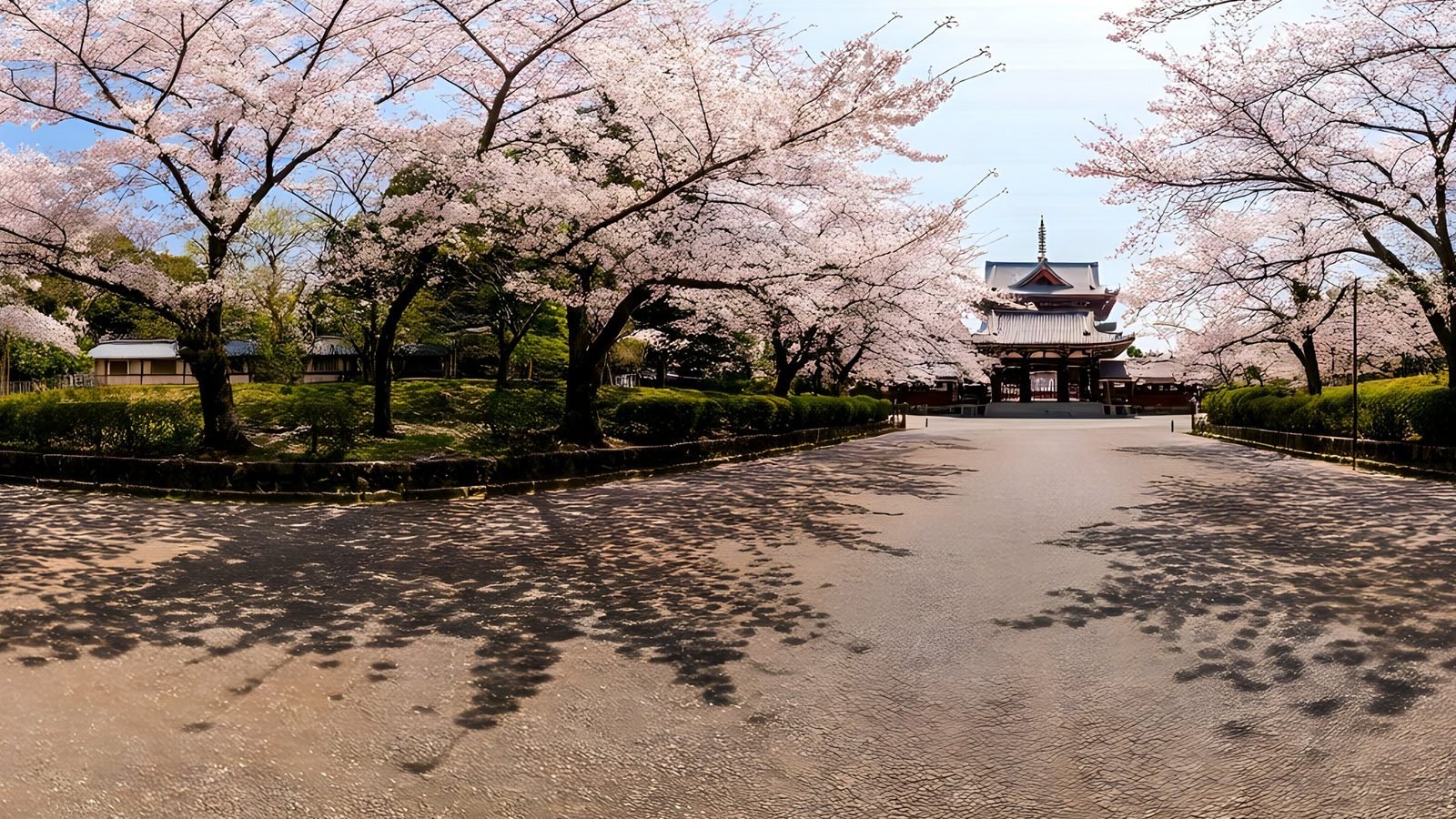 Architecture and interiors
Skies and surroundings for architectural visualisation
Generate the sky and surroundings for architectural renders: seamless 360° environment maps up to 8K, as EXR for lighting or PNG for backdrops.
Explore
Architecture and interiors
Skies and surroundings for architectural visualisation
Generate the sky and surroundings for architectural renders: seamless 360° environment maps up to 8K, as EXR for lighting or PNG for backdrops.
Explore
Which format and size for which job
Every world comes out of Studio as the same 2:1 equirectangular image, so the choice is not which world to make but how to export it. The format depends on whether the world will be seen or will light a scene, and the size on how closely people look. Keep the 8K original as your master and make smaller copies from it.
| Job | Format | Size | Guide |
|---|---|---|---|
| A game sky on PC or console | PNG, or EXR if it lights the level | 8192 × 4096 | Unity, Unreal Engine |
| A game sky on mobile | PNG | A 4096 × 2048 copy | Unity |
| Lighting and reflections in a game | EXR | 8192 × 4096, or 4K if only rough surfaces reflect it | Game skyboxes guide |
| A VR app on a standalone headset | PNG, compressed on import | 8192 × 4096, or 4K if memory is tight | VR environments |
| WebXR and 360° viewers on the web | JPEG | 4K first, 8K when someone zooms | VR guide |
| Previs and virtual scouting | EXR in the engine, PNG to review | 8192 × 4096 | Virtual production |
| Architectural and product renders | EXR | 8192 × 4096 | Architectural visualisation |
| Bringing an old photo to life | PNG to explore, 360° video to share | 4K or 8K | Photo to 360° |
| A store page or social post | 360° video, MP4 at 1920 × 1080 | Rendered from any world | Studio |
EXR and 8K exports come with paid plans; the free plan exports 4K PNG, which is plenty for trying a world in any of these places.
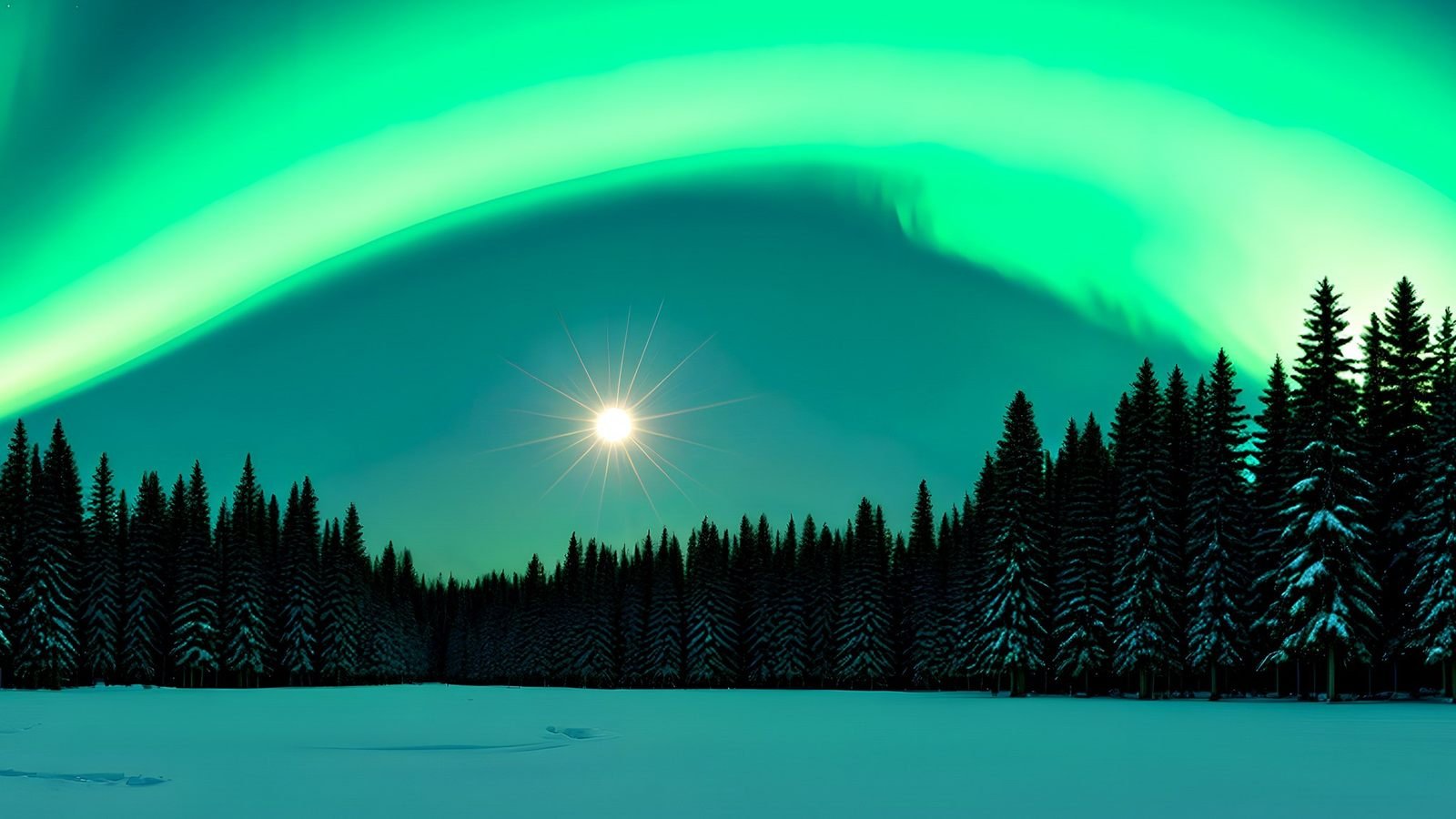
One world, many uses
The same image works everywhere
A 2:1 equirectangular image is the common format for skies, environment maps, 360° viewers and headsets. Generate once, then use the world wherever the project needs it.
- Engines: Unity, Unreal Engine, Godot
- 3D tools: Blender and most renderers
- Headsets, WebXR and 360° players
Frequently asked questions
What can you use a 360° environment for?
Game skies and the light they cast, the surroundings of a VR experience, locations for pitching, previs and virtual scouting, the environment that lights an architectural or product render, interactive 360° viewers on the web, and 360° video for store pages and social posts. They all use the same kind of image.
Which file format do I need for games, VR or rendering?
PNG for a world that will be seen, such as a game sky or a VR backdrop. EXR for a world that will light a scene, because its extra range keeps the sun bright. JPEG for web viewers, where download size matters. All of them are the same 2:1 equirectangular image.
Can one world be used in several engines?
Yes. Unity, Unreal Engine, Godot, Blender, WebXR and most renderers read the same equirectangular image, and each converts it into whatever it needs internally. Keep the 8K original as your master and export smaller copies for each platform.
Is a generated environment good enough for professional work?
For skies, backdrops, lighting, look development and previs, yes: every world is repaired as a panorama, checked in a quality report and licensed for commercial use on every plan. Know the limits, though. It is an interpretation of a place, so match live-action plates with a captured HDRI; it has no parallax, so build anything close in 3D; and 8K is below what large LED volumes need for final backgrounds.
Go deeper
For the ideas behind every use case, start with the complete guide to 360-degree images, which covers projection, resolution and formats. Game developers should read the complete guide to game skyboxes, and anyone building for a headset the complete guide to VR environments. If a term is new, the 360° glossary explains it in a few sentences.
Your first world is on us
Five free 4K generations when Studio opens. Join the waitlist and be first in.