This glossary explains the words used around 360° images, game skies, VR and virtual production, in plain English. It is for developers, artists and filmmakers meeting terms like skybox, HDRI and cubemap for the first time, and for anyone who has to explain them to someone else. Each entry starts with a one-sentence definition, adds the context that matters in practice and links to the guide that covers it in depth. For the bigger picture, start with the complete guide to 360-degree images.
Skybox, HDRI or cubemap: the short answer
The three words describe different things about the same kind of image. Equirectangular and cubemap describe its shape: one 2:1 picture of the whole sphere, or six square faces. HDRI describes how much light it records. Skybox describes the job it does in a game engine. So one file can be all of them at once: an 8K EXR laid out as a cubemap and used as a skybox is an HDRI too.
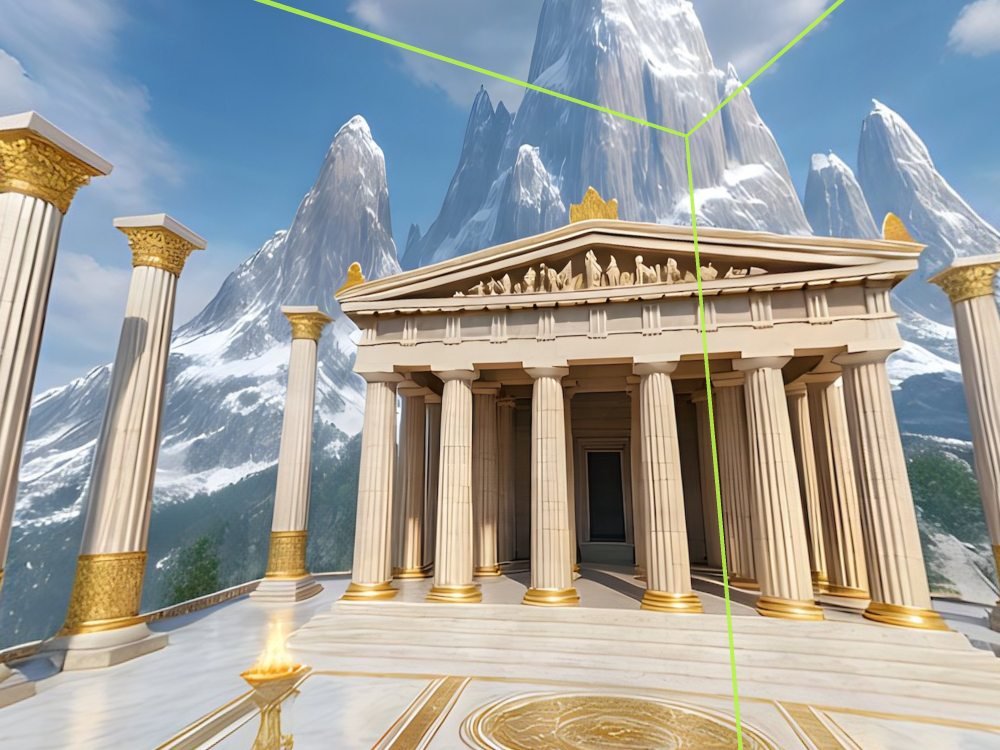
360° image
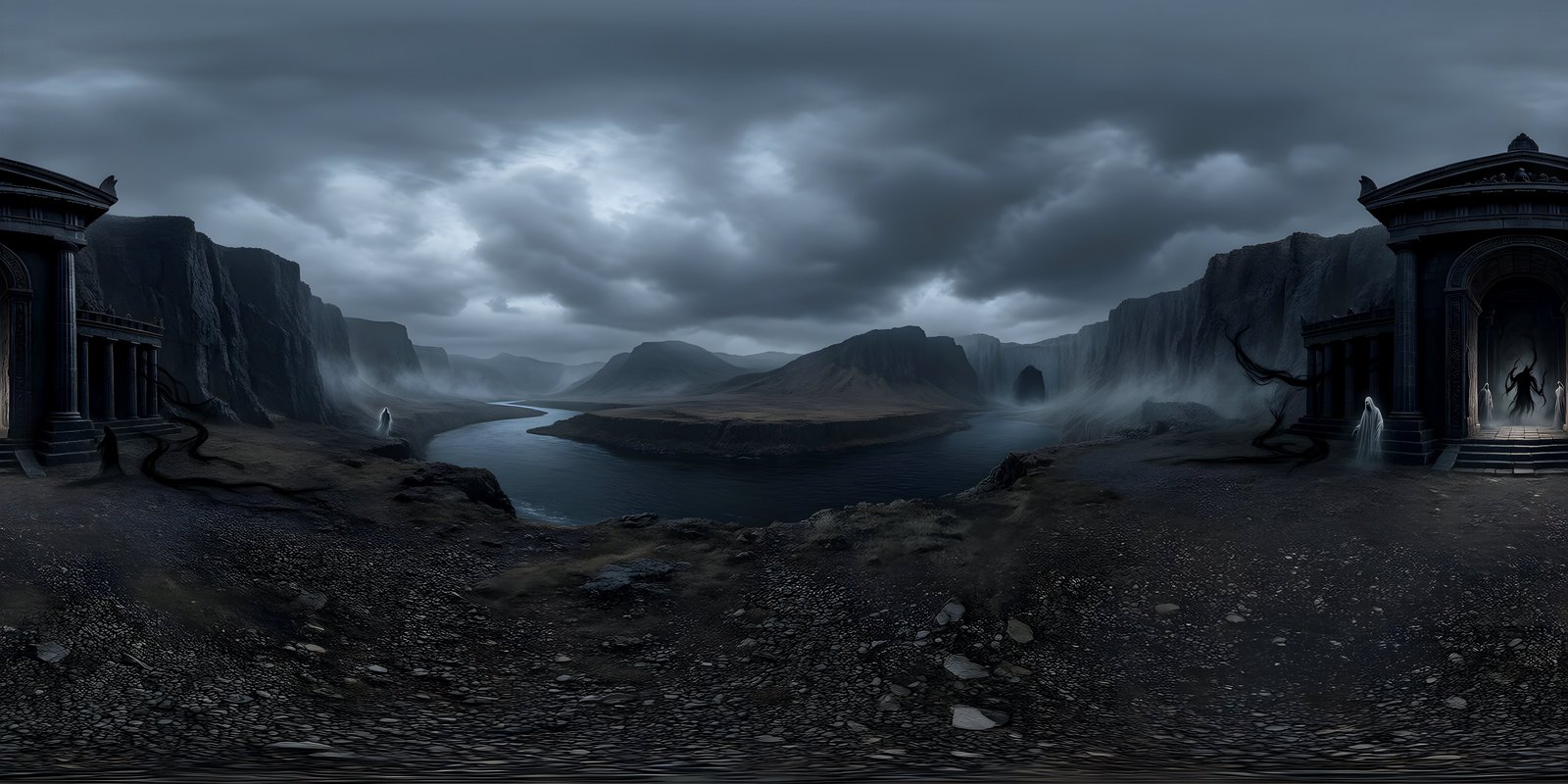
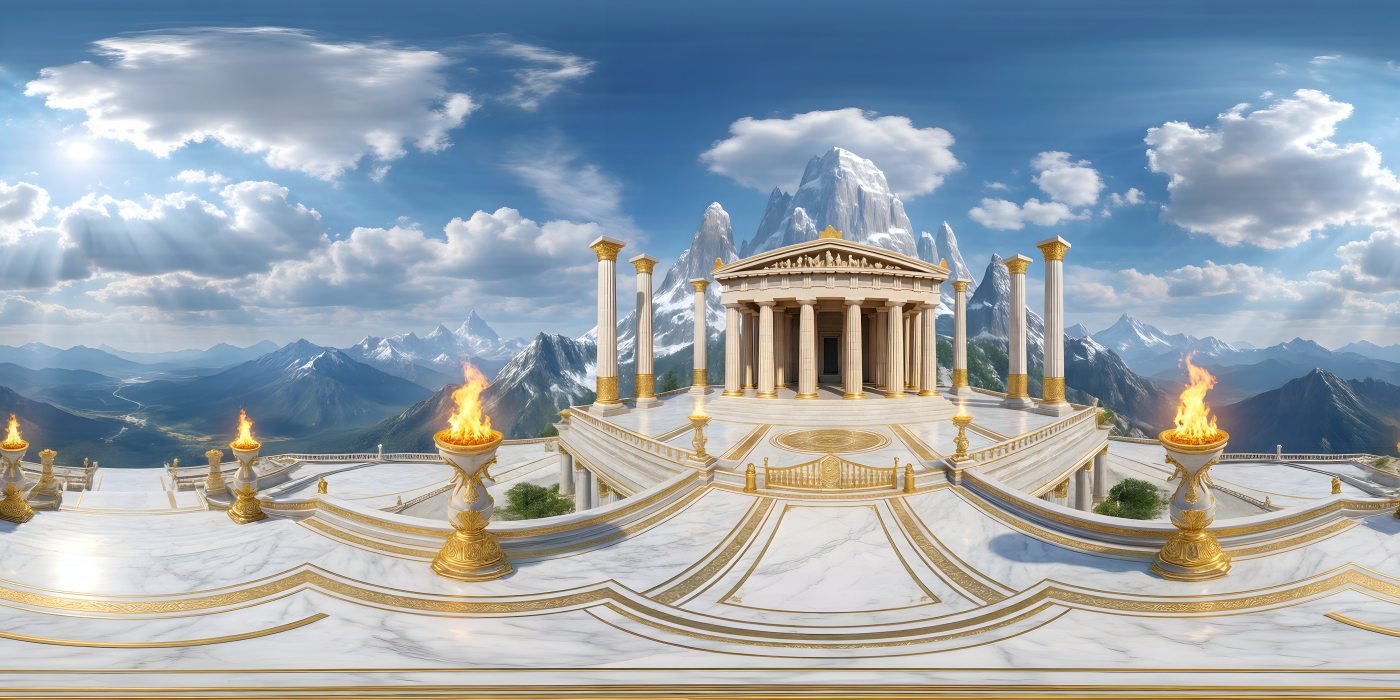
A 360° image is a single picture of everything visible from one point: 360° around and 180° from straight up to straight down. It is usually stored in the equirectangular projection and shown in a viewer, game engine or headset that wraps it around the viewer, so they can look in any direction. Other names include 360° panorama, spherical panorama and photo sphere. A 360° world is WorldGen360’s name for a complete, generated one. More on 360° images.
Equirectangular projection
The equirectangular projection stores a full sphere of view in a flat image by making horizontal position the direction you face and vertical position the angle above or below the horizon. Because it covers 360° across and 180° down, the image is always exactly twice as wide as it is tall. The horizon looks natural, and the image stretches sideways towards the top and bottom edges. It is also called latitude-longitude or lat-long. How the projection works.
Cubemap
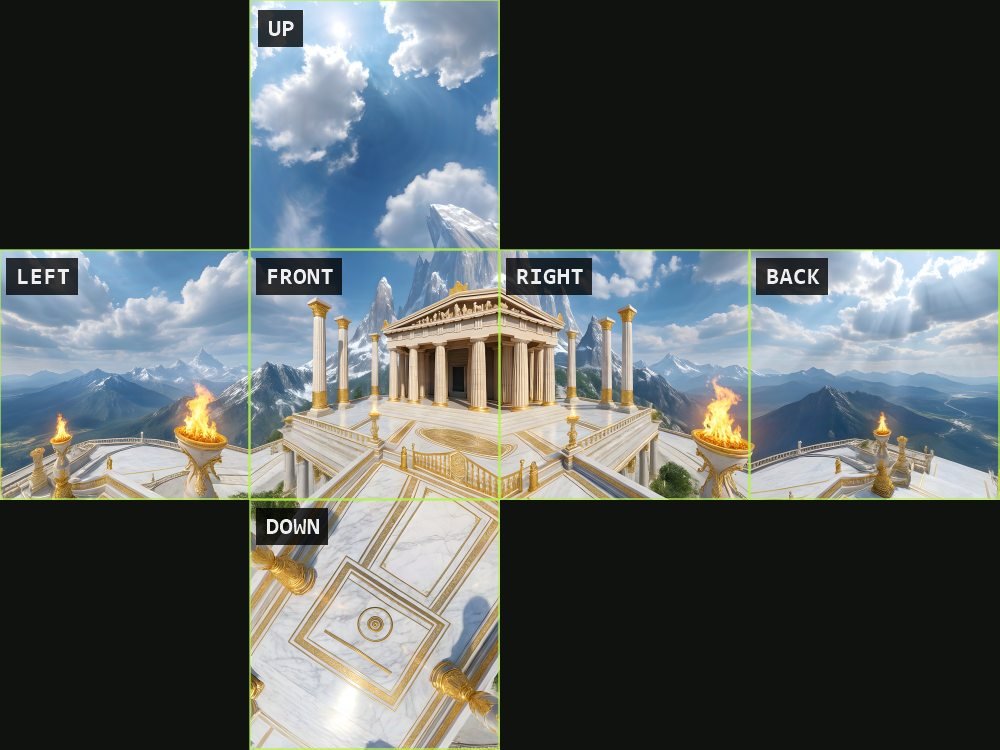
A cubemap stores the view around a point as six square images, the faces of a cube, each covering 90° by 90°. Graphics cards sample cubemaps natively, so game engines often convert a panorama into one when it is imported. The faces are saved as a cross, a strip or six files, and engines name and orient them differently. A face size of a quarter of the panorama’s width keeps its detail: an 8192 × 4096 image becomes 2048-pixel faces. Cubemaps and other layouts.
Skybox
A skybox is the environment a game engine draws behind everything else in a scene, as if infinitely far away, and by extension the 360° image it uses. The name comes from the early technique of drawing the sky on the inside of a large cube around the camera. It never gets closer as the player moves, and engines also use it for ambient light and reflections, so a skybox shapes how a whole level looks. What a skybox does in a game.
Skydome
A skydome is a large sphere or hemisphere around a scene with the sky mapped onto its inside, an alternative to a cube-shaped skybox. Domes suit panoramic images and calculated, procedural skies, and a hemisphere skips the lower half that the ground hides anyway. Because a dome is real geometry with a finite size, some tools use one to project the ground part of an image onto a floor, as Unreal Engine’s HDRI Backdrop does. The terms engines use.
HDRI
An HDRI, or high dynamic range image, is an image that records a much wider range of brightness than a normal picture, from deep shadow to the sun itself. In 3D work the word usually means a 360° environment captured from several camera exposures and used to light a scene realistically. A generated world exported as EXR has that extra range as well, but it is an interpretation of a place rather than a measurement of its light. 360° world, skybox or HDRI.
HDR vs LDR
HDR (high dynamic range) images store brightness as values that can go far above white, while LDR (low dynamic range) images, such as JPEG and 8-bit PNG files, clip everything brighter than white to the same value. The difference shows when an image lights a scene: in an LDR sky the sun is a flat white patch, while in an HDR sky it stays far brighter than everything around it and casts strong, directional light. HDR images need tone mapping to be displayed. Formats compared.
EXR (OpenEXR)
EXR, or OpenEXR, is a high dynamic range image format that stores each colour channel as a 16-bit or 32-bit floating-point number. Developed by Industrial Light & Magic and now open source, it is the usual format for lighting, compositing and grading in visual effects and 3D rendering. EXR files support both lossless and lossy compression and are larger than PNG. WorldGen360 Studio exports worlds as EXR when they will light a scene. Formats compared.
Radiance HDR (.hdr)
Radiance HDR, saved with the .hdr extension, is an older high dynamic range format that stores red, green and blue with a shared exponent, in 32 bits per pixel. It was created for the Radiance lighting simulation software, and it is compact and widely supported. Some tools prefer it: Unreal Engine, for example, imports a latitude-longitude .hdr file straight into a cubemap. It is less precise than EXR and has no alpha channel. Using a world in Unreal Engine.
Image-based lighting
Image-based lighting (IBL) lights a 3D scene from an image of its surroundings rather than only from individual lights. Every pixel of a 360° environment becomes a source of light, giving soft fill from the sky and realistic reflections in shiny surfaces. Real-time engines precompute it into compact forms, such as spherical harmonics for diffuse light and blurred cubemap levels for reflections. A directional light is still used for the sun’s crisp shadows. Lighting a scene from its skybox.
Environment map
An environment map is an image of a scene’s surroundings used to light it and to fill its reflections, most often a 360° image stored as an equirectangular image or a cubemap. The term comes from computer graphics and describes the job the image does rather than what it shows. The same file can be a skybox in a game, an environment map in Blender and an HDRI in a product render. Which term means what.
Zenith and nadir
The zenith is the point directly above the viewer and the nadir the point directly below. In an equirectangular image, each of these single points is stretched across a whole row, the top edge and the bottom edge, which makes them the hardest parts of a 360° image to get right. Captured images often hide a tripod at the nadir, and stitched ones often pinch or smear at both poles. Why the poles stretch.
Pole correction
Pole correction is making a 360° image hold together at the zenith and the nadir, with no pinching, swirling or smearing when someone looks straight up or straight down. The poles are where an equirectangular image is most stretched, so stitched images and images edited flat tend to break there. WorldGen360 Studio rebuilds the poles of every world in a repair pass, so the sky overhead and the ground below stay clean. Common problems in 360° images.
Seam
A seam is a visible join in a 360° image, most often where the left and right edges of an equirectangular image meet, directly behind the viewer. Those two edges are the same line on the sphere, so any difference in colour, light or detail between them shows as a vertical line. Seams also appear where stitched views meet, and in some game engines where mipmaps sample across the wrap. Fixing skybox problems.
Stitching
Stitching is combining several overlapping photos or rendered views into one 360° image. It is how most captured panoramas are made, whether from the two fisheye lenses of a 360° camera or from dozens of frames shot on a tripod. Because the views come from slightly different positions and exposures, stitching can leave ghosted edges, brightness steps and flawed poles. Generating the whole sphere as one frame avoids stitching altogether. How AI generates a 360° world.
Pixels per degree
Pixels per degree (PPD) measures how much detail an image or a display provides for each degree of view. For an equirectangular image it is the width divided by 360: about 11 for a 4096 × 2048 image and about 23 for 8192 × 4096. For a headset it describes the display, and Meta quotes 25 for Quest 3. When an image’s figure falls well below the display’s, the world looks soft. Resolution and pixels per degree.
Field of view
Field of view (FOV) is how much of a scene is visible at once, measured as an angle across or up and down. A 360° image covers the whole sphere, but a viewer, camera or headset only shows a slice of it at a time, often around 90° to 110° across. Zooming in narrows the field of view, which spreads fewer of the image’s pixels across the screen. That is why 360° images need high resolution to stay sharp. How many pixels a 360° image needs.
Mono 360°
Mono 360° is a 360° image or video with a single view, shown to both eyes. It has no depth of its own, so it reads as distant surroundings, which suits skies and far scenery. That is less of a limit than it sounds, because beyond a few tens of metres our two eyes see almost exactly the same thing anyway. Most 360° photos are mono, as are all WorldGen360 worlds, with real 3D geometry used for anything close. Mono and stereo 360°.
Stereo 360°
Stereo 360° stores a separate 360° view for each eye, usually stacked top and bottom in one square file, so a headset can show depth. The depth only works while the head stays upright, fades out towards the poles and does not change as the viewer moves, and the format needs twice the pixels. It suits captured photos and video of real places with nearby subjects, watched from a fixed position. Mono or stereo: which to use.
Parallax
Parallax is the way nearby objects appear to shift against distant ones when the viewer moves. A 360° image is captured from a single point, so nothing in it shifts at all: correct for the sky and far scenery, but obviously wrong for anything close. That is why nearby objects in games and VR belong in the scene as real 3D geometry, with the 360° world behind them as a backdrop. Horizon, scale and parallax.
Mipmaps
Mipmaps are a chain of smaller copies of a texture, each half the width and height of the one before, which a graphics card uses when the texture appears small or far away. They stop fine detail shimmering and make rendering faster, and they add about a third to a texture’s memory. On a panoramic sky, mipmaps can cause a thin line at the wrap in some engines; converting the sky to a cubemap avoids it. Performance checklist.
Texture compression (BC7, ASTC)
Texture compression stores textures in formats a graphics card can read while they stay compressed, cutting the video memory they use. BC7 is the high-quality format for colour on desktop and console, BC6H is its counterpart for HDR images, and ASTC is the format for mobile and standalone VR headsets. An 8192 × 4096 sky takes 128 MB uncompressed, but 32 MB as BC7 or ASTC 4×4. Skybox resolution and texture memory.
WebXR
WebXR is the web standard that lets a browser run virtual and augmented reality experiences on a headset, with nothing to install. A 360° world can be the background of a WebXR scene, because libraries such as A-Frame and three.js take an equirectangular image directly. That makes it the quickest way to share a world that people can stand inside, straight from a link. Getting a world into a headset.
Virtual production
Virtual production is filmmaking that combines live action with real-time computer graphics during the shoot itself, rather than adding them afterwards. Its best-known form films actors in front of an LED volume showing an environment rendered by a game engine, but the term also covers virtual scouting, previs and real-time camera tracking. 360° environments are most useful early on, to explore, pitch and agree on locations. 360° worlds in virtual production.
Previs
Previs, short for previsualisation, is planning shots, action and locations with simple computer graphics before filming or final production begins. Directors and crews use it to try camera moves, timing and set layouts while changes are still cheap. A 360° world lets a team stand in a location that does not exist yet, in a game engine or a headset, and judge it before anything is built. From description to previs.
LED volume
An LED volume is a film stage surrounded by large LED walls, and often an LED ceiling, that display a real-time rendered environment around the actors. The walls provide both the background the camera sees and realistic light on the set, and the image shifts with the tracked camera to keep the perspective correct. Final backgrounds on a volume are usually full 3D scenes rather than single 360° images, which have no parallax. Where 360° worlds fit.