
Architecture and interiors
Skies and surroundings for architectural visualisation
Generate the sky and surroundings for architectural renders: seamless 360° environment maps up to 8K, as EXR for lighting or PNG for backdrops.
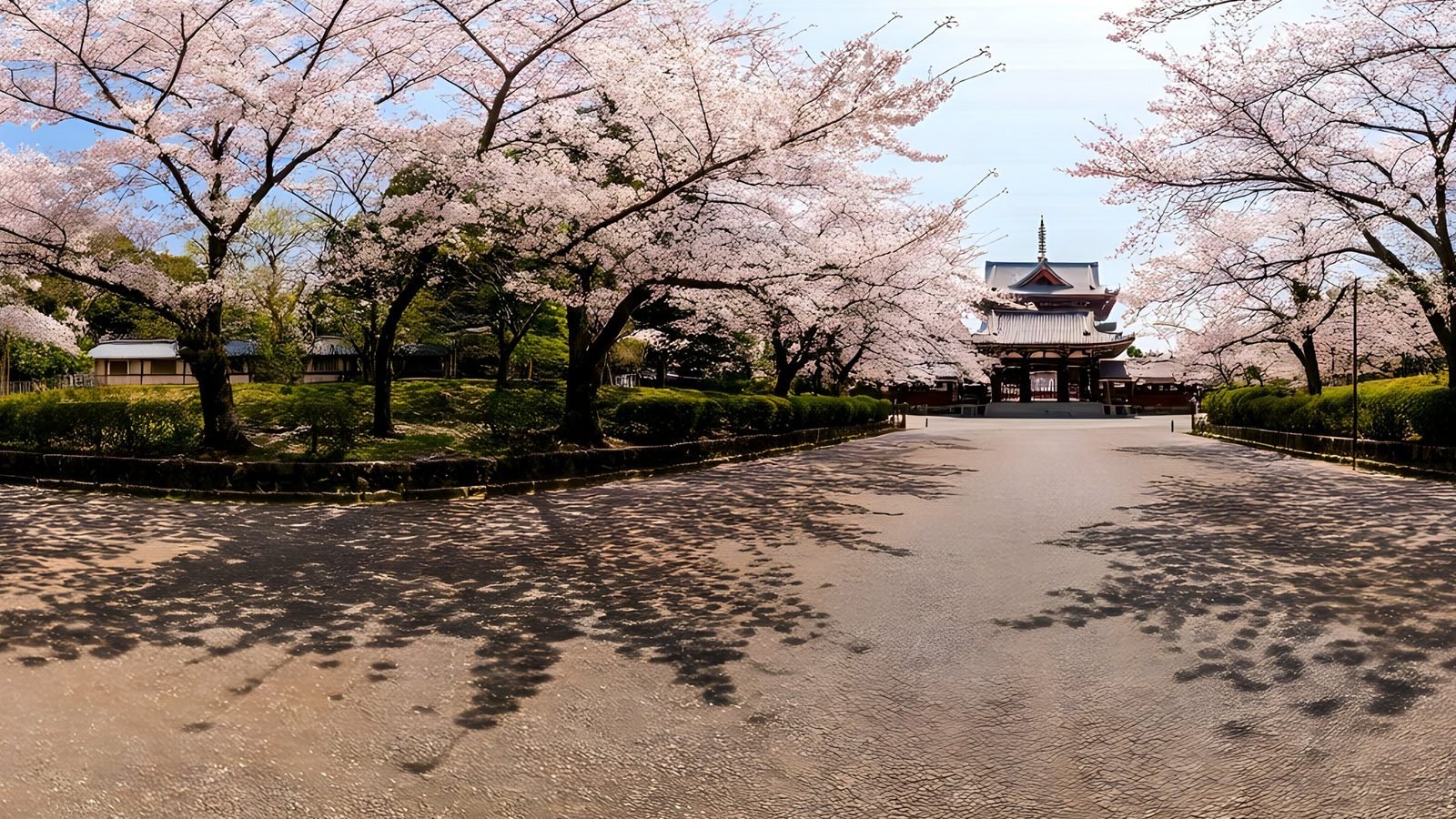
WorldGen360 Studio generates the sky and surroundings for architectural visualisation: a seamless 360° environment map at up to 8192 × 4096, from a written description or a site photo. Export it as linear EXR to light the scene and fill the reflections in the glazing, or as PNG for what the camera sees through the windows. Because you describe the setting, it matches the scheme: a spring morning for a housing development, a low winter sun for a gallery, city lights for a hotel at night. It is an imagined setting rather than a captured HDRI of the real site, which makes it ideal for concept, mood and early lighting.
The world outside the glass
An architectural render is only as convincing as what surrounds it: the sky that lights it, the view through the windows, the reflections in the glazing. Studio generates that surrounding world from a description, so the setting matches the mood of the design rather than whichever stock sky was closest.
It also keeps the setting consistent. The same world surrounds every camera in the scene, so an interior looking out and an exterior looking in agree on the weather, the season and where the sun is.
Where it helps
- Environment lighting and reflections: most renderers accept an equirectangular image as the environment map, and an EXR keeps the sun bright enough to cast real shadows.
- Views out of the window: a consistent setting behind interiors, whichever way the camera faces.
- Concept and mood: show a scheme at golden hour, in snow or at night before the model is finished.
- Presentations and tours: backdrops for walkthroughs, 360° client previews and 360° video.
One scheme, three skies
The sky changes a render more than any material does. Here is how three common choices read, with a prompt to start from for each. Generate the first, then Remix it for the others, so the street and the planting stay the same and only the light changes.
- Spring morning. Soft, clean light, gentle shadows and fresh greens reflected in the glass: friendly and residential. Try “a quiet suburban street with young trees in blossom, spring morning, soft sun, thin high cloud”.
- Low winter sun. Warm, raking light and long, hard shadows that bring out the texture of brick, timber and stone. Try “open parkland in winter, low sun near the horizon, clear cold sky, frost on the grass”.
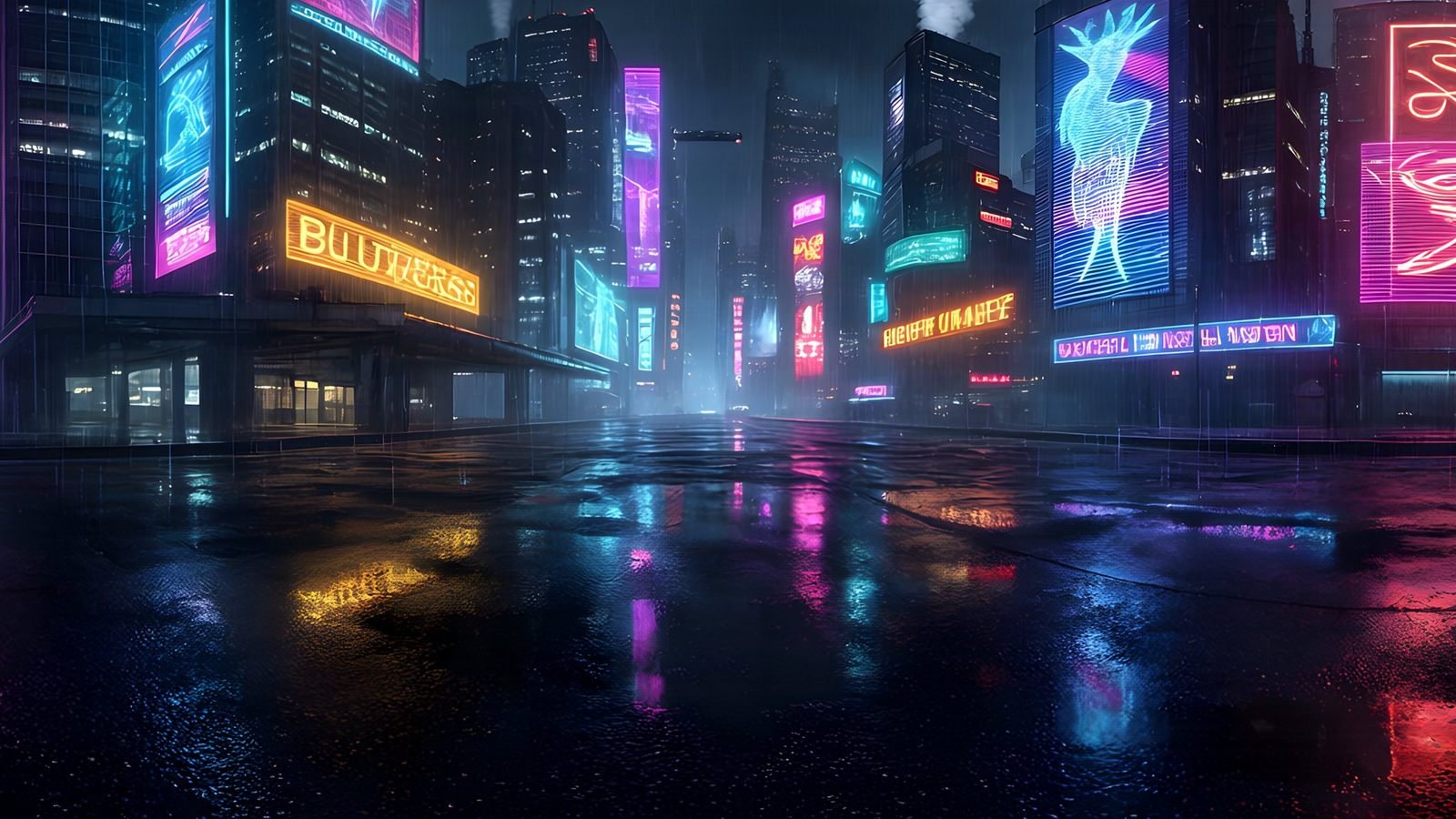
- City at night. The sky lights very little, so the building’s own lighting carries the image, with city lights reflected in the glazing. Try “a city skyline at night, lit office towers, the last of blue hour, a wet street”.
Architecture and interiors
Set the mood before the model is finished
Try the same scheme under a clear spring sky, a low winter sun or city lights at night. Generate the setting, review it in 360° and light the render with it.
- Skies and surroundings by description or site photo
- Seamless 360° environment maps
- PNG or linear EXR, up to 8K
Using a world in a render
- Describe the setting: the landscape or street, the season and the time of day. Keep living creatures out for a clean plate, and use the Magic Eraser for anything that distracts from the building.
- Export EXR at 8192 × 4096 when the world will light the scene, or PNG when it is only seen through the glass.
- Load it as the environment. Most renderers accept an equirectangular HDR image: an Environment Texture on the World in Blender, a Dome Light in V-Ray, the environment settings in Corona, a custom skybox in Enscape, and HDRI skies in Twinmotion and D5 Render.
- Turn the environment until the brightest part of the sky falls on the side of the building you want lit. Light raking across the main facade shows its texture far better than light from straight ahead.
- Add a sun light pointing the same way, matched in colour, for crisp shadows the environment alone cannot give.
On resolution: 4096 × 2048 is a sensible minimum for lighting, and 8192 × 4096 is worth it wherever large glazing or water reflects the sky. For high-resolution stills where the sky fills much of the frame, even 8K can look soft, so many artists light with the environment and composite a higher-resolution backplate for the visible sky. The guide to 360° formats explains why EXR matters for lighting, and the glossary what HDRI means.
Setting honest expectations
A generated world is an imagined setting, not a photograph of the real site, and its light is convincing rather than measured. Use it for concept, mood and lighting, and for schemes where the exact context does not matter. Where planning, verified views or accuracy require the real surroundings, use photography of the site. Starting from a site photo with photo reference captures the feel of a place, but it is still an interpretation.
Frequently asked questions
What resolution HDRI do I need for architectural renders?
At least 4096 × 2048 for lighting, and 8192 × 4096 where glass or water reflects the sky. If the sky fills a large part of a high-resolution still, light with the environment and composite a sharper backplate for the visible sky.
Can a generated environment replace a photo of the real site?
Not where accuracy matters, such as planning submissions or verified views. For concept, mood and lighting, yes. Photo reference can start a world from a site photo, but the result is still an interpretation of the place.
How do I line the sun up with my building?
Rotate the environment until its brightest area faces the side of the building you want lit; in Blender, change the Z rotation of a Mapping node in front of the Environment Texture. Then point a sun light the same way and match its colour, so shadows and sky agree.
Which renderers accept a 360° environment map?
Almost all of them: Blender Cycles and Eevee, V-Ray, Corona, Enscape, Twinmotion, D5 Render and Unreal Engine all take an equirectangular image as the environment. Use EXR for lighting and PNG for backgrounds seen through glass.
Use cases
More ways to use a 360° world
 Unity
Generate Unity skyboxes from a text prompt
Generate a seamless 360° sky from a text prompt and use it as your Unity skybox. 8K equirectangular PNG or EXR, pole-corrected, set up in minutes.
Explore
Unity
Generate Unity skyboxes from a text prompt
Generate a seamless 360° sky from a text prompt and use it as your Unity skybox. 8K equirectangular PNG or EXR, pole-corrected, set up in minutes.
Explore
 Virtual reality
Generate VR environments from a text prompt
Create immersive 360° VR environments from a text prompt: 8K, pole-corrected worlds for Quest, WebXR, Unity and Unreal, with no seams up or down.
Explore
Virtual reality
Generate VR environments from a text prompt
Create immersive 360° VR environments from a text prompt: 8K, pole-corrected worlds for Quest, WebXR, Unity and Unreal, with no seams up or down.
Explore
 Unreal Engine
 skyboxes from a text prompt
Generate the sky your Unreal Engine level is set under: a seamless 8K 360° EXR from a text prompt, ready for HDRI Backdrop and Sky Light.
Explore
Unreal Engine
Unreal Engine skyboxes from a text prompt
Generate the sky your Unreal Engine level is set under: a seamless 8K 360° EXR from a text prompt, ready for HDRI Backdrop and Sky Light.
Explore
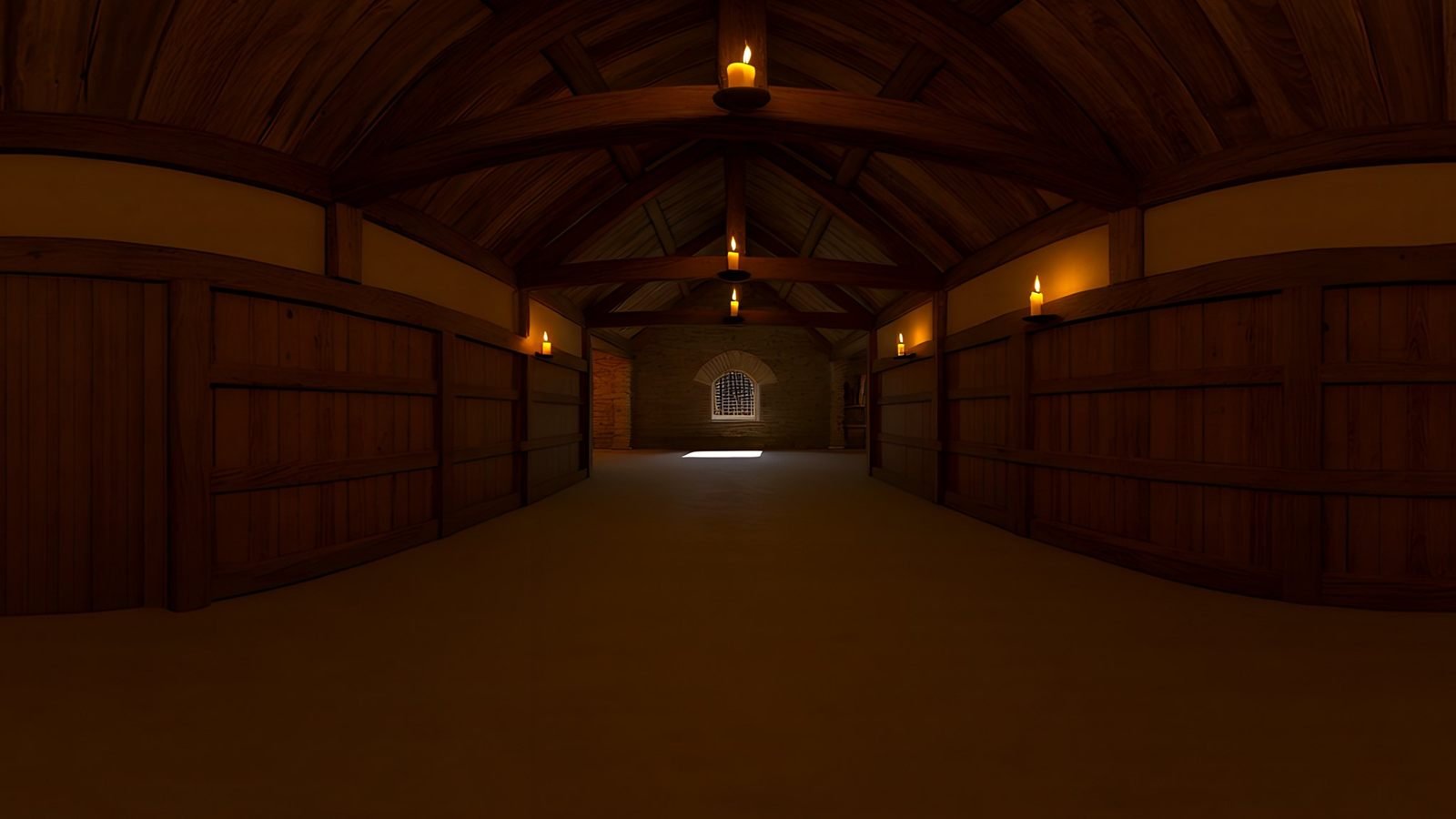 Virtual production
AI environments for virtual production and previs
Scout, pitch and previs locations that do not exist yet. Generate a 360° environment from a description and review it in Unreal or a VR headset.
Explore
Virtual production
AI environments for virtual production and previs
Scout, pitch and previs locations that do not exist yet. Generate a 360° environment from a description and review it in Unreal or a VR headset.
Explore
Your first world is on us
Five free 4K generations when Studio opens. Join the waitlist and be first in.