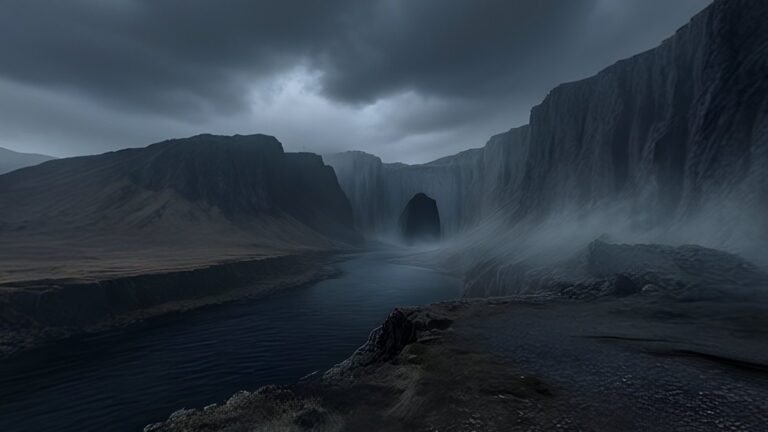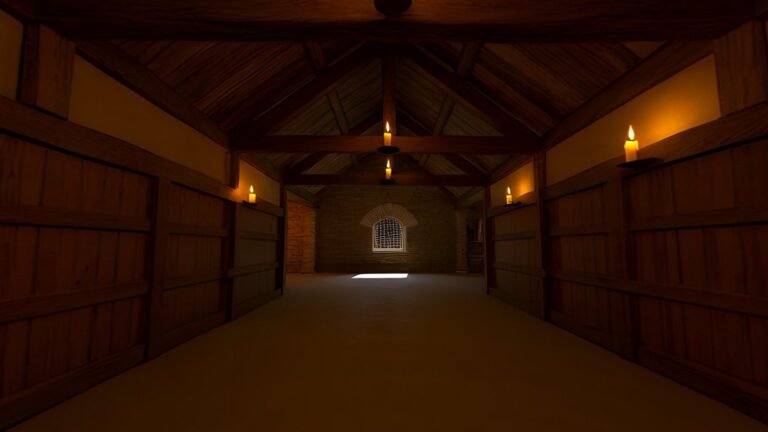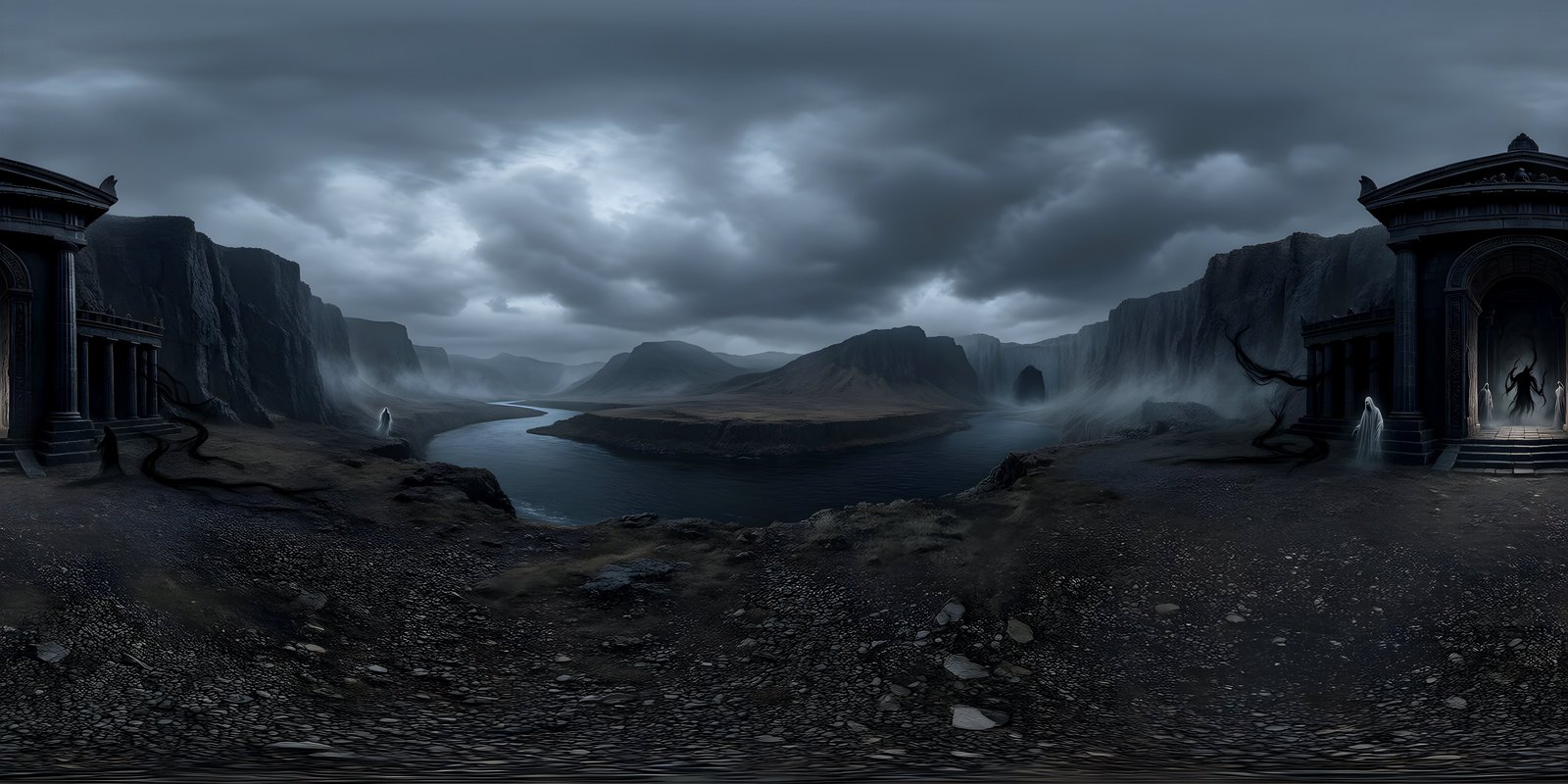

People stay comfortable in a VR environment when it gives their eyes and their sense of balance the same story. Five rules cover most of it: keep the horizon level, get the scale and the viewpoint height right, keep brightness and contrast calm, never move the world unless the person moves, and give the eye somewhere to rest. Then test with real people, because comfort varies more from person to person than almost anything else in VR.
Why discomfort happens
Meta’s developer guidance for its headsets puts the main cause simply: when what a person sees differs from what their vestibular sense, the balance organ in the inner ear, tells them, it can lead to motion sickness. The same guidance describes vection, the feeling of moving that comes from visual cues alone while the body stays still, as a common source of that conflict. Put simply, the eyes say “you are moving” or “you are tilting”, and the body disagrees.
The environment matters more than anything else here, because it is the largest thing in view and the brain uses it as the reference for which way is up and whether you are moving. Meta’s guidance on environments for locomotion makes a related point: textured surfaces close to the viewer, such as nearby walls, create more visual motion, called optic flow, and raise the risk of discomfort when people move. The rules below come from that same principle. This is design guidance, not medical advice: if anyone feels unwell in a headset, they should stop and take it off.
Rule 1: a level horizon at a true scale
Your sense of balance knows which way is down. If the horizon in a world is tilted, even slightly, the eyes report a slope the body cannot feel, which is exactly the kind of mismatch that causes trouble. Check every world in a viewer before it goes near a headset: the horizon should run level all the way round, not rise on one side and fall on the other. WorldGen360 Studio levels the horizon of every world it generates and checks it in each world’s quality report.
Scale works the same way. A 360° world was made from a particular viewpoint height, and the person in the headset reads their own height from it. A world seen from high above feels like standing at the edge of a drop; one seen from knee height makes people feel oddly tall. Describe where the viewer stands and how high their eyes are when you create the world, choose a ground-level viewpoint for anything people will stand in, and add objects of a known size, a bench, a door, a tree, so the scale reads at a glance.
Then give people something to stand on. The ground in a 360° image has no depth, which can feel like floating. A real 3D floor, platform or patch of terrain under their feet, at the right height, grounds them at once. Mono vs stereo 360° explains why real geometry near the viewer beats trying to put depth into the image.
Rule 2: calm brightness and contrast
In a headset, the environment fills the entire view, with no room or desk around it to rest the eyes on. A bright white sky that looks fine on a monitor can feel glaring when it is all you can see. For experiences people stay in for more than a few minutes, grade bright worlds down, and prefer soft daylight, overcast skies, dusk and dawn over midday glare.
Watch contrast at edges, too. Very bright shapes on very dark backgrounds, such as a full moon in a black sky or a lit window at night, can show glare or halos in some headset lenses. And avoid flashing or strobing light altogether: accessibility guidelines for digital content treat rapid flashes as a seizure risk for people with photosensitive epilepsy, and in a headset there is no looking away from the screen.
Rule 3: never move the world
The fastest way to make someone uncomfortable is to move their surroundings while they stand still: rotating the sky, sliding the camera, tilting the view for a dramatic effect. Their eyes report motion that their body does not feel. Move the world only when the person moves it, by turning their head or using the controls.
- Keep 360° worlds still. A slowly turning sky is a nice touch on a web page and a bad idea in a headset.
- Use fades for transitions. Meta’s guidance notes that disorientation most often happens when the camera’s viewpoint changes suddenly and a lot, and lists techniques such as blinks, fades and teleports. When switching between worlds, a short fade to black and back is kinder than a cut, and far kinder than any animated transition that moves the surroundings.
- Hold the frame rate. When frames drop, the world stops keeping up with the head, and everything judders. A 360° world is cheap to draw, so keep it compressed and the rest of the scene light.
Sound helps too. Meta’s guidance notes that environmental sound can reduce disorientation during blinks and other moments when the view is hidden, because it tells people they are still in the same place. A quiet ambient track that carries on through a fade, wind, distant traffic, water, does the same job when switching between worlds: the ears stay oriented while the eyes catch up.
Rule 4: detail and focal points
A comfortable environment gives the eye places to settle. A clear focal point in the main direction of view, a distant landmark, a doorway, a mountain, tells people where to look first. Around it, keep detail purposeful rather than busy. Fine, repeating patterns in the distance, such as tiles, grilles or dense foliage, can shimmer as the head moves; softer distant detail and mipmaps on the texture keep them calm. Keep large, detailed surfaces a comfortable distance from the viewer, since close textured walls create the most visual motion. And leave some quiet areas, open sky, plain ground, still water, where there is simply less to process. A world that is detailed everywhere is tiring to look at for long, however good each part of it is.
Rule 5: test with people
Comfort differs widely between people, and Meta’s own guidance stresses designing for individual needs and testing with a range of users. Your own reaction is a poor guide, because anyone who builds VR gets used to it. A short, structured test catches most problems:
- Recruit five people with a mix of VR experience, including at least one who rarely uses a headset.
- Explain first that they can stop at any moment, for any reason, and that stopping is useful information, not a failure.
- Give each person the same task in each environment, for a set time, seated or standing as your users will be.
- Watch as well as ask. Note where people look, whether they hesitate, grip something or lean, and when they stop exploring.
- Ask open questions afterwards: what felt odd, what they would change, how long they would stay. Then change one thing and test again.
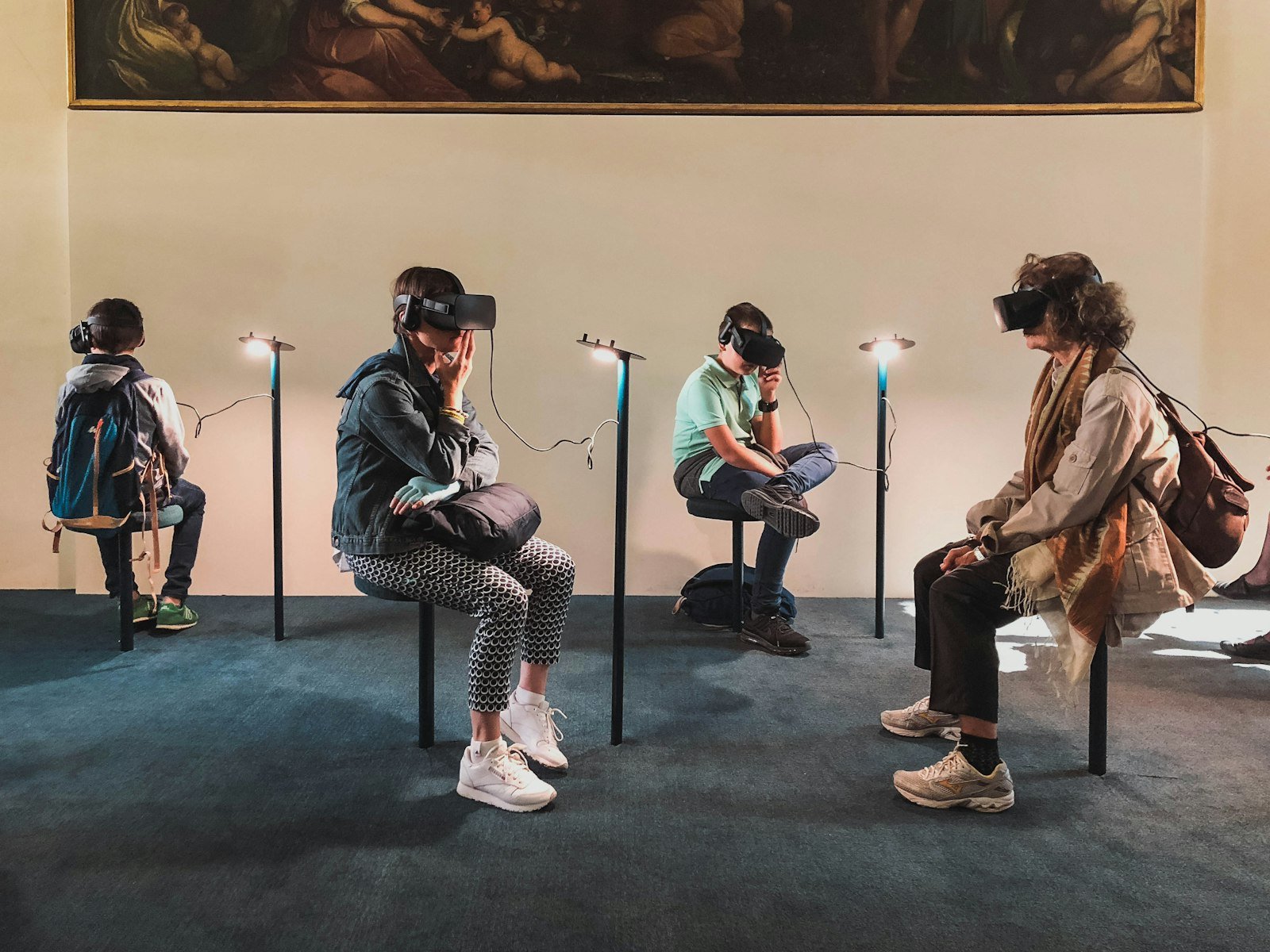
Generated worlds make that last step quick: Remix a world to soften the light, calm the weather or clear the near field, and it stays recognisably the same place, so you are testing the change rather than a new environment. The VR environments page covers making worlds for headsets, and the complete guide to VR environments puts comfort alongside resolution, performance and delivery.

WorldGen360 Studio
Comfort starts in the prompt
Describe where people stand and how high their eyes are, and Studio levels the horizon of every world. Remix a world softer or calmer and it stays the same place.
- Ground-level viewpoint
- Horizon levelled and checked on every world
- Remix the light, season and weather
Frequently asked questions
What causes motion sickness in VR?
Mainly a mismatch between what the eyes see and what the balance system in the inner ear feels, as platform guidance such as Meta’s describes. Seeing motion the body does not feel, such as the view sliding or turning on its own, is the most common trigger.
How bright should a VR environment be?
There is no single number, but calmer than you would choose for a monitor, because the environment fills the whole view. Avoid large areas of near-white sky for long sessions, avoid flashing light entirely, and judge brightness in the headset rather than on a screen.
Can a 360° background cause motion sickness?
A still 360° world that turns only as the head turns gives the eyes and the balance system the same story. Problems start when it moves on its own, has a tilted horizon, is shown at a jerky frame rate, or is seen from a height that does not match the viewer.