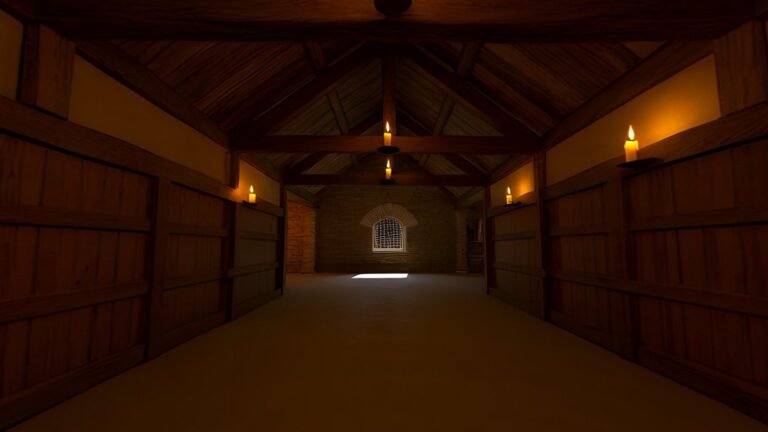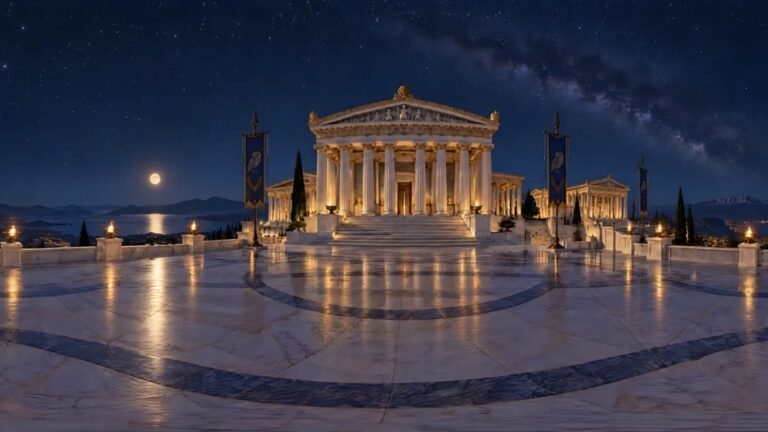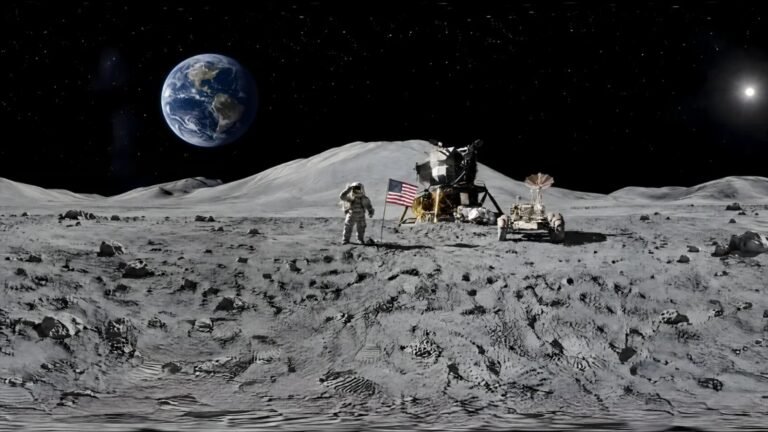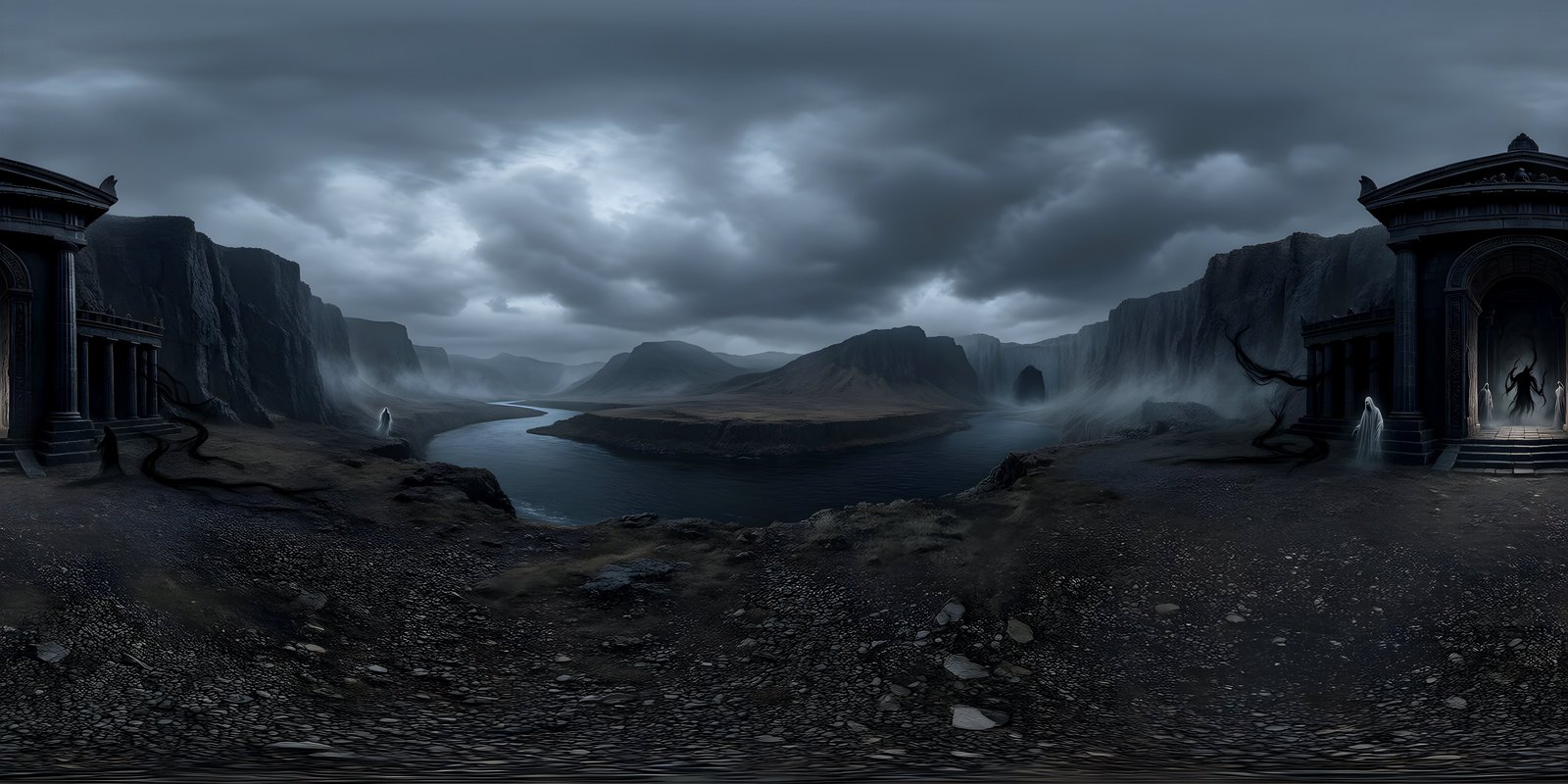
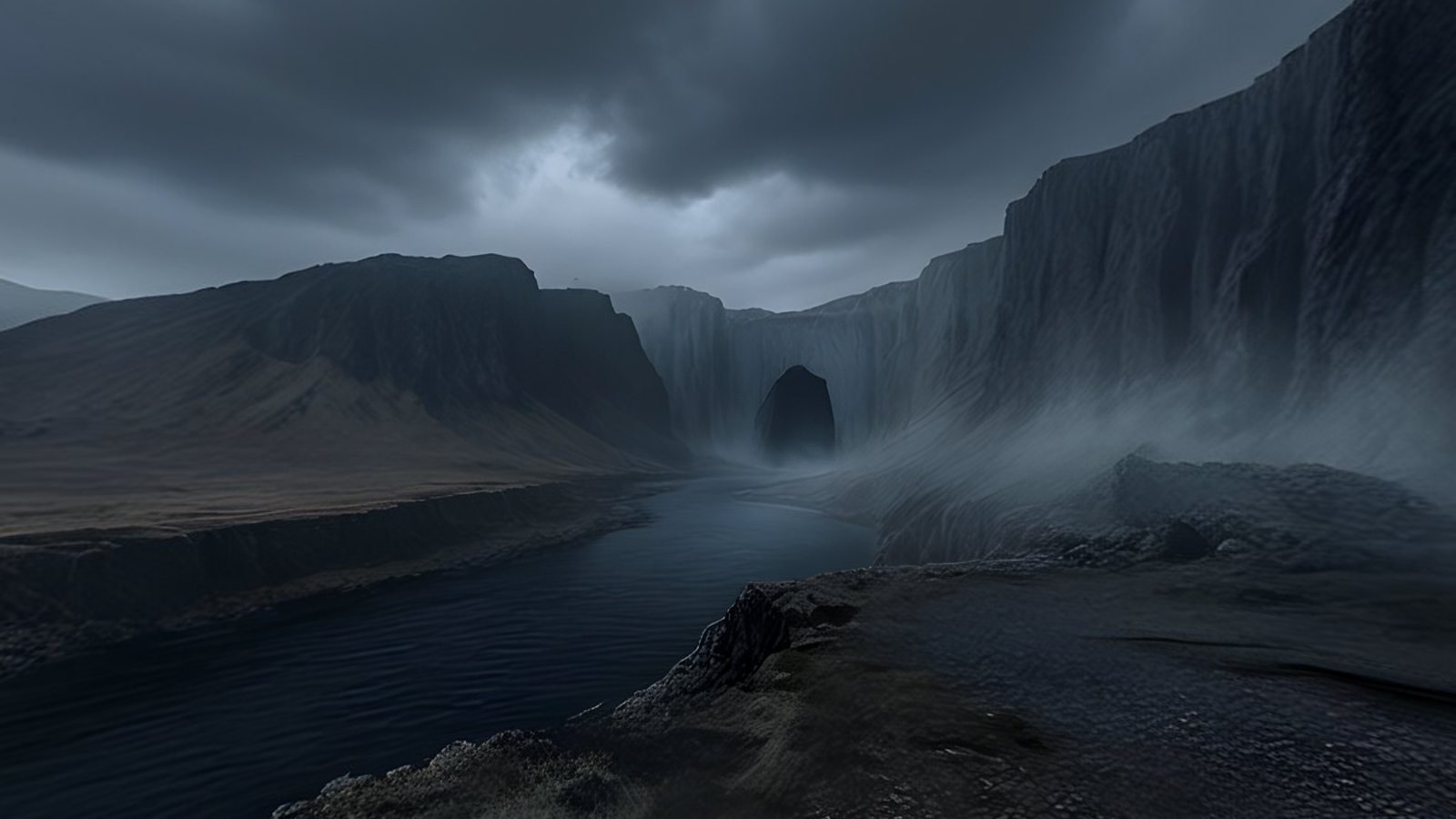
Virtual location scouting means reviewing candidate locations as 360° or 3D environments, often in a VR headset, before anyone travels, books or builds anything. With generated worlds, the candidates can be places that do not exist yet: describe the location from the script, generate several versions, review them in a headset with the director and director of photography, record where the camera goes, and hand the chosen location to previs. It does not replace a physical recce of a real location, but it gets the team agreeing on what they are looking for much sooner.
Virtual scouting and the physical recce
A physical recce answers two kinds of question. Creative ones: does this place look right, where does the camera go, what is behind it for the reverse shot, where is the light? And practical ones: can we get the trucks in, is there power, what does it sound like, who do we ask for permission, where is the sun at four in the afternoon? Only a visit answers the practical questions about a real place.
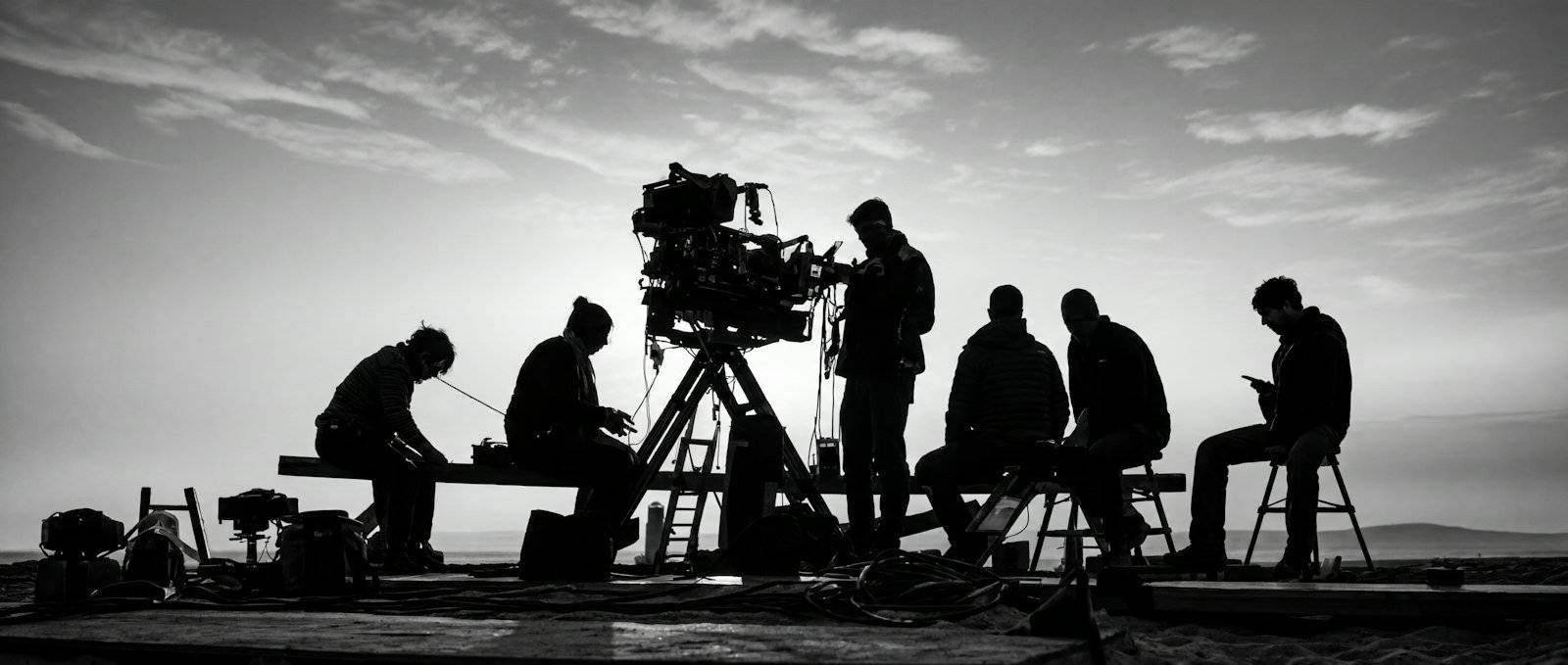
Virtual scouting takes on the creative questions earlier and more cheaply. The team can stand inside a candidate location, look all the way round it, and argue about it, without leaving the office. For a location that will be built, or found later to match, or created in visual effects, it may be the only scout there is before construction starts. Engines such as Unreal Engine also offer tools for scouting 3D sets in VR with virtual cameras; a 360° world is the fastest way to get to that stage, and can sit behind a 3D set as its backdrop.
Generating candidate locations
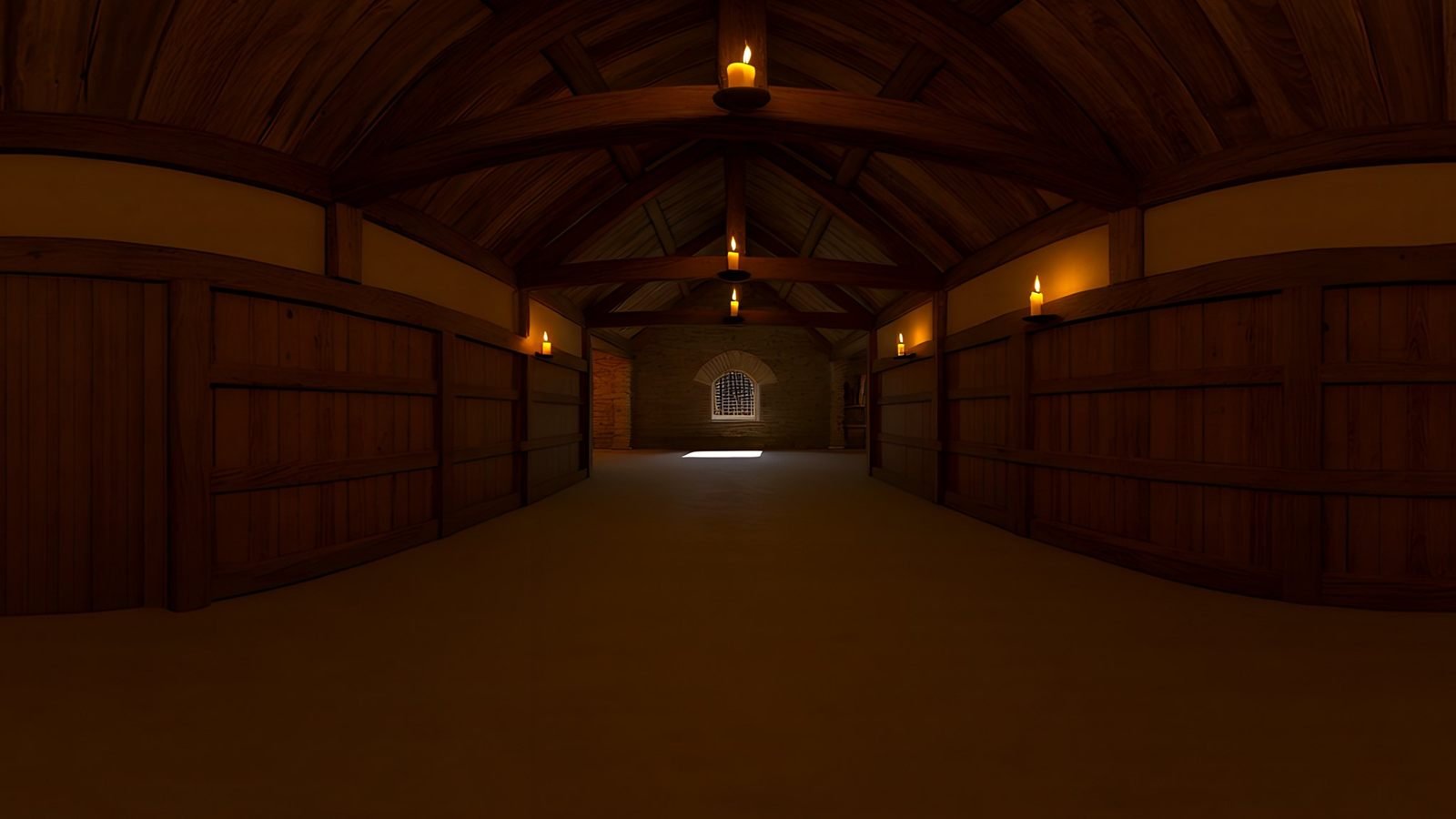
Start from the scene heading and the description in the script: the place and the time of day are already there. In WorldGen360 Studio, turn that into a prompt that describes where the camera stands and what surrounds it, choose the Cinematic style for film-grade colour and light, keep the viewpoint at ground level, and tick No living creatures, since extras frozen in a still world are distracting. Layered prompts help place things deliberately: what is right around the camera, what stands in the middle distance, and what belongs in the sky.
- Go wide first. Generate three to five genuinely different candidates: a different era of architecture, a different landscape, a wider or tighter space. The point of scouting is choice, and five versions of the same idea is not a choice.
- Start from a picture where you have one. A recce photo, a reference image from the production designer or a still from a lookbook can be attached as a photo reference, with a description of what should change.
- Narrow down, then Remix the favourites into the time of day and weather the scene needs. Remix starts from the original picture and changes only what you ask for, so the place stays recognisably the same while the light changes.
- Clean up anything that distracts with the Magic Eraser, and check each world’s quality report for the seam, the horizon and a clear view from the centre.
Each world usually takes two to three minutes, so a morning’s work can produce a full set of candidates. Virtual production shows one scene taken from a script line to a layered prompt.
Before the session, prepare the set like any other review material. Name each world by scene and option, “Sc 12 harbour A” rather than a date or a number, put them in the order you want to show them, and look through each one yourself first, straight up and straight down included, so nothing surprises the room. Leave out any candidate you would not be happy to see chosen.
Reviewing in a headset with the director and DP
A scouting session works best with a little structure:
- One headset, one shared screen. Cast the headset’s view to a screen in the room, so everyone sees what the person wearing it sees and can point things out. Swap the headset between the director, the DP and the designer.
- Remote team members can join through private share links, which open each world in a 360° viewer in the browser with no account needed, and can be revoked afterwards.
- Stand where the characters stand. The world is seen from one point, so treat that point as a mark in the scene: look where the actor would look, then turn to see what the camera would see behind them for the reverse.
- Let the DP look at the light. Where is the sun, how hard are the shadows, what is backlit? The answers feed straight into the lighting plan, and a Remix can move the time of day if the light is wrong.
- Keep sessions short and seated, fade between worlds rather than cutting, and give everyone breaks. VR comfort explains why.
Recording decisions
A scout is only as useful as its notes. For each world, keep a record of:
- The world itself: its share link, prompt, style and seed, so anyone can reopen or recreate it.
- Camera directions, described against a landmark in the world, such as “facing the lighthouse” or “a quarter turn left of the harbour gate”, with a screenshot of each framing.
- Lenses. A viewer’s field of view maps onto focal length. On a full-frame sensor, a 24 mm lens sees about 74° across, a 35 mm about 54°, a 50 mm about 40° and an 85 mm about 24°. Match the viewer’s field of view where it allows, and note the lens beside each framing.
- What must be built: anything the camera gets close to, or that actors touch, belongs in the set or as geometry in previs, not in the image.
Handing off to previs in Unreal
Once a location is chosen, export it as EXR at 8192 × 4096 and bring it into Unreal Engine. Convert the EXR to a 2:1 .hdr file first, so Unreal imports it as a cubemap, then set it up as an HDRI Backdrop, which surrounds the scene and lights it. HDRI Backdrop in Unreal Engine 5 covers every setting, and the Unreal Engine page covers making worlds for Unreal.
From there, previs picks up the scouting notes: place proxy geometry for everything the camera gets close to, add cine cameras at the lenses you noted, pointed along the directions you recorded, and match a directional light to the sun in the world. The team then sees the same place they agreed on in the headset, now with cameras and action in it. If previs shows that a framing does not work, go back to the world rather than forcing the shot: a Remix with the light moved, or a new viewpoint of the same place, is quicker than rebuilding the set in previs.
WorldGen360 Studio
Generate candidates for your next scout
Turn a scene heading into candidate locations, Remix the favourites to the time of day the scene needs, and share them privately with the team.
- Cinematic style and layered prompts
- Private, revocable share links
- Linear EXR for previs, on paid plans
The limits of a single-viewpoint world
A 360° world is one image, seen from one point. You cannot walk through it, and objects in it do not shift against each other as the camera moves, so tracking shots and camera moves need 3D in front of it. It shows only what is visible from that point: what lies behind a wall or round a corner does not exist until you generate another viewpoint. And a generated location is imagined, not surveyed. It says nothing about access, sound, permits or the real sun path, so when the chosen look is matched to a real place, that place still needs a physical recce. Mono vs stereo 360° explains why near objects belong in geometry rather than the image, and the complete guide to VR environments covers headsets in more depth.
Frequently asked questions
What is virtual location scouting?
Reviewing candidate locations as 360° or 3D environments, on screens or in VR headsets, before anyone travels to, books or builds them. It covers the creative questions of a recce, such as framing and light, earlier and more cheaply.
Can you scout a location that does not exist yet?
Yes. Generate the location as a 360° world from the script’s description, review it in a headset, and Remix it into other times of day or weather. It becomes the reference the set, the location search or the visual effects are judged against.
What do you need for a virtual scouting session?
The candidate worlds, a VR headset with its view cast to a shared screen, private share links for anyone joining remotely, and someone taking notes on camera directions, lenses and what must be built.