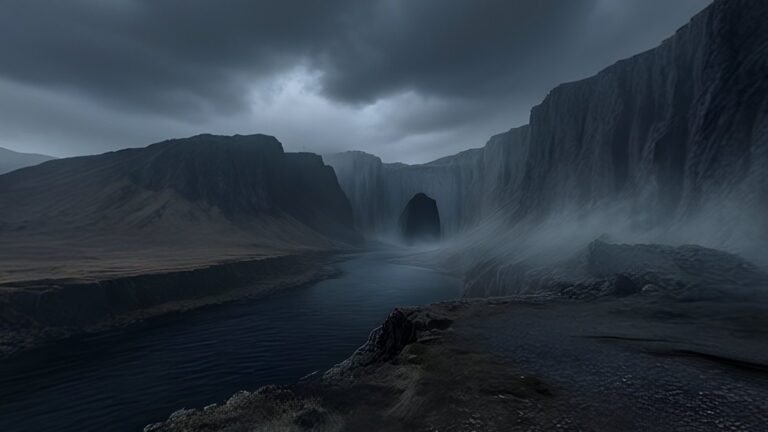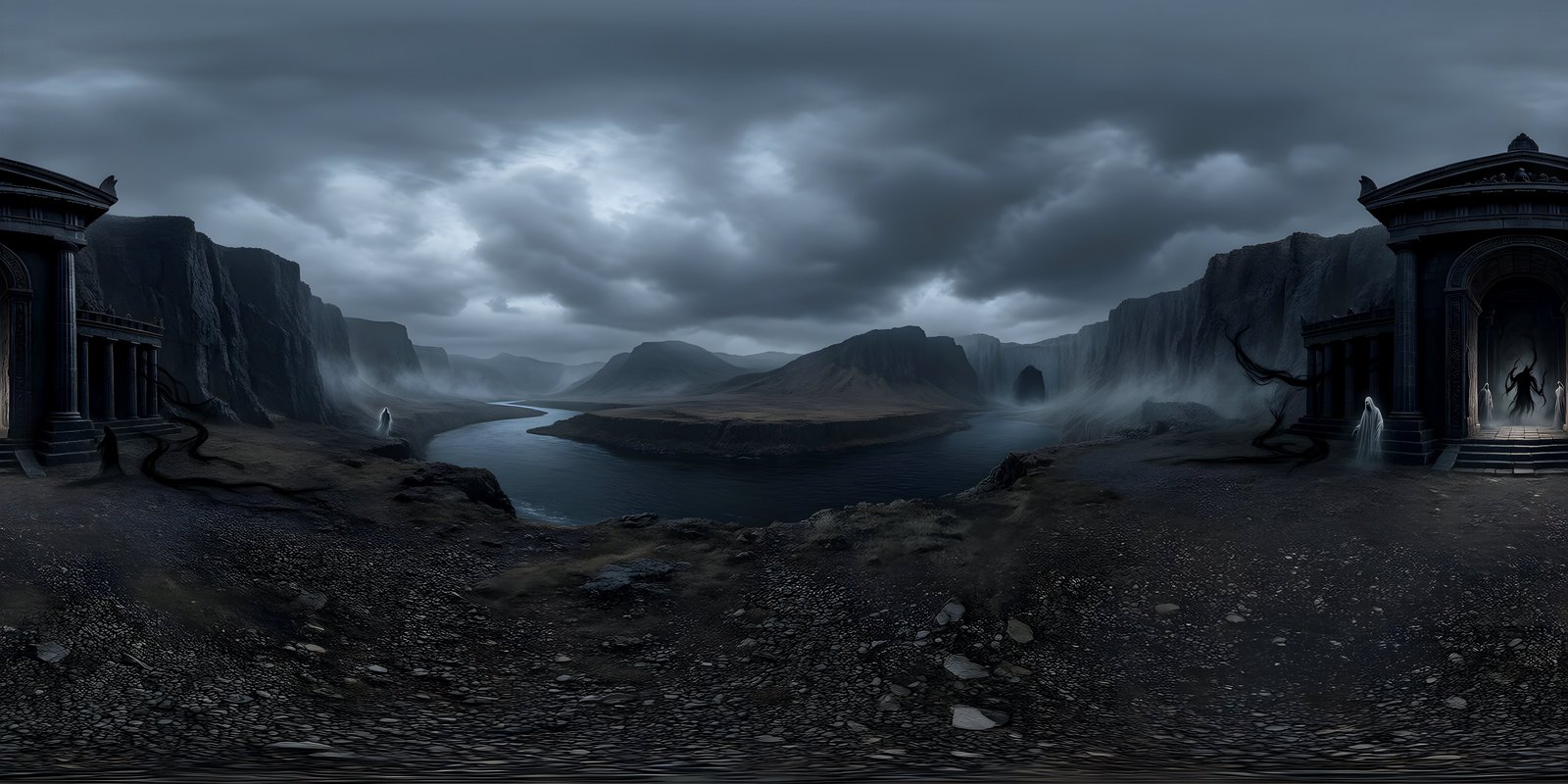
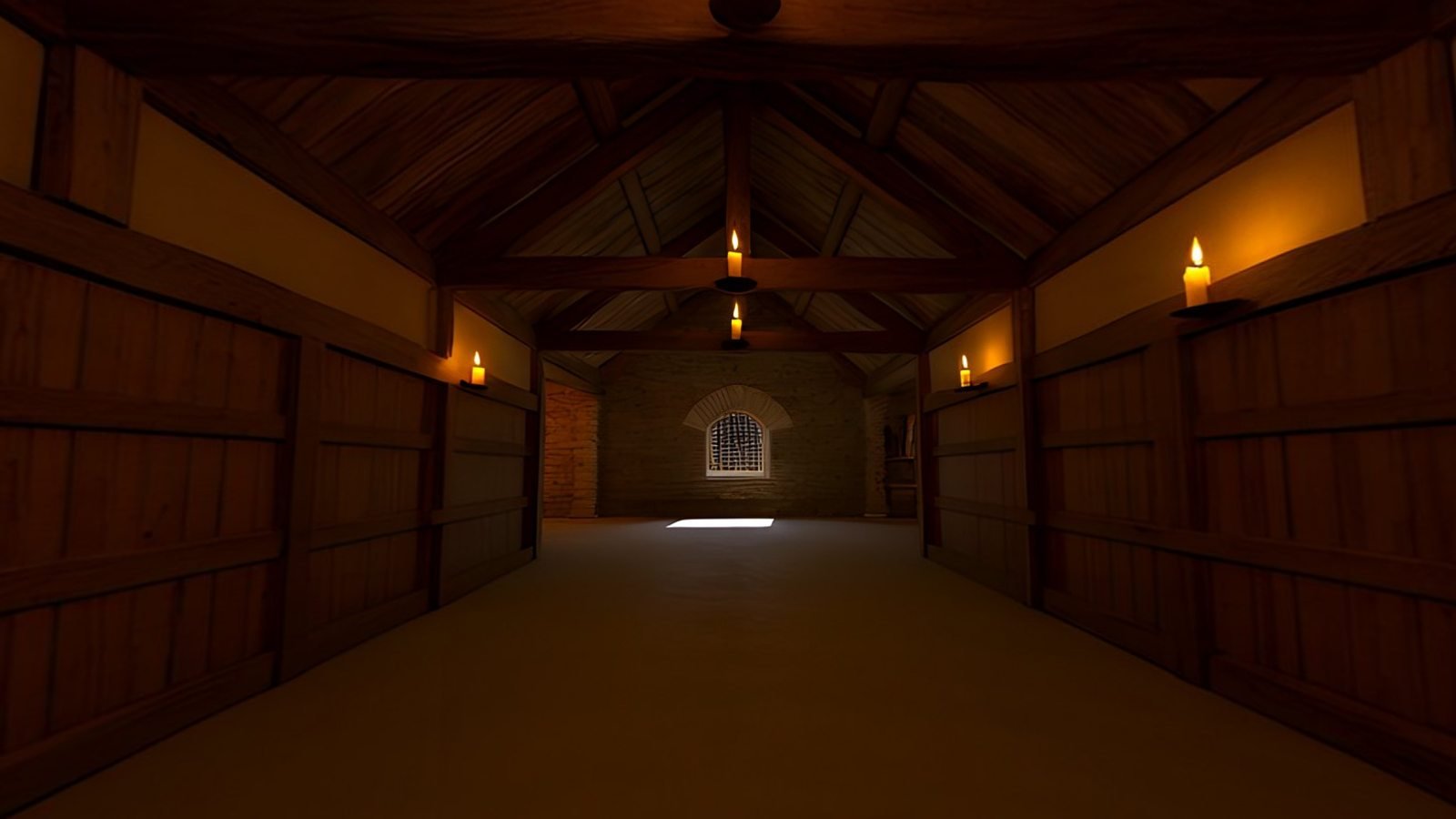
A good VR training environment is believable enough that trainees stop noticing it, close enough to their real workplace that the lessons carry over, and consistent from one scenario to the next. 360° worlds suit training that happens from a fixed viewpoint, such as orientation, hazard spotting and decision-making, while tasks that need walking and handling equipment need full 3D, often with a 360° world as the distant backdrop. Generating variants from one base prompt gives a whole set of conditions, day shift, night shift, emergency, in the same place.
What a training scenario needs from its setting
In most VR, the environment is there to impress. In training, it has a narrower job: to put the learner in a situation they will recognise later, and to hold the cues the lesson depends on. Before creating anything, write down what the setting has to contain.
- The right kind of place. A warehouse for warehouse safety, a ward for a clinical scenario, a site for site induction. Close enough to the trainees’ own workplace that it feels familiar, even if it is not an exact copy.
- The cues the lesson uses. Exits, equipment, hazards, signage, the things a trainee must notice or act on, in plausible positions.
- The conditions that matter. If the job changes at night, in bad weather or during an alarm, the training needs those conditions too.
- A consistent layout, so that later scenarios build on what trainees learned in earlier ones rather than starting afresh.
- Nothing that pulls attention away from the task.
Realism and relevance
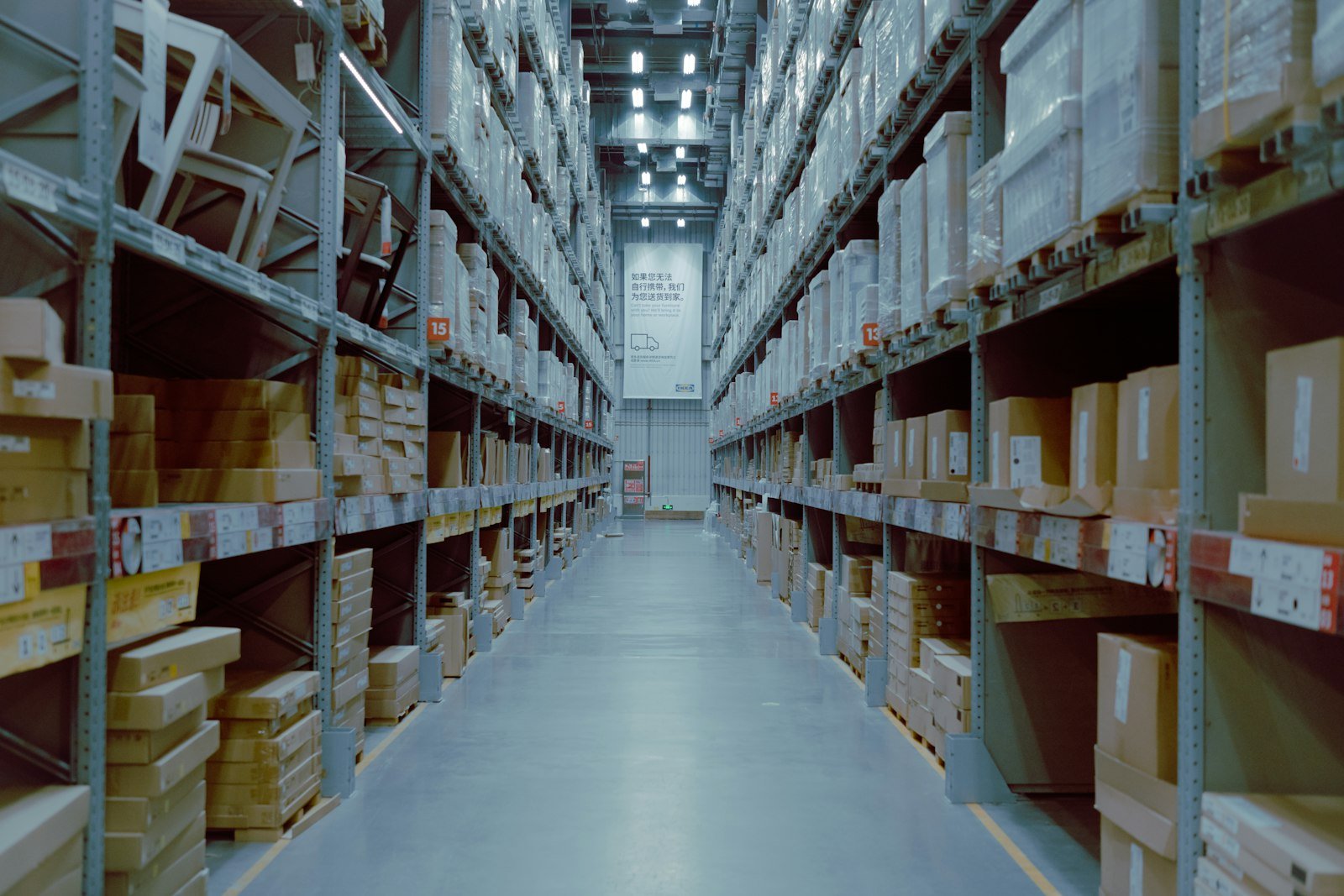
It is tempting to assume that more realistic is always better. Realism helps where it makes the setting recognisable, but the more useful test is relevance: does each detail support the task, or compete with it?
| Detail that helps | Detail that distracts |
|---|---|
| The hazards and equipment the lesson covers | Clutter that invites exploring for its own sake |
| Exits, routes and landmarks trainees orient by | Readable signs with the wrong words, or lettering that is nonsense |
| Lighting and conditions the job really involves | People frozen mid-step in a still image |
| A level horizon and a true standing height | A viewpoint that makes the space feel too big or too small |
Two items on the right are worth a note. Generators still find readable text hard, so plan for safety signs and labels to be added as 3D objects or overlays, where you control the wording. And people in a still image never move, which looks wrong in a headset; keep the world empty and add trainers, colleagues or casualties as animated characters or 360° video where the scenario needs them. Comfort matters too, since discomfort is its own distraction: VR comfort covers horizons, brightness and transitions.
Building variants from one prompt
Training rarely needs one environment; it needs the same place under several conditions. Take a warehouse safety programme. In WorldGen360 Studio, start with a base world, using the Photorealistic style, a ground-level viewpoint, the Enclosed viewpoint setting for an interior, and No living creatures ticked:
Inside a large distribution warehouse, standing in a wide aisle between tall pallet racking, a loading bay with roller doors at one end, yellow floor markings, a forklift parked beside the racking, bright even overhead lighting.
Once the base world is right, Remix it for each condition, changing only the light:
- Night shift: “most overhead lights off, pools of light from a few lamps over the aisle, the loading bay dark”.
- Emergency: “main lighting off, dim emergency lighting only, illuminated exit signs, a light haze in the air”.
Remix starts from the original picture and changes only what you ask for, so the racking, the loading bay and the forklift stay recognisably where they were. Trainees learn one layout and then meet it again in the conditions that make it dangerous. The Magic Eraser removes anything that should not be there, working on the sphere so the fix does not break the wrap.
Keep a simple record for every world in the programme: its prompt, style, viewpoint, seed and which base world it was remixed from. When a scenario needs a new condition months later, a flooded aisle or a blocked exit, whoever builds it can start from the same base and get a variant that matches the rest of the set, rather than a near miss that trainees notice.
To start from the real site, attach a photo and describe what should change, and Studio builds a 360° world from it. The result is an interpretation of the place rather than a record of it. Check your organisation’s policy before uploading photos of a real workplace: the photo is sent to OpenAI for processing, as Studio discloses when you pick a file, with location data stripped first.

WorldGen360 Studio
Build the base world and its variants
Generate the workplace once, then Remix it into night shift, emergency lighting or bad weather, with the layout kept.
- Remix changes only what you ask for
- Start from a photo of a similar site
- Commercial use on every plan
When a 360° image is enough, and when you need full 3D
A 360° world is seen from one point. The trainee can look in every direction, but cannot walk through it, and nothing in it changes position as they lean. That makes the choice fairly clear.
| Training type | 360° world | Full 3D |
|---|---|---|
| Orientation and induction: where things are, what the place looks like | A good fit | More than needed |
| Hazard spotting: find the risks in this scene | A good fit, with clickable hotspots | Needed only if trainees must move to see them |
| Decisions and conversations from one position | A good fit, with characters added | More than needed |
| Walking a route, such as an evacuation | Several linked viewpoints at best | Needed |
| Handling equipment and procedures | As the backdrop only | Needed for the equipment |
Many programmes end up with a hybrid: the machine, the workbench or the patient as interactive 3D geometry close to the trainee, and a 360° world around them for everything distant. It is far quicker than modelling a whole building, and the world still gives the scenario its sense of place. Mono vs stereo 360° explains why that combination also gives the best depth.
Delivery: headsets, WebXR and screens
- Standalone headsets are portable and need no PC, which suits training rooms and site visits. Their memory is limited, so compress 360° worlds, and plan how apps and updates will reach every headset.
- PC-connected headsets offer more graphics power for detailed 3D scenarios, at the cost of a computer per trainee.
- WebXR runs in a headset’s browser from a link, with nothing to install and nothing to update on each device. It suits 360° scenarios well. How to show a 360° image in VR with A-Frame shows how little it takes.
- Screens matter too. Not everyone can or wants to use a headset, and the same 360° world works in a browser viewer on a laptop or phone, so offer that route for anyone who needs it.
Whatever the delivery, plan for everyone who will take the training. Offer a seated option, keep sessions short with natural breaks, caption any spoken instructions, and let people leave the headset at any time without losing their progress. Some trainees cannot use a headset at all, for medical, comfort or accessibility reasons, and the same scenario on a screen should count as completing it.
For more on the settings a generated world suits, see use cases, and for design, resolution and performance in headsets, the complete guide to VR environments.
Frequently asked questions
What makes a good VR training environment?
One that trainees recognise as their kind of workplace, that holds the cues the lesson depends on, that stays consistent across scenarios, and that is comfortable to spend time in. Detail should support the task rather than compete with it.
Can 360° images be used for VR training?
Yes, for anything done from a fixed viewpoint: orientation, hazard spotting with hotspots, and decisions or conversations. For walking routes or handling equipment, use 3D, with a 360° world as the backdrop.
How many environments does a training programme need?
Usually one base environment for each kind of place trainees work in, plus a variant for each condition that changes the job, such as night, bad weather or an emergency. Building variants from a base world keeps the count manageable.
How do you keep training environments consistent across scenarios?
Start every variant from the same base world rather than a fresh prompt. In Studio, Remix starts from the original picture and inherits everything you do not change, and Keep the same seed reuses its random seed too; keep the same style, viewpoint and prompt wording, and record them so new variants match later.