An 8192 × 4096 skybox takes 128 MB of video memory uncompressed, 32 MB compressed with BC7 or ASTC 4×4, and about 14 MB with ASTC 6×6, plus about a third more for mipmaps. A 4096 × 2048 sky takes a quarter of each. Compress every sky with the right format for its platform, keep mipmaps where they help, and choose the size from how much of the sky players really see, not from what fits.
The memory maths
A texture’s memory is simply its pixel count multiplied by the bytes each pixel takes in the format the graphics card uses. The size of the file on disk does not come into it: a 6 MB PNG and a 40 MB PNG of the same dimensions take exactly the same memory once loaded, because the card never sees the PNG, only the decoded or compressed pixels.
Uncompressed colour is usually stored as four bytes per pixel, red, green, blue and alpha, even when the image has no transparency, because graphics hardware works in fours. HDR skies in half float take eight. Block-compressed formats store a fixed number of bytes for every small block of pixels, which works out at a fraction of a byte per pixel:
| Size | Pixels | RGBA8 (4 bytes) | BC7 or ASTC 4×4 (1 byte) | ASTC 6×6 (about 0.44 bytes) | RGBA16F (8 bytes) |
|---|---|---|---|---|---|
| 2048 × 1024 | 2.1 million | 8 MB | 2 MB | about 0.9 MB | 16 MB |
| 4096 × 2048 | 8.4 million | 32 MB | 8 MB | about 3.6 MB | 64 MB |
| 8192 × 4096 | 33.6 million | 128 MB | 32 MB | about 14 MB | 256 MB |
The figures are in binary megabytes (MiB), before mipmaps, and they are calculated rather than measured: the one-byte formats pack each 4 × 4 block of 16 pixels into 16 bytes, and ASTC 6×6 packs each block of 36 pixels into the same 16 bytes. The HDR equivalent of BC7, BC6H, is also one byte per pixel, so an 8K HDR sky compressed with it takes 32 MB instead of 256.
Two things stand out. First, doubling the width and height quadruples the memory, so the step from 4K to 8K is expensive. Second, compression matters more than size: a compressed 8K sky takes the same 32 MB as an uncompressed 4K one, and looks far sharper. Shipping a sky uncompressed is almost never the right trade.
Compression formats by platform
Graphics cards can only sample the compressed formats they support in hardware, and support differs by platform:
- Desktop and console: BC7, and BC6H for HDR. BC7 is the high-quality colour format of the BC family, at one byte per pixel. The older BC1 is half the size, but skies are smooth gradients, the hardest thing for block compression, and BC1 turns a clear sky into visible bands.
- Mobile and standalone VR: ASTC. ASTC lets you choose the block size, trading quality for memory. 4×4 is one byte per pixel and the highest quality; 6×6 is under half that and usually still good for a sky; larger blocks such as 8×8 save more but start to show in gradients. Standalone headsets such as Quest use ASTC.
- Older mobile devices: ETC2. The fallback where ASTC is not available. It is smaller than ASTC 4×4 for opaque images but lower in quality, so test skies carefully.
- The web: Basis Universal. A texture stored as KTX2 with Basis Universal is transcoded when it loads into whichever format the device supports, so one file serves desktop and mobile browsers.
HDR is harder on mobile, where compressed HDR formats are not available everywhere. Many mobile projects ship the visible sky as a compressed 8-bit texture and bake the scene’s lighting from the HDR version in the editor, which gives HDR lighting without keeping an HDR texture in memory.
Mipmaps, and the seam line
Mipmaps are a chain of smaller copies of a texture, each half the size of the last. The graphics card samples whichever copy best matches how large the texture appears on screen, which stops fine detail shimmering and crawling as the camera moves. Each level is a quarter the size of the one above, so the whole chain adds about a third to the memory: an 8K BC7 sky goes from 32 MB to about 43 MB.
Skies are an unusual case, because they are usually magnified rather than shrunk: an 8K sky on a typical screen shows roughly one texel per pixel, and a 4K sky fewer. Mipmaps then matter less than on most textures, and some projects turn them off for the sky to save the third. They still help where a sky is shown small, and in VR, where the head never stops moving.
There is one catch with equirectangular skies. Where the image wraps, the texture coordinate jumps from 1 back to 0 between two neighbouring pixels. The graphics card reads that jump as a texture shrunk to almost nothing, picks the smallest mipmap for those pixels, and draws a thin line down the sky. There are three fixes: turn mipmaps off for the sky, convert the sky to a cubemap, which has no wrap, or use a custom shader that calculates the mip level without the jump. How to make a skybox in Unity shows the cubemap route in practice.
Equirectangular or cubemap memory
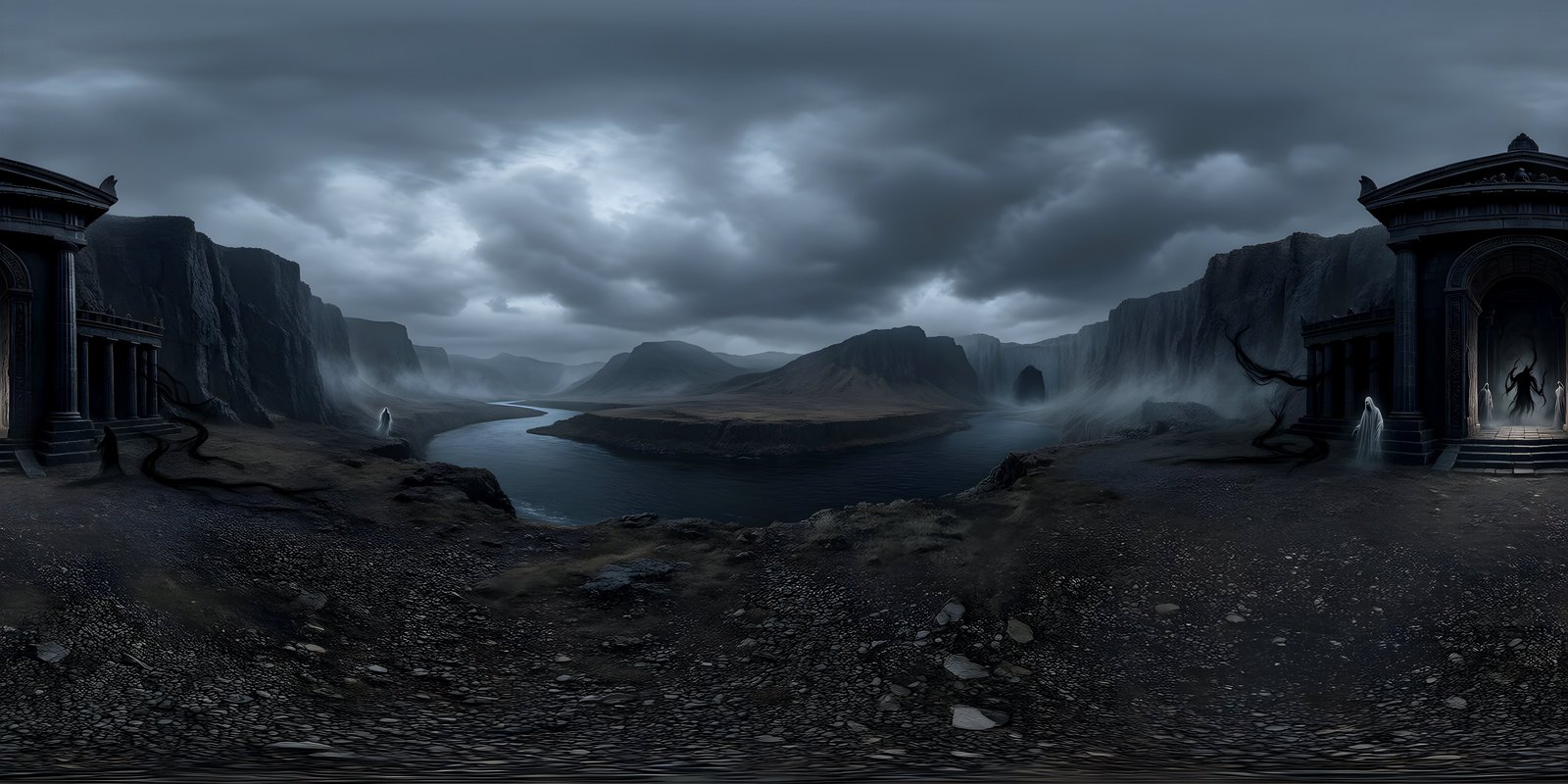
An equirectangular image wastes pixels at the poles, where whole rows describe a tiny area of the sky. A cubemap spreads its pixels far more evenly. To keep the same detail at the horizon, each cube face needs to be a quarter of the equirectangular width, so an 8192 × 4096 sky becomes six faces of 2048 × 2048. That is 25.2 million pixels instead of 33.6 million, a quarter less memory for the same horizon detail: 96 MB instead of 128 uncompressed, or 24 MB instead of 32 with BC7. Together with the missing seam line, that is why engines so often convert skies to cubemaps on import.
Presets by platform
| Platform | Size | Format | Approximate memory, without and with mipmaps |
|---|---|---|---|
| PC and console | 8192 × 4096, or a 2048 cubemap | BC7, or BC6H for HDR | about 24 to 43 MB |
| Mobile | 4096 × 2048, or a 1024 cubemap | ASTC 6×6 or 4×4 | about 3 to 11 MB |
| Standalone VR | 8192 × 4096 where memory allows, otherwise 4096 × 2048 | ASTC 6×6 | about 5 to 19 MB |
| Web | 4096 × 2048 first, 8K on desktop | JPEG, or KTX2 with Basis Universal | 32 MB per 4K image as plain JPEG, once decoded |
Start from the largest master you have and make the smaller copies from it, rather than the other way round. How big is big enough depends on the screen: 4K vs 8K 360° images covers monitors and phones, and the best resolution for VR 360° images covers headsets. WorldGen360 Studio generates worlds at up to 8192 × 4096, so the master starts at the top of this table.
WorldGen360 Studio
Start from an 8K master
Studio generates worlds at up to 8192 × 4096, so every platform copy is made by scaling down, never up. The wrap is seamless, so converting to a cubemap is clean.
- 8K on paid plans, 4K on the free plan
- One credit per world at any size
- Commercial use on every plan
Measuring it in your engine
Calculated figures are a guide; the engine’s own numbers are the truth, because they include the format it actually chose and any padding. In Unity, the Inspector shows the texture’s memory under its preview, and the Memory Profiler package shows every texture in a running build. In Unreal Engine, the Texture Editor shows the resource size, and the ListTextures console command lists textures by memory. In Godot, the Debugger’s Video RAM tab lists what a running project has loaded. Check the sky on the target device, not just in the editor, since the editor may use a different format from the build. The Unity page and the complete guide to game skyboxes have more on fitting a sky into a game.
Frequently asked questions
How much memory does an 8K skybox use?
An 8192 × 4096 sky takes 128 MB uncompressed at four bytes per pixel, 32 MB with BC7 or ASTC 4×4, and about 14 MB with ASTC 6×6. Mipmaps add about a third. As an uncompressed half-float HDR texture, it takes 256 MB.
Which texture compression should I use for Quest?
ASTC. Use 6×6 for a good balance of quality and memory in a sky, or 4×4 if the sky shows banding. Test on the headset, since gradients that look fine on a monitor can band in the lenses.
Should a skybox have mipmaps?
It depends. Mipmaps stop shimmering where the sky is shown small, and help in VR, at a cost of a third more memory. Skies are often magnified, so some projects turn them off. If mipmaps cause a line where a panoramic sky wraps, use a cubemap.