A good prompt for a 360° world does five things. It names the place, says where the viewer is standing, sets the light, decides what sits near and far, and settles the style and whether anyone is in it. Write it as a description of somewhere you could stand, not a picture you would frame, because in a 360° world there is no frame: the viewer can turn and look anywhere. This guide explains each part, shows three weak prompts made strong, and ends with 20 prompts to start from.
Describe a place, not a picture
Most people learn to prompt on ordinary image generators, where you describe a shot: a subject, a composition, a camera angle. That habit works against you in 360°. A prompt such as “a close-up of a lighthouse at sunset” asks for one thing in the middle of a frame. A 360° world has to fill every direction, including behind the viewer, straight up and straight down, and a single subject in the middle leaves the generator guessing about everything else.
Instead, imagine standing in the place and turning slowly on the spot. What is under your feet? What fills the horizon on each side? What is overhead? Write that down. “Standing on the rocks below a white lighthouse at sunset, waves breaking on either side, the headland curving away behind” gives the generator a whole place to build, and the lighthouse is still there when you face it.
For the same reason, leave out framing words. Close-up, portrait, wide shot, centred, rule of thirds and bokeh all describe a camera that does not exist in a 360° world. So do quality tags such as “8K, ultra detailed, masterpiece”: resolution is a setting, not a word, and detail comes from describing things worth looking at.
The anatomy of a 360° prompt
Place and viewpoint
Start with where the viewer stands: “on a stone bridge over a canal”, “in the middle of a snowfield”, “on the flight deck of a starship”. The viewpoint decides the scale of everything else. In WorldGen360 Studio, the Viewpoint switch sets the camera height too: Ground level keeps the foreground close and sharp at eye height, and Aerial / above gives a bird’s-eye view. Or skip the words: start from a photo and describe only what should change.
Surroundings and horizon
Name what surrounds the viewer and what fills the horizon, because the horizon is where people look most. Give it variety as you turn: a town on one side, open sea on the other, hills behind. A horizon that is the same all the way round reads as flat and repetitive.
Light, time and weather
Time of day, season and weather change a world more than any other words. “Golden hour”, “overcast”, “blue hour”, “after rain”, “first snow”, “heavy fog”: each one resets the colour, the contrast and the mood of everything in view. If a world will light a 3D scene, the light matters twice, because the sun you describe becomes the light source.
Staging the distance
Decide what belongs near the viewer, in the middle distance and in the sky. Game skies usually want their detail far away, because anything close has no depth and will not line up with the game’s own geometry. Studio’s layered prompt mode is built for this: it splits the description into the Near field, for the first ten metres around the camera, the Middle field, for distant objects and landmarks, and Sky & atmosphere only. Put solid things, even distant mountains and buildings, in the middle field; anything written into the sky field is rendered in the sky.
Style
Let the style preset carry the look and keep the prompt about the place. Studio’s six styles, Photorealistic, Cinematic, Digital Painting, Oil Painting, Anime / Cel-Shaded and Stylised Low Poly, change how the world is processed as well as how it is drawn, so a painted world is not quietly sharpened back into a photograph. The ten environment presets, or Auto, set sensible defaults for the kind of place.
People and creatures
Decide whether anyone is there. People, animals, birds and fish imply motion, and anything that should move looks wrong frozen in a still 360° world. For backgrounds, skies and clean plates, tick No living creatures, and describe places as empty or quiet rather than busy.
Studio’s advanced settings add finer control once the basics are right. The Foreground Policy chooses between a Clear viewpoint, with open space around the camera, an Enclosed viewpoint for sheltered spaces and interiors, and Open, with no constraint. The Horizon Policy chooses a Natural or a Dramatic horizon. A negative prompt lists anything else to avoid, and a seed lets you reproduce a world exactly and nudge it rather than starting again. If you only have a rough idea, the Enhance button expands a short prompt into a fuller, 360-friendly one.
Three weak prompts, made strong
| Weak | Strong | What changed |
|---|---|---|
| “Beautiful fantasy landscape” | “A high mountain pass at golden hour, seen from a stone road between two watchtowers, pine forest falling away to a valley of lakes, snow peaks all round the horizon” | A viewpoint, a horizon, a time of day, and things to look at in every direction |
| “Close-up of a lighthouse at sunset, centred, bokeh” | “Standing on the rocks below a white lighthouse at sunset, waves breaking on either side, a grassy headland curving away behind” | Framing words removed; the subject becomes one part of a place |
| “Futuristic city, 8K, ultra detailed, masterpiece” | “A rooftop landing pad in a dense future city at night, towers of lit windows on every side, flying traffic lanes far above, low cloud glowing orange” | Quality tags replaced by specific detail, with the viewer placed in the scene |
The strong versions are longer, but not by much. What makes them work is that every phrase describes something the viewer will see from where they stand.
20 prompts to start from
Each prompt below comes with a suggested style and environment preset. Use them as they are, or change one thing at a time, the time of day, the weather or the viewpoint, and compare the versions in the 360° viewer. Once a world is close, Remix it rather than starting again: Remix starts from the original picture and changes only what you ask for, such as the Night or Winter preset or a change you describe, so the place stays recognisably the same while the light or season changes.
For games
- Fantasy hub. “A high mountain pass at golden hour, seen from a stone road between two watchtowers. Pine forest falls away into a valley of lakes, snow peaks ring the horizon, long warm light and thin cloud.” Digital Painting · Fantasy
- Alien plateau. “An alien desert plateau under a pale green sky, two moons low over a jagged ridge, wind-carved rock arches on the horizon, hard midday light.” Photorealistic · Sci-Fi World
- Sky islands. “Floating grassy islands above a sea of cloud, seen from the edge of one island, waterfalls spilling into the mist below, bright afternoon sun and soft white clouds.” Stylised Low Poly · Fantasy
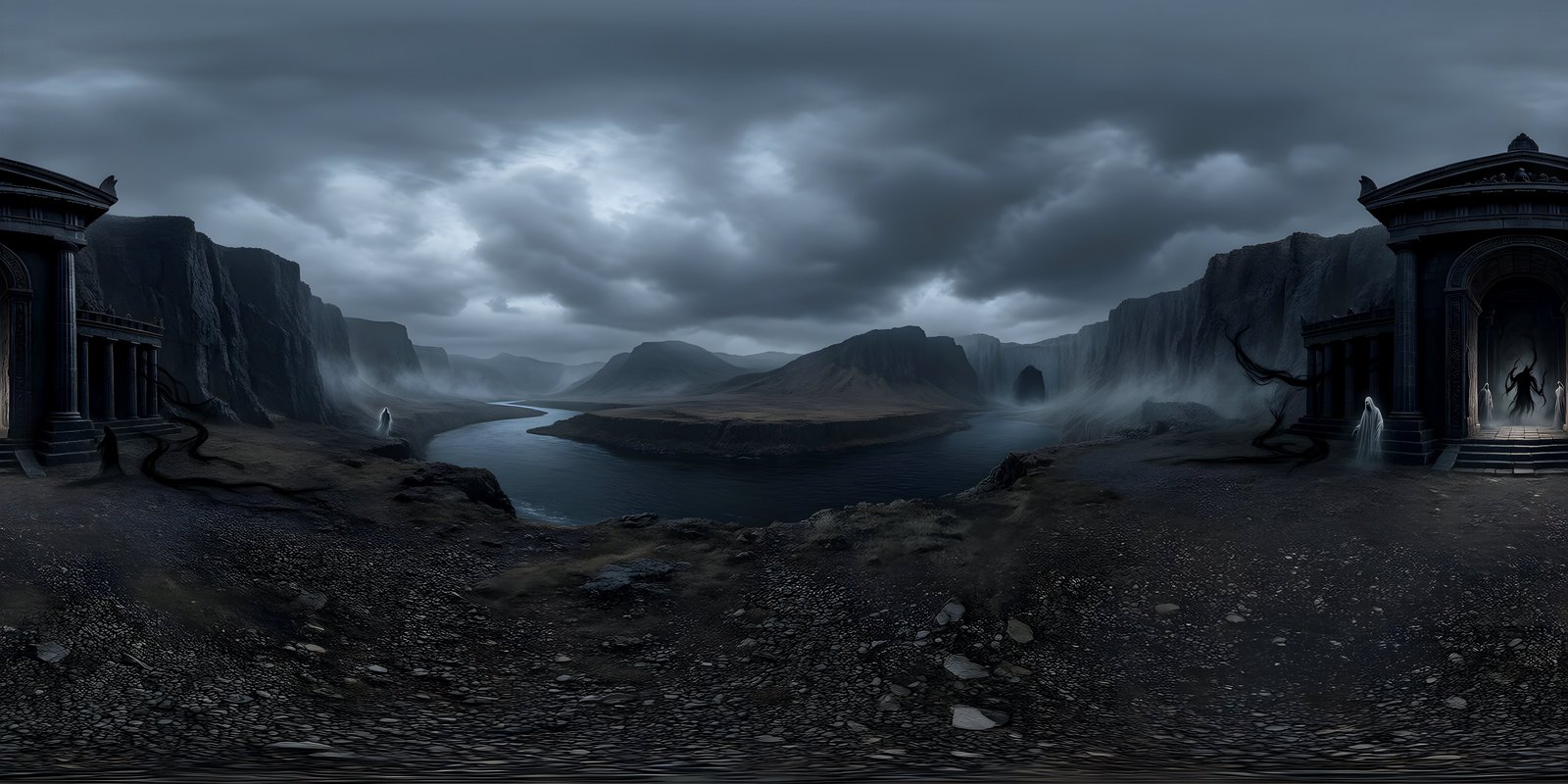
- Dead forest. “A dead forest at night seen from a muddy clearing, bare black trees on every side, a ruined chapel in the middle distance, thick ground fog and a sickly moon behind cloud.” Cinematic · Horror / Dark
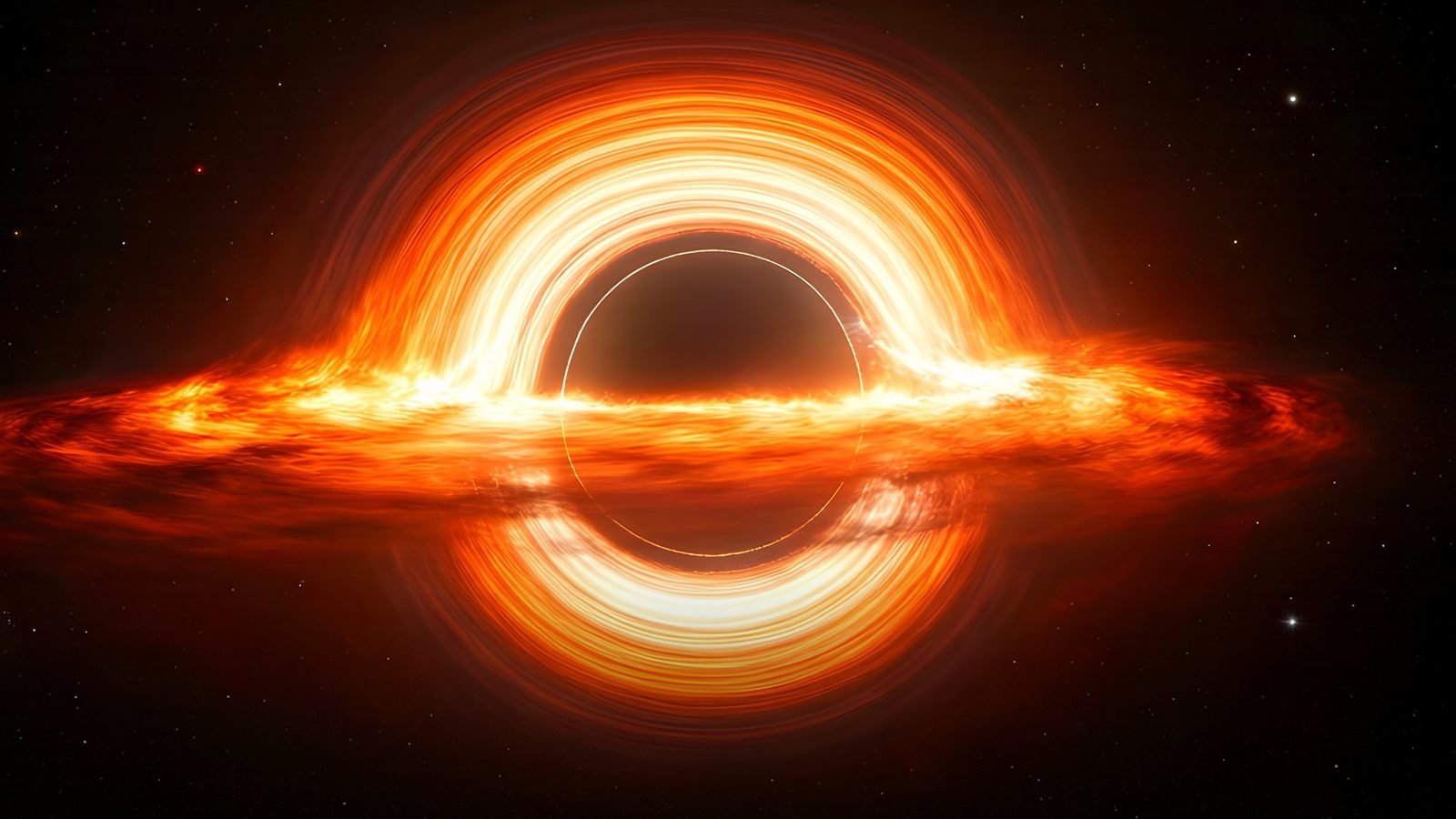
- Ringed planet. “In orbit above a ringed gas giant, its rings crossing the sky, a small distant blue sun, dense stars and a faint violet nebula.” Photorealistic · Space / Airless World
Studio recognises an orbital scene like the last one and places the planet below the camera, where it belongs, rather than pasting it onto the sky. There is more on matching a sky to a game’s art direction in stylised skyboxes.
For VR
- Alpine lake. “A still alpine lake at dawn, seen from the end of a wooden jetty, mirror-calm water, mist on the far shore, pine forest and soft pink light on distant peaks.” Photorealistic · Natural Landscape
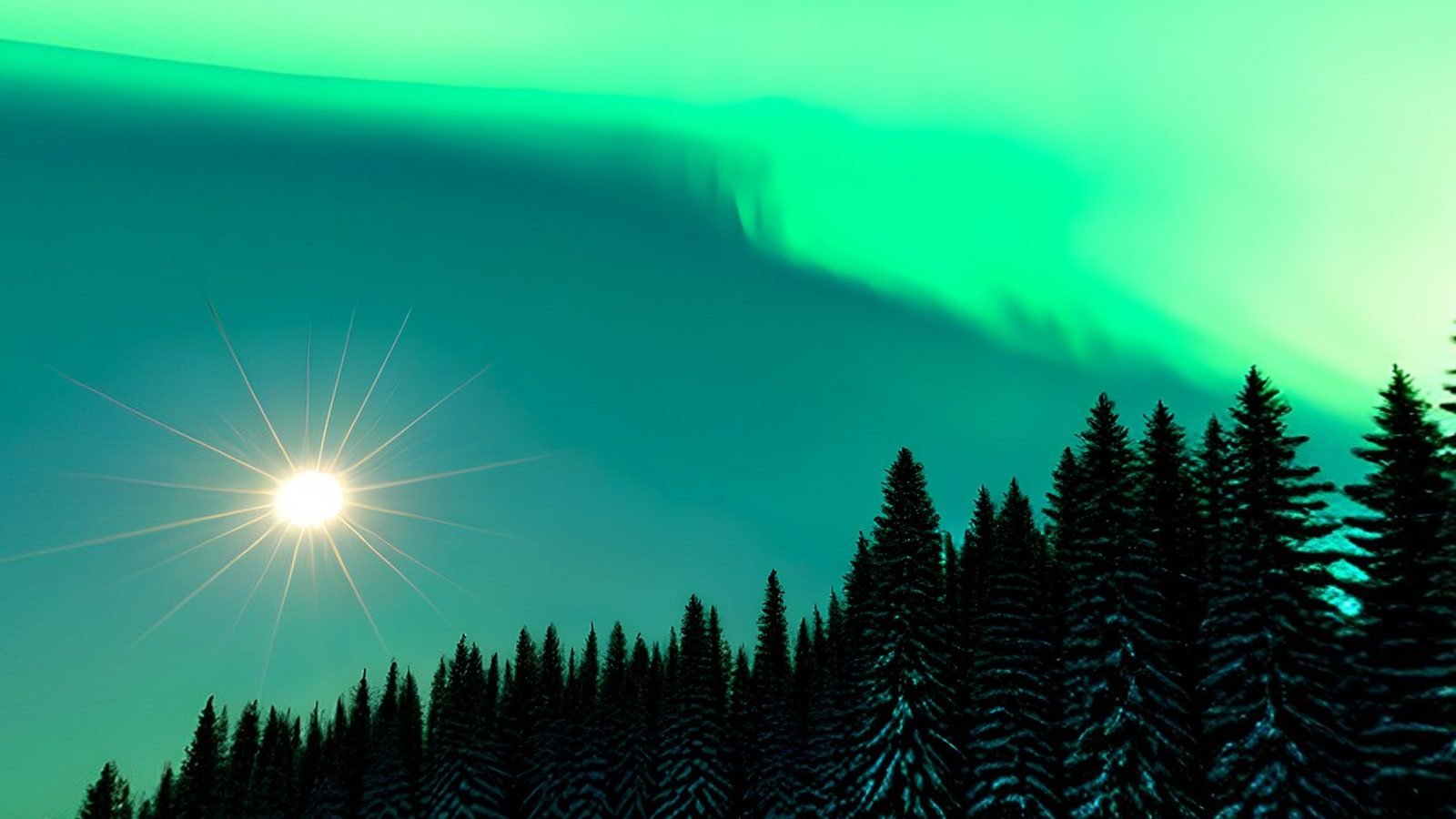
- Aurora lobby. “A calm snowfield under the northern lights, a low line of pine trees all around, a clear night sky full of stars, green aurora arcing overhead.” Photorealistic · Snow / Arctic
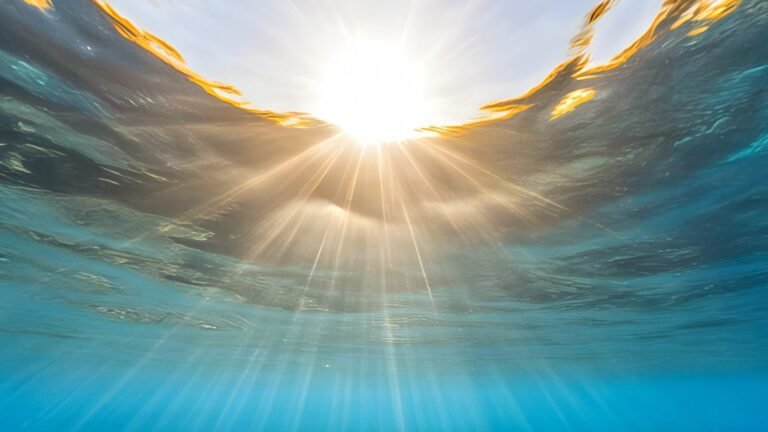
- Lagoon floor. “The sandy floor of a shallow tropical lagoon, coral all around, sunbeams through clear turquoise water, the rippling surface visible overhead.” Photorealistic · Underwater
- Rooftop terrace. “A rooftop garden terrace above a city at blue hour, planters and string lights around its edge, the skyline lit up on every side, a clear deep blue sky.” Photorealistic · Auto
- Roman forum. “The forum of a Roman city at midday, seen from the steps of a temple, marble columns and canopied market stalls, green hills and an aqueduct beyond, a bright clear sky.” Photorealistic · Auto
For headsets, keep the viewer at a natural standing height and the horizon calm and level. The lagoon is a good one for No living creatures, since a reef invites fish that would hang frozen in the water. VR comfort explains why these choices matter.
For film and previs
- Port town at night. “A narrow cobbled street in an old port town at night, wet stones reflecting the lamps, shuttered shops on both sides, the harbour at the end of the street, light rain.” Cinematic · Auto
- Frontier town. “The main street of a frontier town at high noon, timber storefronts and a water tower, open desert and red mesas beyond, a cloudless bleached sky.” Cinematic · Desert
- Starship bridge. “The bridge of a large starship, curved consoles in a ring around the viewer, a wide window onto a blue planet below, cool practical lighting.” Cinematic · Sci-Fi World, Enclosed viewpoint
- Night market. “A rain-soaked market street in a dense future city at night, neon signs stacked up the buildings on both sides, steam rising from street vents, walkways crossing overhead.” Cinematic · Cyberpunk City
- Country garden. “A formal country garden in late summer, seen from a gravel path, clipped hedges and a stone fountain, a Georgian house on one side, soft evening light.” Photorealistic · Natural Landscape
A scene heading makes a good first draft of a prompt: the place and the time of day are already there. Virtual production shows a script line turned into a layered prompt, step by step.
For architecture
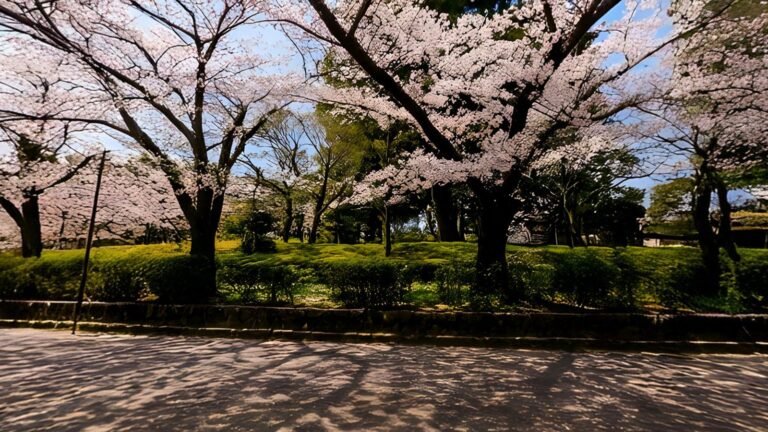
- Spring street. “A quiet residential street in spring, young trees in blossom, low brick houses across the road, soft morning sun and thin high cloud.” Photorealistic · Auto
- Coastal headland. “An open coastal headland in late afternoon, low grass and dunes, the sea on one side and gentle hills on the other, a warm low sun and a clear sky.” Photorealistic · Natural Landscape
- City square. “A paved city square surrounded by glass office buildings, a few mature plane trees, a bright overcast sky giving soft, even light.” Photorealistic · Auto
- Winter parkland. “Open parkland after snowfall, bare trees at a distance, a low winter sun near the horizon, a pale clear sky and long blue shadows on the snow.” Photorealistic · Snow / Arctic
- Waterfront at night. “A city waterfront at night, lit towers across the river, their reflections on the water, the last glow of blue hour in the sky.” Photorealistic · Auto
For renders, keep the ground near the viewer simple and open, since the building will stand there, and tick No living creatures for a clean plate. Architectural visualisation covers lighting a scheme with the result.
WorldGen360 Studio
Try one of these prompts
Paste a prompt into Studio, pick the style and environment beside it, and look around the result in a 360° viewer, usually two to three minutes later.
- Five free credits, no card required
- Layered prompts, Enhance and spell check
- Remix a world instead of starting again
Common problems and how to fix them
- You wanted inside and got outside. Say “inside” or “interior” early, name the walls, windows and ceiling, and set the Foreground Policy to Enclosed viewpoint. A prompt that only lists furniture can end up with the furniture outdoors.
- Something looks wrong straight up or down. Describe the ceiling or sky and the ground, so the poles have something to be. Studio rebuilds the poles of every world, and if one still looks pinched, Auto-Repair re-runs the seam, horizon and pole passes. It also fixes the “small world” effect, where the horizon sits too low and the scene looks like a miniature planet.
- People appear who should not be there. Tick No living creatures, avoid words that imply crowds, such as busy, bustling or market day, and add anything persistent to the negative prompt. For a single stray figure, the Magic Eraser removes it on the sphere, so the fill does not break the wrap.
- Things float in the sky. In layered mode, solid objects written into the sky field can end up overhead. Move them to the middle field.
- Lettering is nonsense. Generators still find readable text hard. Ask for signs and posters without specifying the words, or add text later.
For everything else about 360° images, from projection to formats, read the complete guide to 360-degree images. To see what finished worlds look like, browse the gallery.
Frequently asked questions
How long should a prompt for a 360° image be?
One to three sentences is usually plenty, as long as each phrase describes something the viewer will see. Studio’s prompt box takes up to 1,000 characters, and the Enhance button can expand a short idea into a fuller prompt.
How do I get an indoor scene instead of an outdoor one?
Lead with “inside” or “interior”, describe the walls, windows and ceiling as well as the contents, and in Studio set the Foreground Policy to Enclosed viewpoint.
How do I stop people appearing in the scene?
Tick No living creatures, which keeps out people, animals, birds and fish, and avoid words such as busy or crowded. Remove any stray figure afterwards with the Magic Eraser.
Why does my panorama look distorted at the top?
In the flat image, some distortion is normal: the top and bottom rows are always stretched sideways, as what is an equirectangular image? explains. Check it in a 360° viewer instead. If it still looks pinched or smeared there, run Auto-Repair on the world.