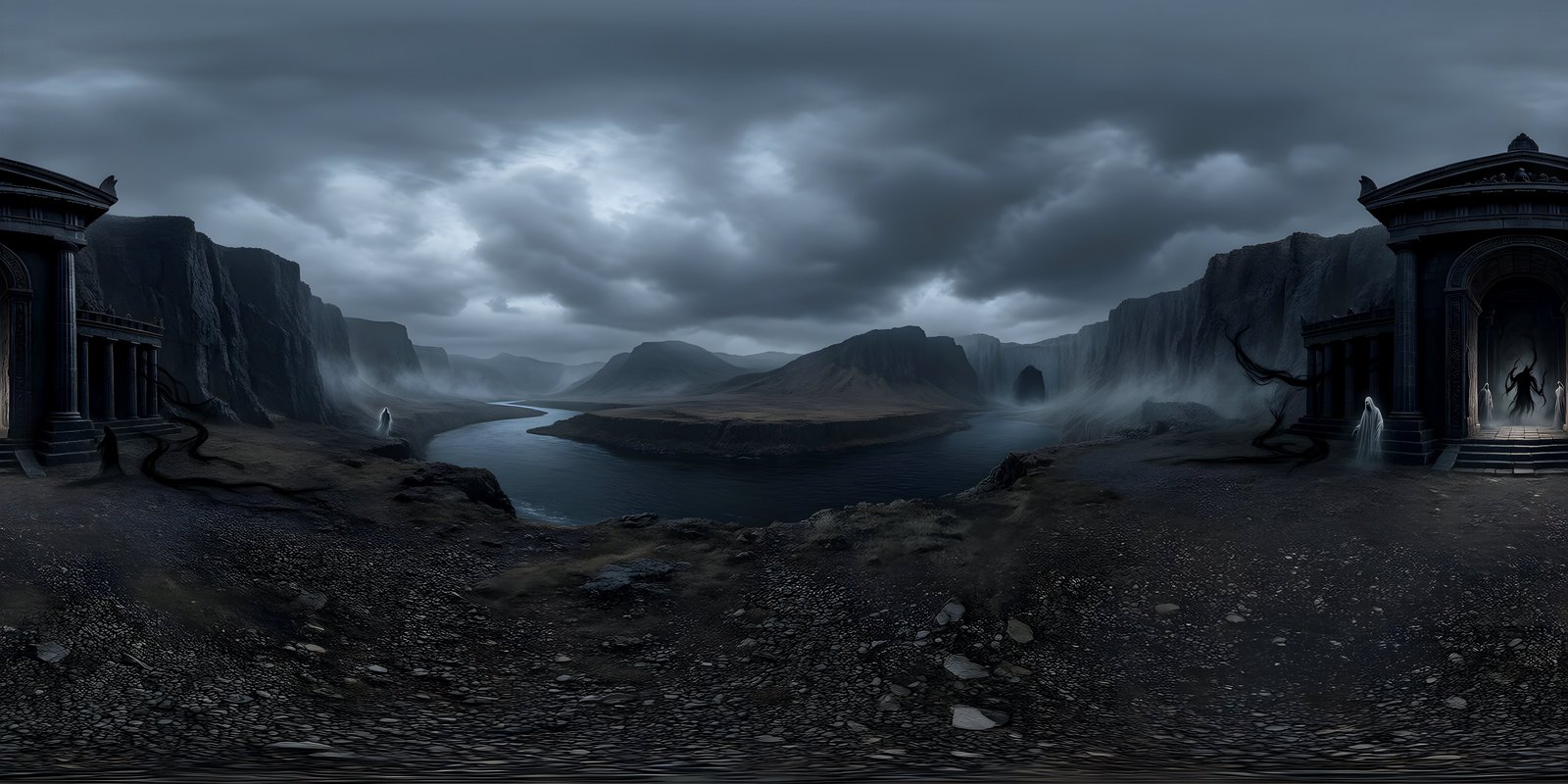

Use EXR when a 360° environment will light a 3D scene, PNG when it is only seen as a background, and JPEG when it has to travel over the web. The difference comes down to what each format can store. JPEG and standard PNG hold 8 bits per channel and stop at pure white, so a bright sun is recorded no brighter than a white wall. EXR stores light as floating-point numbers with no ceiling, so the sun stays far brighter than the sky around it, and that is what lets it cast convincing shadows.
Bit depth: how finely each format records colour
Bit depth is the number of steps a format can use for each colour channel. More steps means smoother gradients and more room to adjust the image before it breaks up.
| Format | Per channel | Steps or range | Compression |
|---|---|---|---|
| JPEG | 8-bit integer | 256 steps, black to white | Lossy |
| PNG | 8 or 16-bit integer | 256 or 65,536 steps, black to white | Lossless |
| Radiance HDR (.hdr) | 8 bits each for red, green and blue, plus a shared 8-bit exponent | Very wide range, modest precision | Simple lossless run-length |
| OpenEXR (.exr) | 16-bit half float or 32-bit float | Values far above white, with fine precision | Lossless or lossy, several methods |
For a 360° environment, 8 bits is usually enough to look at, because the image is shown much as it was made. The trouble starts when you change it. A smooth sky has very gentle gradients, and 256 steps spread across a large gradient leave visible bands, especially after exposure or colour adjustments stretch some of the steps apart. A 16-bit PNG has 256 times as many steps between the same black and white, so it survives grading far better. EXR goes further again, because floating point is not limited to a black-to-white scale at all.
Dynamic range: why lighting needs EXR
Dynamic range is the span between the darkest and brightest values an image can hold. In a real scene that span is enormous. The sun is many times brighter than the blue sky beside it, and the sky is brighter than the shaded side of a building. JPEG and PNG cannot record any of that above white: once a pixel reaches the maximum, it is simply white. The sun, bright cloud edges and a white wall all end up with the same value.
For a background you only look at, that does not matter much, because a screen cannot show anything brighter than white either. It matters as soon as the image becomes a light source. When a renderer or game engine lights a scene from an environment map, it adds up the light arriving from every direction. From a clipped 8-bit image, the sun contributes no more than a patch of pale sky of the same size, so the scene is lit evenly from everywhere, shadows go soft and weak, and nothing has a clear direction of light. From an EXR, the sun’s pixels carry their real weight, the light has a direction, and objects cast defined shadows.
EXR is also stored in linear light, where doubling a value means doubling the light. PNG and JPEG are usually stored in sRGB, which spaces the values to suit human vision and screens. Renderers do their lighting maths in linear light, so an EXR can go straight in, while an sRGB image has to be converted first. Engines do that conversion automatically when a texture is marked as sRGB colour, which is why the setting matters.
File sizes
Higher bit depth takes more space. Before compression, an 8192 × 4096 image with red, green and blue channels holds this much data:
| Stored as | Bytes per pixel | 8192 × 4096, before compression |
|---|---|---|
| 8-bit RGB (JPEG, PNG) | 3 | 96 MB |
| Radiance HDR | 4 | 128 MB |
| 16-bit RGB (PNG) or half float (EXR) | 6 | 192 MB |
| 32-bit float (EXR) | 12 | 384 MB |
Compression brings those numbers down, and by very different amounts. JPEG discards detail the eye is unlikely to miss and shrinks a 360° image to a small fraction of its raw size: the 4096 × 2048 JPEG worlds on this site weigh between about 0.4 and 2.6 MB. PNG and lossless EXR keep every value, so they shrink far less, and the result depends heavily on the scene, since smooth skies compress better than detailed ground. Half float is the usual choice for EXR environment maps: it keeps the full lighting range at half the size of 32-bit, and the extra precision of 32-bit rarely makes a visible difference to lighting.
Which tools support which format
| Tool | JPEG and PNG | EXR | Radiance HDR |
|---|---|---|---|
| Unity | Yes | Yes, as an HDR texture | Yes |
| Unreal Engine | Yes | Imports as a flat 2D texture | Imports as a cubemap, ready for the HDRI Backdrop and Sky Light |
| Godot 4 | Yes | Yes; the docs name .exr and .hdr for panorama skies | Yes |
| Blender | Yes | Yes, in the Environment Texture node | Yes |
| Web browsers | Yes, natively | Only through a JavaScript loader, such as the ones three.js ships | Only through a JavaScript loader |
Unreal Engine is the one to watch. Its HDRI Backdrop and Sky Light want a cubemap, and Unreal builds one automatically from a 2:1 .hdr file, but an .exr panorama arrives as an ordinary 2D texture. Convert the EXR to .hdr first, for example by opening it in Blender and saving it as Radiance HDR. The Unreal Engine page covers the full setup.
Which format to choose
| You are… | Use |
|---|---|
| Lighting a scene in Blender, V-Ray, Corona or Unreal Engine | EXR (converted to .hdr for Unreal’s HDRI Backdrop) |
| Setting a visible sky in a game with baked or its own lighting | PNG |
| Making a stylised game where the sky is part of the art, not a light source | PNG |
| Showing a world in a web viewer | JPEG, at high quality |
| Grading or editing the image heavily | EXR or 16-bit PNG |
| Sharing a preview or posting to social media | JPEG |
| Archiving the master copy | EXR, plus a PNG for quick viewing |
Many projects use two formats for one world: EXR to light the scene and PNG or JPEG for what the camera sees. In Blender this is a two-node trick, explained in how to add an HDRI in Blender for world lighting. For architectural renders, where the sky has to light the building and fill the reflections in the glazing, the architectural visualisation page sets out the whole workflow.
WorldGen360 Studio
PNG to look at, EXR to light with
Studio exports every world as PNG in sRGB, and as linear EXR on paid plans, so one place can fill the background and light the scene.
- PNG at up to 8K
- Linear EXR for lighting, on paid plans
- Commercial use on every plan
Captured HDRIs and generated EXRs
It is worth being clear about what an EXR contains, because the format alone does not guarantee accurate light. A captured HDRI is made by photographing a real place at a range of exposures and merging them, so its brightest values are measurements of the real sun and sky. That is what physically accurate lighting studies need.
WorldGen360 Studio exports its worlds as linear floating-point EXR, alongside PNG in sRGB. The EXR drops straight into a lighting pipeline and gives a scene a sense of direction and mood from a place you described, but its light levels are the generator’s interpretation of that place, not a measurement. For concept work, look development, games and mood, that is exactly what you want. Where the numbers must be right, pair it with a sun light matched to the sky, or use a captured HDRI of a real location.
For how formats fit alongside projections and resolution, see the complete guide to 360-degree images, and for quick definitions of HDRI, HDR and EXR, the 360° glossary.
Frequently asked questions
Is EXR better than PNG?
For lighting, yes: EXR records light brighter than white, so the sun lights a scene properly. For a background that is only looked at, PNG is simpler, smaller and supported everywhere, and there is no visible advantage to EXR.
What is the difference between HDR and EXR files?
Both store high dynamic range. Radiance HDR packs each pixel into 32 bits, with a shared exponent for red, green and blue, which gives a wide range with modest precision. OpenEXR stores each channel as a half or full float, which is more precise, supports alpha and more channels, and offers better compression.
Can a web browser display an EXR?
Not on its own. Browsers show JPEG, PNG and WebP natively, but an EXR needs a JavaScript decoder, such as the loaders that come with three.js, and a tone-mapping step to fit its brightness onto the screen. For simply showing a world on a web page, use a high-quality JPEG.
Which format should I use for a Unity skybox?
EXR if the skybox also lights the scene through environment lighting and reflections, PNG if it is a visible backdrop only. The steps for both are in how to make a skybox in Unity.