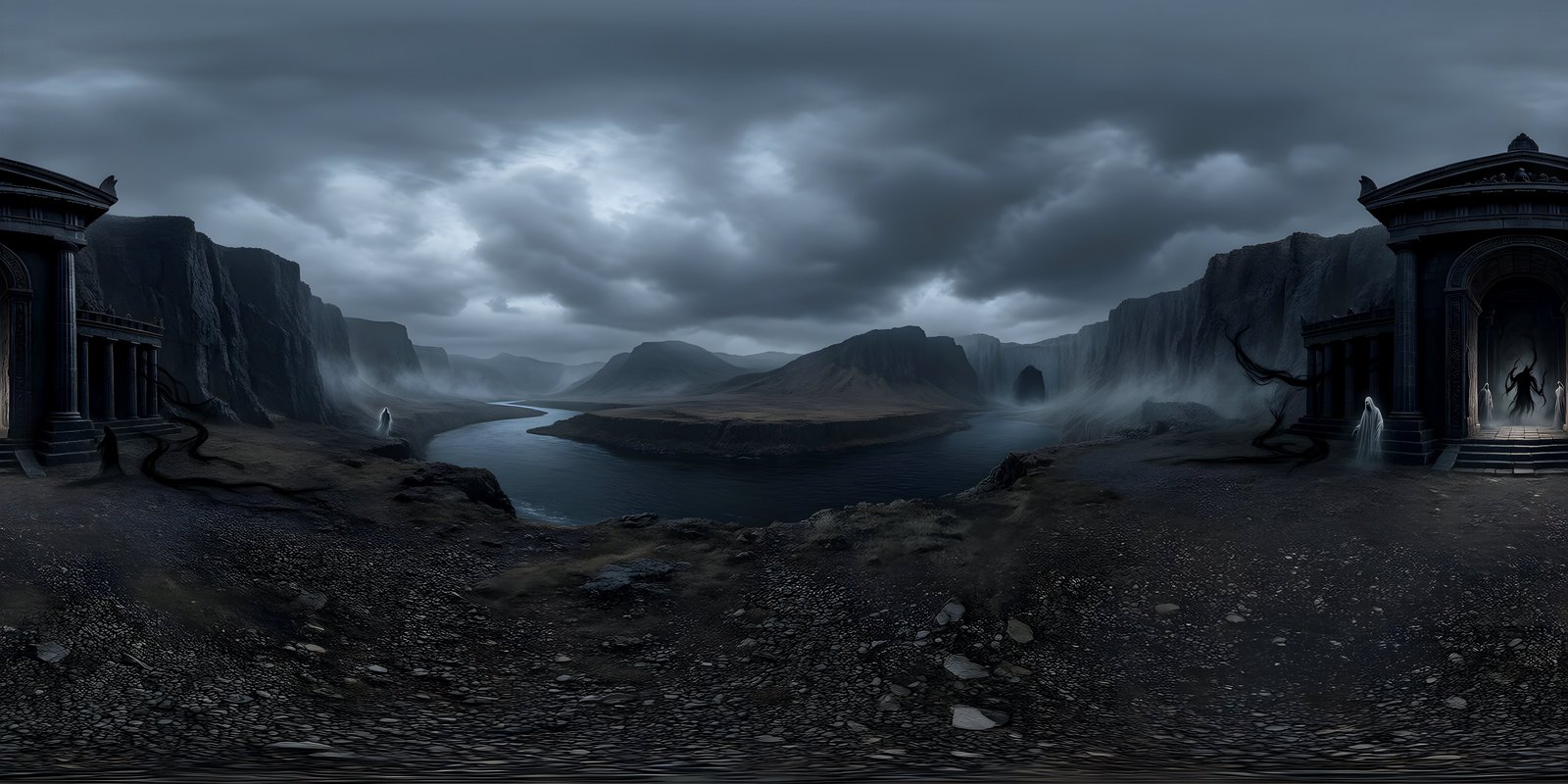
A stitched panorama is built from several photos taken in different directions and joined into one sphere. Wherever two photos meet, anything that differs between them, such as the viewpoint, the exposure or a person who moved, can show as a seam, a ghost or a band. The top and bottom are the hardest places of all to stitch. A generated 360° world is made as a single image, so there are no joins between photos to go wrong. It has other limits instead, and when the place is real and has to be recorded as it is, a photograph is still the right choice.
How panorama stitching works
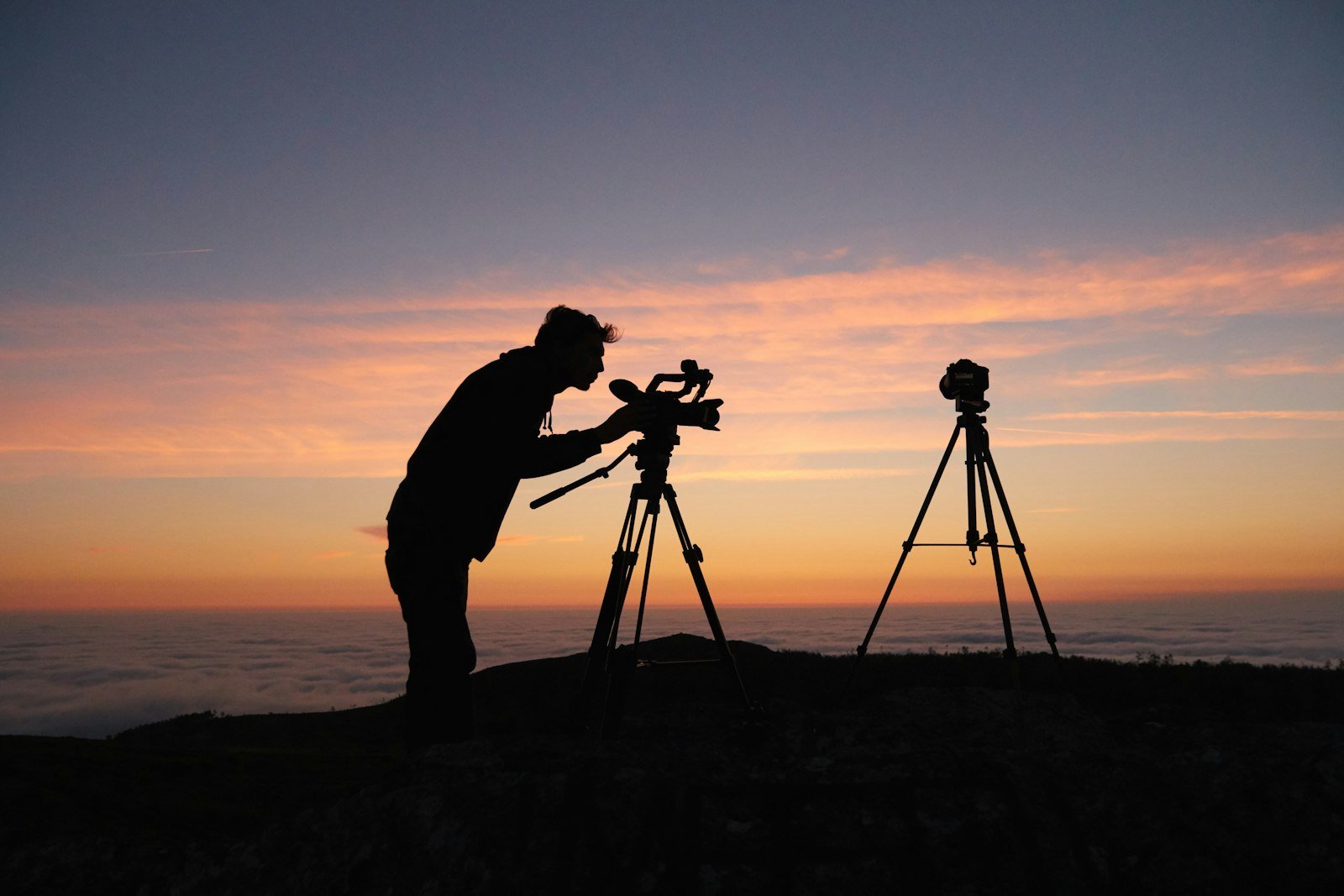
No ordinary lens sees the whole sphere at once, so a 360° photo is assembled from pieces. A photographer on a tripod turns the camera in steps, typically shooting several rows of overlapping frames plus one looking straight up and one straight down. A consumer 360° camera does the same job in a single press, with two or more very wide lenses facing in different directions.
Stitching software then does four things:
- Finds matching features in the overlap between neighbouring photos: the corner of a window, a rock, the edge of a cloud. These matches are called control points.
- Works out where each photo was pointing, along with the lens’s field of view and distortion, by fitting all the control points at once.
- Projects every photo onto a sphere, usually saved as an equirectangular image.
- Blends the overlaps, choosing a seam line through each one and evening out brightness and colour across it.
When everything lines up, the result is seamless. When it does not, the fault always shows in the same places: along the joins between photos, and at the poles.
Where stitching errors come from
Parallax
Parallax is the way near objects shift against distant ones when the viewpoint moves. Hold a finger up and close each eye in turn to see it. If a camera does not rotate around exactly the right point inside its lens, known as the no-parallax point or entrance pupil, each photo is taken from a slightly different position. Distant mountains still line up, but a nearby railing or doorframe lands in a different place in each photo, and no single alignment can fit both. The result is a doubled edge, a broken line or a ghost where the photos overlap. Multi-lens cameras have the problem built in, because their lenses physically sit a few centimetres apart, which is why objects very close to a 360° camera so often come out bent or broken.
Exposure and colour
A camera pointed at the sun and one pointed away from it see very different light. If each photo is exposed separately, blending has to join a bright frame to a dark one, and the change can show as a band or a patch of different colour in the sky. Photographers lock the exposure and white balance, or shoot several exposures in every direction and merge them, to avoid it.
Moving things
People walk, clouds drift, branches sway and water moves between one photo and the next. Something moving across an overlap can appear twice, half-appear, or be cut in two. Even a single-press 360° camera is not immune, because the stitch line between its lenses can slice through a moving subject.
The poles
The zenith is often plain sky, with no features for the software to match, so the top photo can drift out of place. The nadir is worse: it is where the tripod, the camera’s own mount or the photographer’s feet are. Both poles are also where the equirectangular projection stretches most, so any small mismatch there turns into a visible swirl, pinch or star shape when you look straight up or down in a viewer.
How photographers fix them
- Control points: removing bad matches and adding good ones by hand, especially in sky or plain walls where the software found too few.
- Masking: telling the software which photo should win in an overlap, so a moving person appears once, whole, from a single frame.
- Nadir patches: a separate shot of the ground with the tripod moved aside, cloned into place, or a neat logo disc over the tripod.
- Levelling: straightening the horizon so it does not rise and fall as the viewer turns.
- Retouching in a spherical view, because editing the flat image near the poles tends to create new pinches.
All of these work. They also take skill and time, which is why a clean 360° photo of a complicated space is a professional job.
What single-frame generation changes
A 360° world generated as one image never had separate photos to join. Every direction is created together, so there are no overlaps for parallax to split, no exposure steps between frames, and the light agrees everywhere: the sun in front of you matches the shadows behind you. There is no tripod to hide at the nadir.
That does not make a generated image perfect by default. The left and right edges still have to meet, the horizon still has to be level, and the poles still have to survive the projection. WorldGen360 Studio treats those as its job rather than yours: after generating a world, it heals the wrap seam, re-levels the horizon and rebuilds the zenith and nadir, then runs a quality report that checks, among other things, that the edges join cleanly and the horizon is level. Generation has its own failure modes, too. Objects can come out subtly wrong, lettering is often nonsense, and a pattern can repeat too neatly. The quality report checks for repetition, and the Magic Eraser removes anything that does not belong. The world opens in a 360° viewer when it is ready, so you look straight up and straight down before you download it.
When a photograph is still the right choice
Generation and photography answer different questions. A generator answers “what could this place look like?”; a camera answers “what does this place look like?”. Whenever the second question is the one that matters, take the photo.
- Recording a real place: property tours, heritage records, journalism, insurance and site surveys all depend on the image being true.
- Verified views and planning: where a building’s real surroundings must be shown accurately.
- Measured lighting: a captured HDRI records the real brightness of the sun and sky, which matters for physically accurate renders.
- Somewhere people will recognise: a specific landmark, a client’s own building, a team’s own office.
Generation earns its place when the location does not exist, cannot be reached, or needs to change: a fantasy city, a set for a scene not yet built, a site at a different season, time of day or century. That is why film teams use it for previs and virtual scouting, and architects for concept and mood, while keeping photography for the record. The two also meet in the middle: Studio’s photo reference builds a 360° world from a single ordinary photo, which suits imagining a real place differently, though the result is an interpretation rather than a record. The complete guide to 360-degree images covers both routes in more depth.
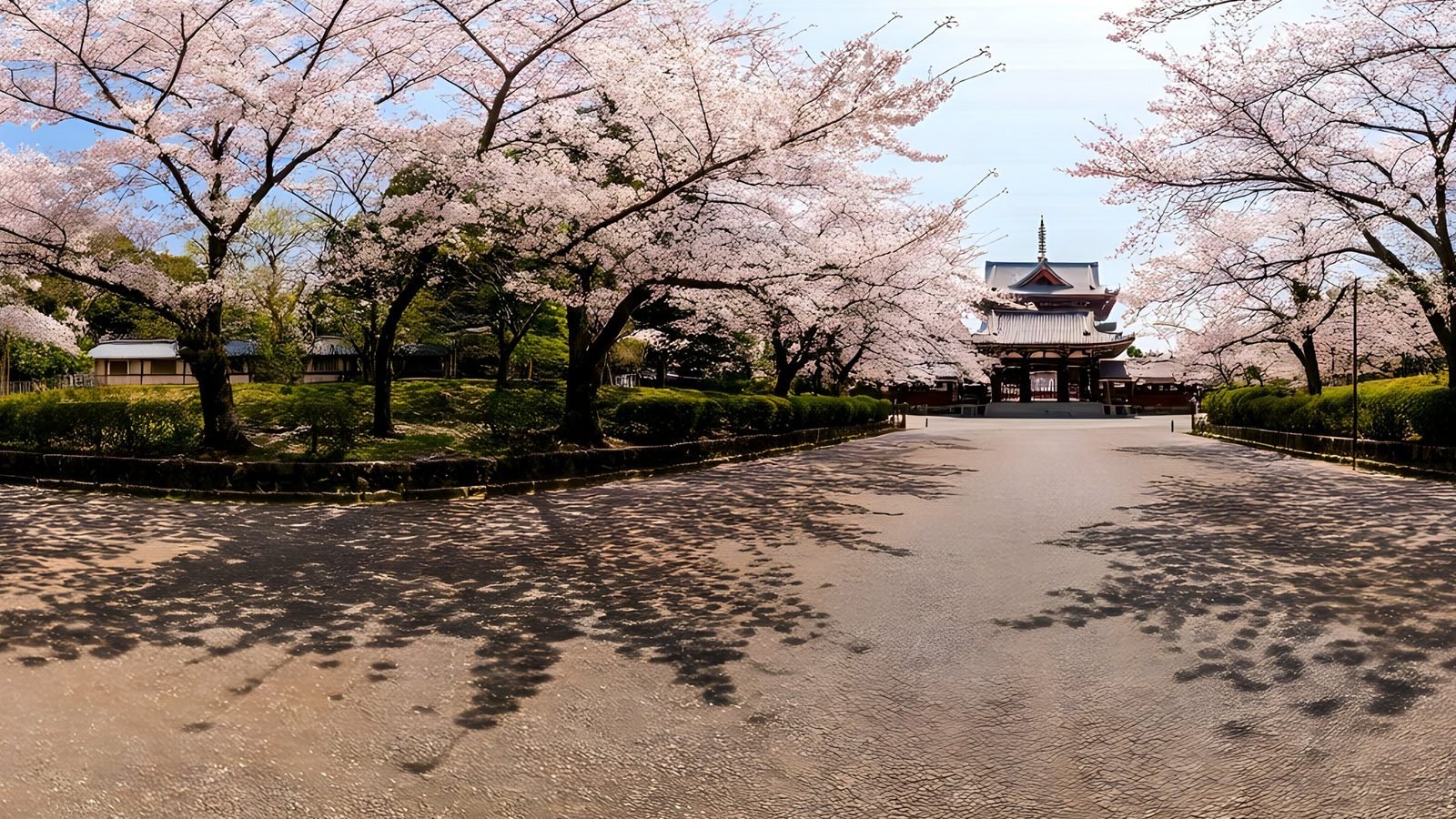
WorldGen360 Studio
Or start from one photo
Photo reference builds a full 360° world from one ordinary photo: no tripod, no overlapping frames and nothing to stitch. Describe what should change and Studio builds the rest of the sphere.
- One photo in, a whole world out
- Change the era, season or weather in words
- Seam, horizon and poles repaired
Frequently asked questions
Why does my panorama have a visible seam?
Either two photos did not line up where they overlap, usually because of parallax, exposure differences or something moving, or the left and right edges of the finished image do not match where it wraps. Check whether the line is between two shots or directly behind the viewer: the first needs control points or masking, the second an edge repair.
What is parallax error in a panorama?
It is misalignment caused by taking the photos from slightly different positions. Near objects shift against distant ones between shots, so they cannot line up everywhere at once, and show as doubled or broken edges. Rotating the camera around the lens’s no-parallax point prevents it.
Are AI-generated panoramas seamless?
Not automatically. An image generator has to be made to produce a true 360° sphere, and the wrap seam, horizon and poles usually need repair afterwards. WorldGen360 Studio generates each world as a single image, then repairs the seam, horizon and poles and checks the result before you download it.